Stonehenge - Flux.1 schnell
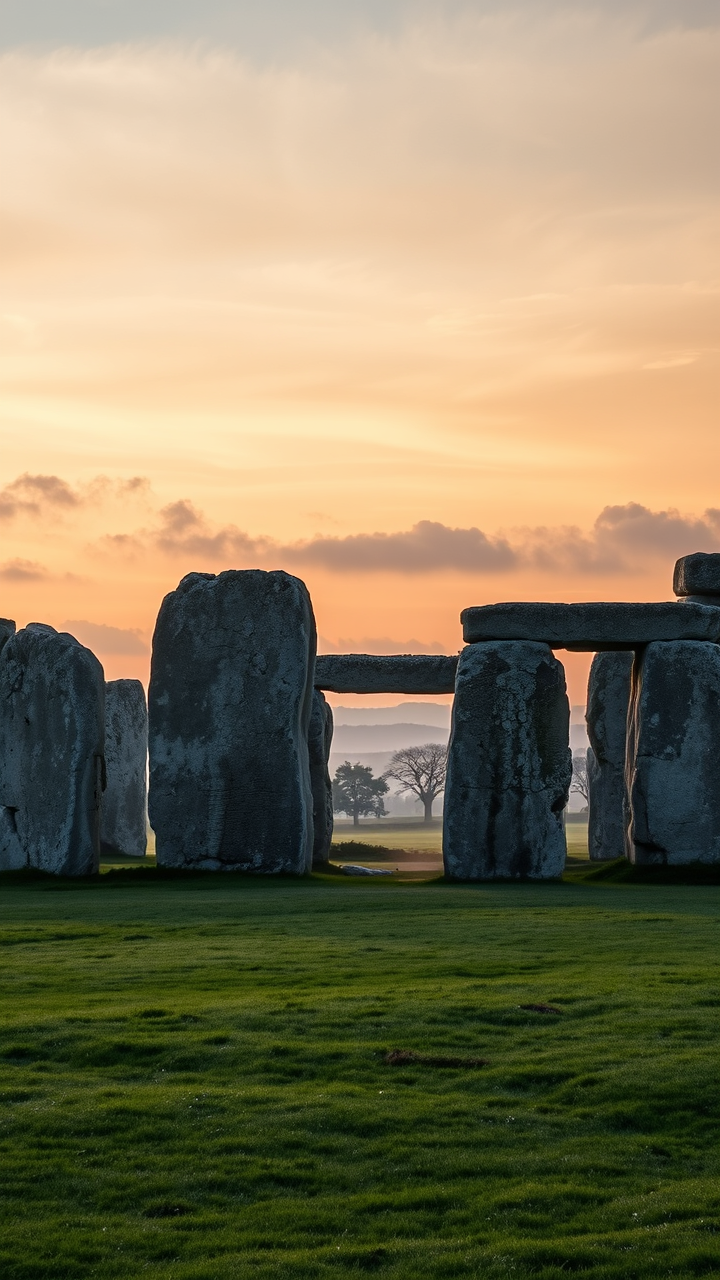
prompt
Create a captivating scene of Stonehenge at dawn, with the first light of day illuminating the ancient stone circle. The massive sarsen stones, weathered and gray with hints of lichen, stand solemnly against a backdrop of soft pastel colors—pinks, oranges, and blues blending in the early sky. The textures of the stones, rough and uneven, contrast with the smooth, dew-kissed grass surrounding them. Wisps of mist linger in the air, adding a mystical quality to the atmosphere. In the distance, rolling hills and ancient trees frame the monument, enhancing its historical significance as an astronomical observatory and ceremonial site. Capture this moment in a high-resolution, wide-angle shot, emphasizing the grandeur and mystery of Stonehenge, evoking a sense of reverence and connection to the past.
Detailed Analysis of the Flux AI Image Prompt
Analyze the detailed prompt used to generate the image with Flux AI Image Generator.
Explore Flux Prompts for the Flux AI Image Generator
How to generate image by Flux.1 schnell
Follow these four simple steps to create your desired image.
Step 1: Enter Your Text (Feel free to refine your prompt for better results)
Step 2: Choose Image Aspect Ratio
Step 3: Select Your Flux Model:
Step 4: Click the Generate Button and Wait a Few Seconds for Your Image
Related Flux AI tools for prompts about Flux.1 schnell
Discover advanced tools from Flux AI to boost your creative workflow.