The World Games - Flux.1 dev
prompt
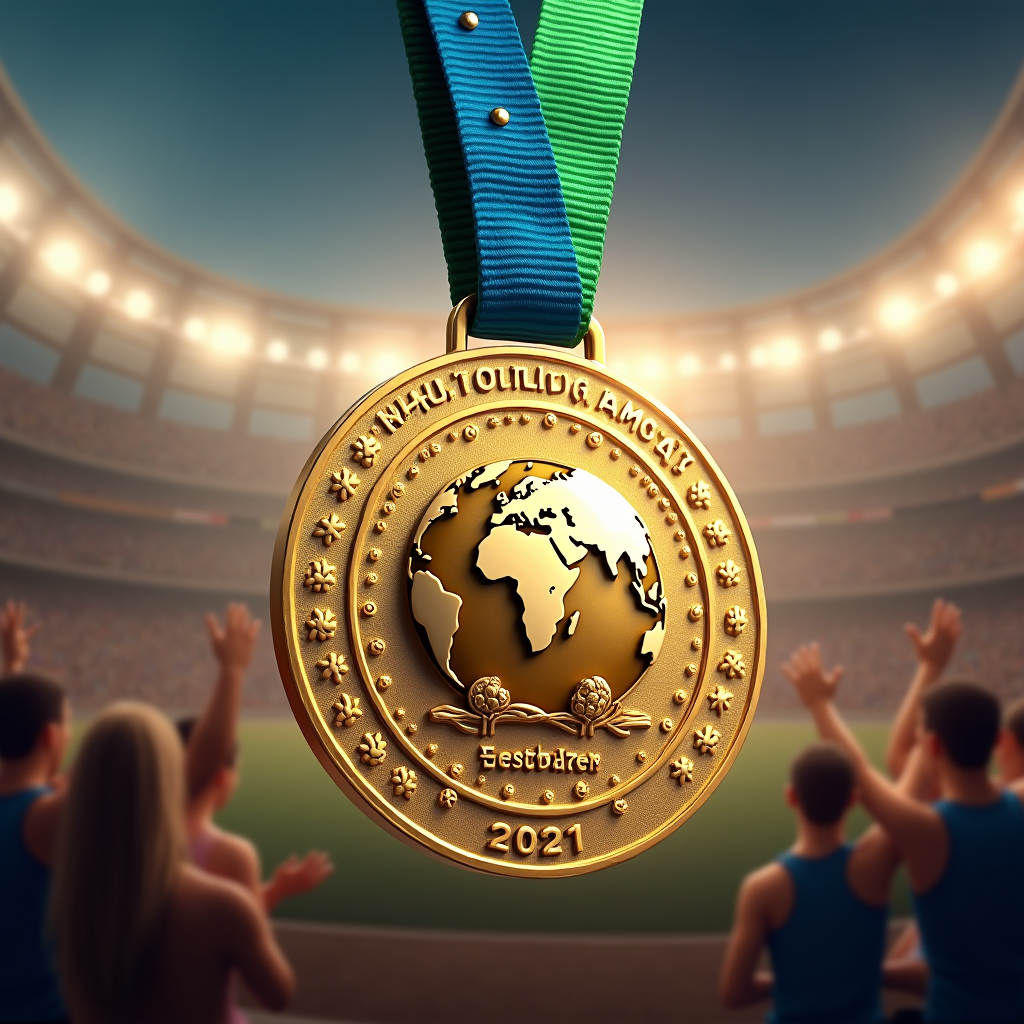
Create a stunning image of a medal for The World Games, featuring an intricate circular design made of polished gold with a diameter of 3 inches. The medal has a raised edge and a textured surface that reflects light beautifully. Attach a vibrant blue and green ribbon, 1.5 inches wide, adorned with subtle patterns representing unity and competition. The front showcases an embossed globe at its center, surrounded by stylized athletes in motion, symbolizing various sports. Engrave the words "The World Games" and the year on the back, with a delicate laurel wreath encircling the text. Use a rich color palette of gold, blue, and green, with soft, warm lighting to enhance the medal's shine against a blurred, dynamic background of cheering crowds and athletic events. Capture the medal at a slight angle, emphasizing depth and detail, with a focus on the intricate craftsmanship and the spirit of global sportsmanship.
Detailed Analysis of the Flux AI Image Prompt
Analyze the detailed prompt used to generate the image with Flux AI Image Generator.
Explore Flux Prompts for the Flux AI Image Generator
How to generate image by Flux.1 dev
Follow these four simple steps to create your desired image.
Step 1: Enter Your Text (Feel free to refine your prompt for better results)
Step 2: Choose Image Aspect Ratio
Step 3: Select Your Flux Model:
Step 4: Click the Generate Button and Wait a Few Seconds for Your Image
Related Flux AI tools for prompts about Flux.1 dev
Discover advanced tools from Flux AI to boost your creative workflow.