Izuku Midoriya - Flux.1 dev
提示
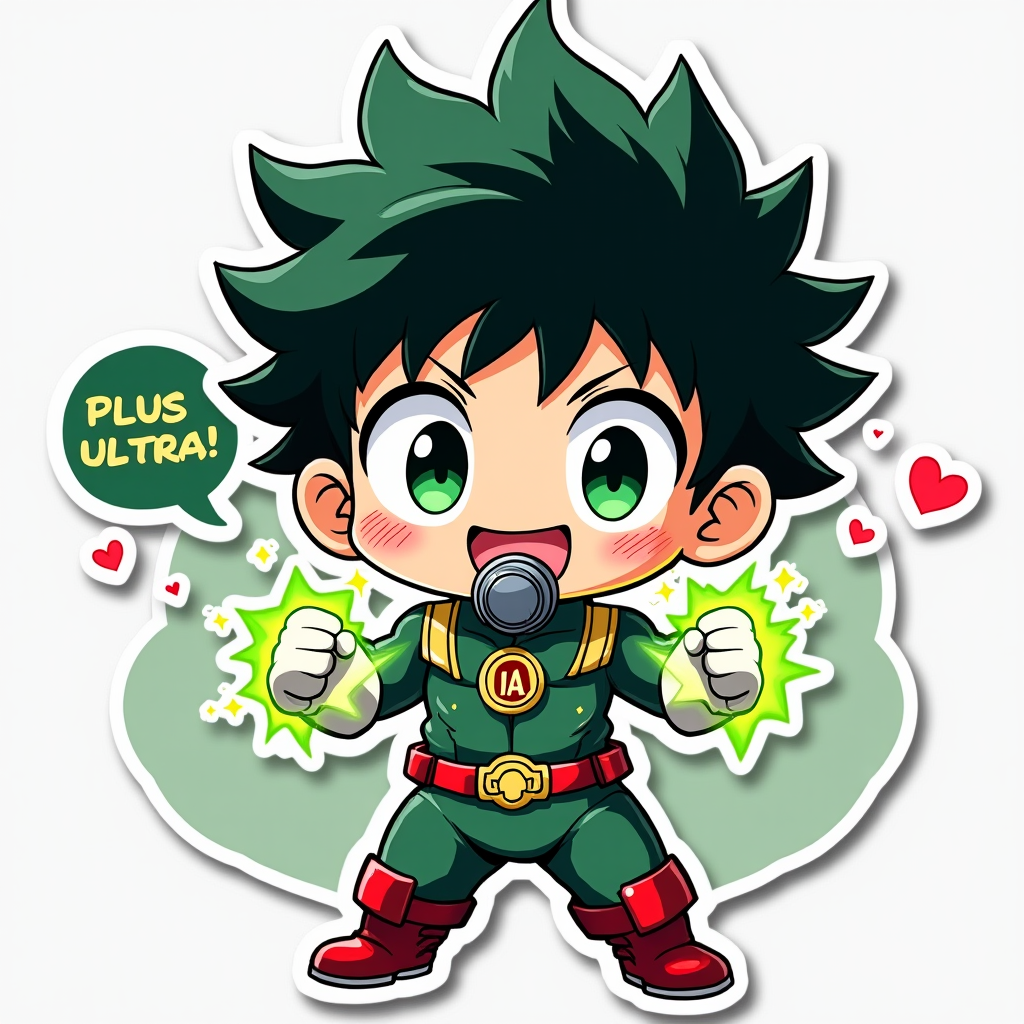
Anime sticker style, chibi Izuku Midoriya from My Hero Academia, large expressive green eyes, messy dark green hair with black highlights, freckles on cheeks, bright smile, determined expression. Wearing his iconic green hero costume with white gloves, red boots, and respirator mask around neck. Full body pose, fists clenched, ready for action. Cute simplified proportions, oversized head. Background features U.A. High School logo and All Might's silhouette. Vibrant colors, clean lines, and subtle shading. Glowing green energy effect around hands, representing One For All quirk. Small speech bubble with "Plus Ultra!" text. Shiny sticker-like finish with slight white outline. Kawaii aesthetic, playful and energetic composition. Small UA emblem on costume. Floating heart symbols and star sparkles surrounding character for added cuteness.
Flux AI 图像提示的详细分析
分析用于通过 Flux AI 图像生成器生成图像的详细提示。
探索Flux AI图像生成器的提示词
如何通过 Flux.1 dev
按照以下四个简单步骤创建您想要的图像。
步骤 1:输入您的文字 (可以优化您的提示以获得更好的结果)
步骤 2:选择图片宽高比
步骤 3:选择您的 Flux 模型:
步骤 4:点击生成按钮,等待几秒钟获取您的图像
与提示相关的 Flux AI 工具 Flux.1 dev
发现来自 Flux AI 的高级工具,提升您的创意工作流程。