Yuffie's Rebellion: Nature's Hope - Flux.1 schnell
提示
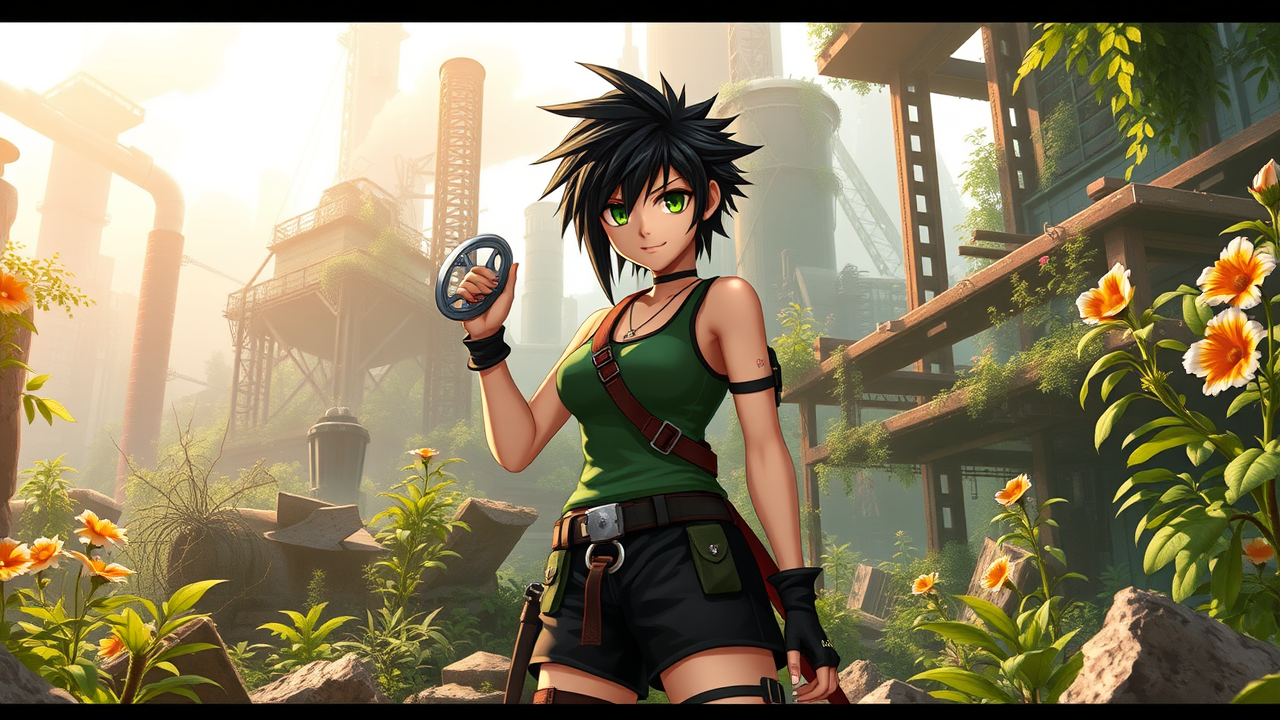
Create a vibrant RPG scene inspired by Final Fantasy VII, featuring Yuffie Kisaragi, the spirited ninja from Wutai. She stands confidently in a lush, overgrown area of the Midgar slums, surrounded by remnants of industrial ruins and nature reclaiming the land. Yuffie has short, spiky black hair, bright green eyes, and wears her signature outfit: a green tank top, black shorts, and a utility belt filled with shurikens. Her playful demeanor is highlighted by a mischievous smirk as she twirls a shuriken in her hand, its metallic surface glinting in the dappled sunlight. The atmosphere is a blend of adventure and rebellion, with a hint of nostalgia. In the background, the towering, broken structures of Midgar loom, shrouded in a soft, ethereal glow, while vibrant flora bursts through the cracks, symbolizing hope and resilience in a world of despair.
Flux AI 图像提示的详细分析
分析用于通过 Flux AI 图像生成器生成图像的详细提示。
探索Flux AI图像生成器的提示词
如何通过 Flux.1 schnell
按照以下四个简单步骤创建您想要的图像。
步骤 1:输入您的文字 (可以优化您的提示以获得更好的结果)
步骤 2:选择图片宽高比
步骤 3:选择您的 Flux 模型:
步骤 4:点击生成按钮,等待几秒钟获取您的图像
与提示相关的 Flux AI 工具 Flux.1 schnell
发现来自 Flux AI 的高级工具,提升您的创意工作流程。