Sparrow - Flux.1.1 pro
提示
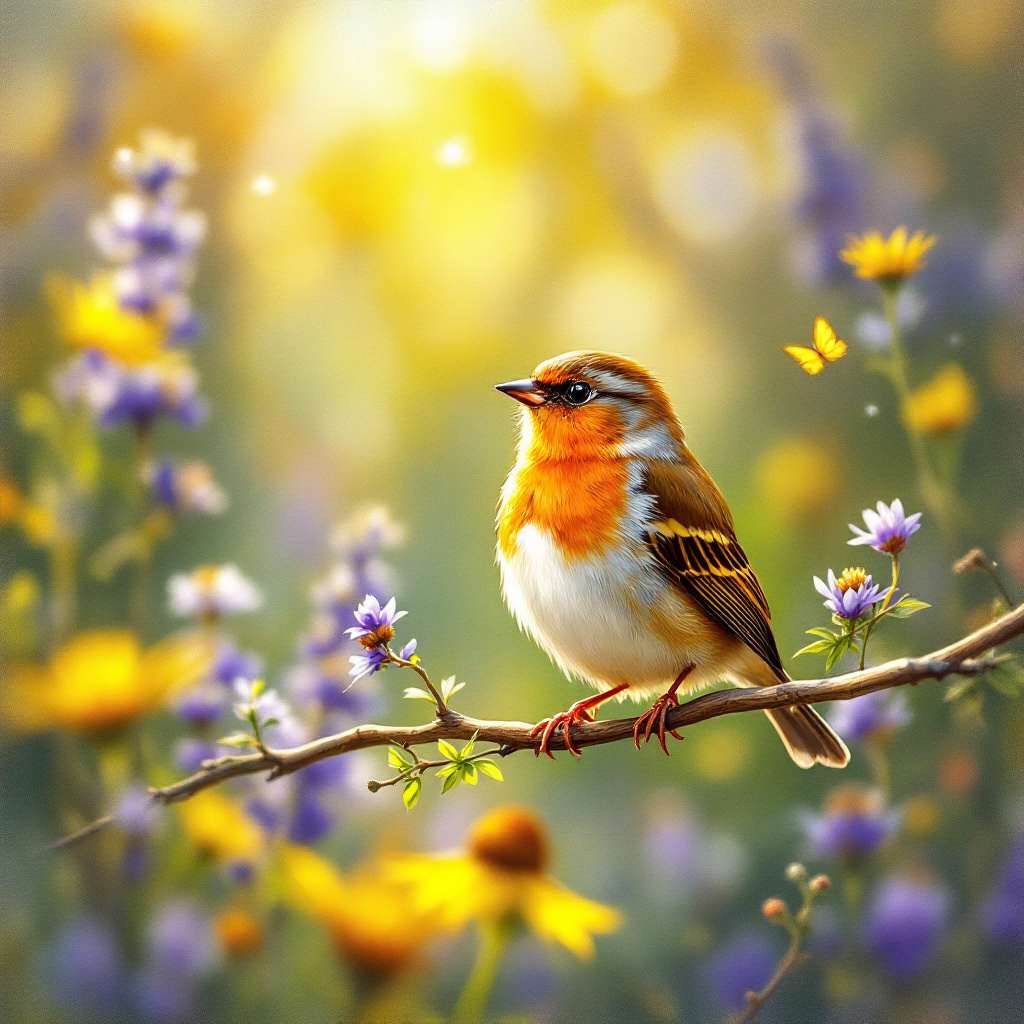
A small, vibrant sparrow with iridescent feathers in shades of chestnut and olive green perches delicately on a slender branch, its head tilted slightly as if listening intently. The background features a lush, sun-dappled garden filled with blooming wildflowers in hues of lavender and yellow, creating a serene atmosphere. The artistic style is impressionistic, with soft, flowing brushstrokes that evoke a sense of movement and life. Warm, golden sunlight filters through the leaves, casting a gentle glow on the sparrow, enhancing its colors. The mood is tranquil and joyful, capturing a moment of nature's beauty. The camera angle is slightly below the sparrow, looking up, creating an intimate connection. Additional elements include a soft bokeh effect in the background and a few fluttering butterflies, adding a whimsical touch to the scene.
Flux AI 图像提示的详细分析
分析用于通过 Flux AI 图像生成器生成图像的详细提示。
探索Flux AI图像生成器的提示词
如何通过 Flux.1.1 pro
按照以下四个简单步骤创建您想要的图像。
步骤 1:输入您的文字 (可以优化您的提示以获得更好的结果)
步骤 2:选择图片宽高比
步骤 3:选择您的 Flux 模型:
步骤 4:点击生成按钮,等待几秒钟获取您的图像
与提示相关的 Flux AI 工具 Flux.1.1 pro
发现来自 Flux AI 的高级工具,提升您的创意工作流程。