Meme Mayhem: Boss's Shock! - Flux.1.1 pro
提示
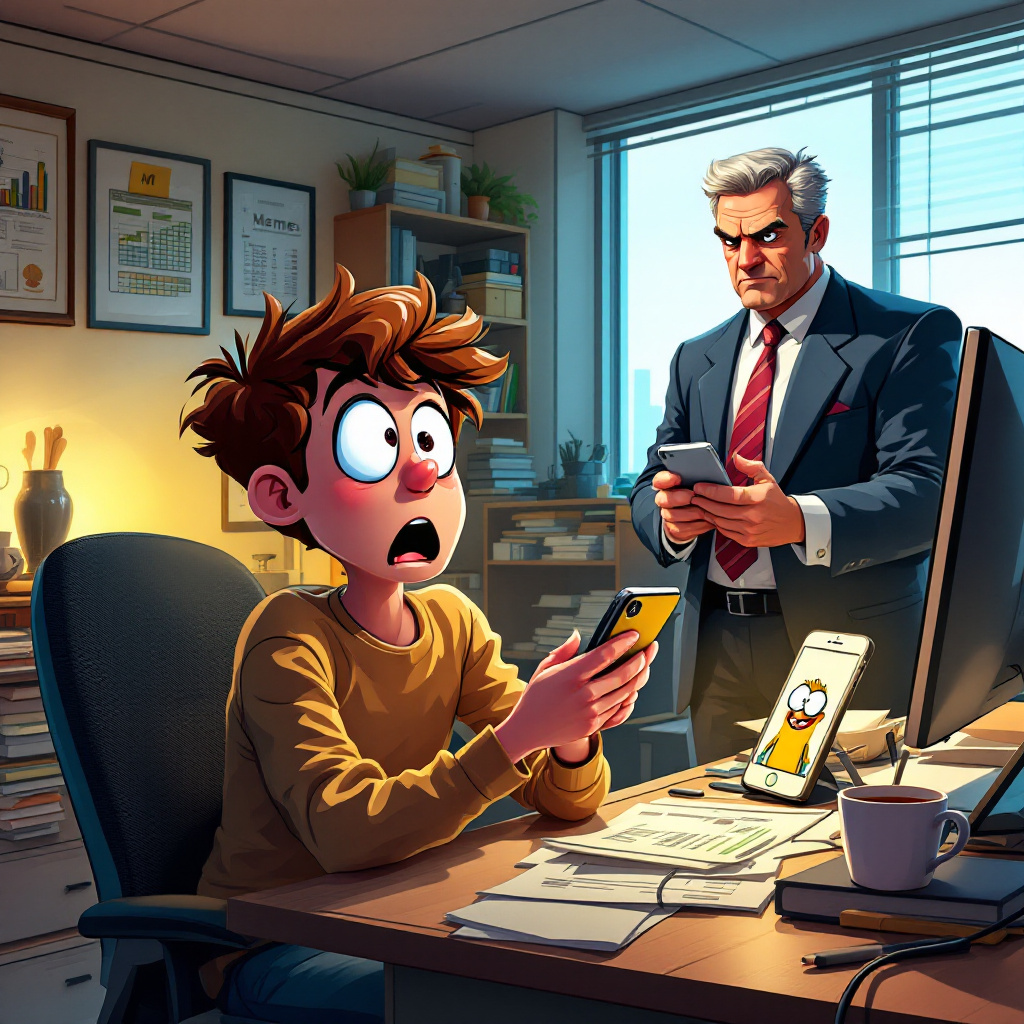
Create a humorous scene depicting a young office worker in a modern, cluttered workspace, eyes wide with shock as they realize they've sent a meme to their stern-looking boss. The meme features a cartoon character with a goofy expression, displayed on a bright smartphone screen. The office is filled with typical elements: a messy desk with papers, a coffee mug, and a computer displaying spreadsheets. Use a warm color palette with soft lighting to create a lighthearted atmosphere, contrasting with the boss's serious demeanor. The boss, a middle-aged person in a business suit, stands in the background with a raised eyebrow, holding a smartphone, bathed in cool light. Incorporate a cartoonish style with exaggerated facial expressions and a slight comic book influence, emphasizing the comedic tension of the moment.
Flux AI 图像提示的详细分析
分析用于通过 Flux AI 图像生成器生成图像的详细提示。
探索Flux AI图像生成器的提示词
如何通过 Flux.1.1 pro
按照以下四个简单步骤创建您想要的图像。
步骤 1:输入您的文字 (可以优化您的提示以获得更好的结果)
步骤 2:选择图片宽高比
步骤 3:选择您的 Flux 模型:
步骤 4:点击生成按钮,等待几秒钟获取您的图像
与提示相关的 Flux AI 工具 Flux.1.1 pro
发现来自 Flux AI 的高级工具,提升您的创意工作流程。