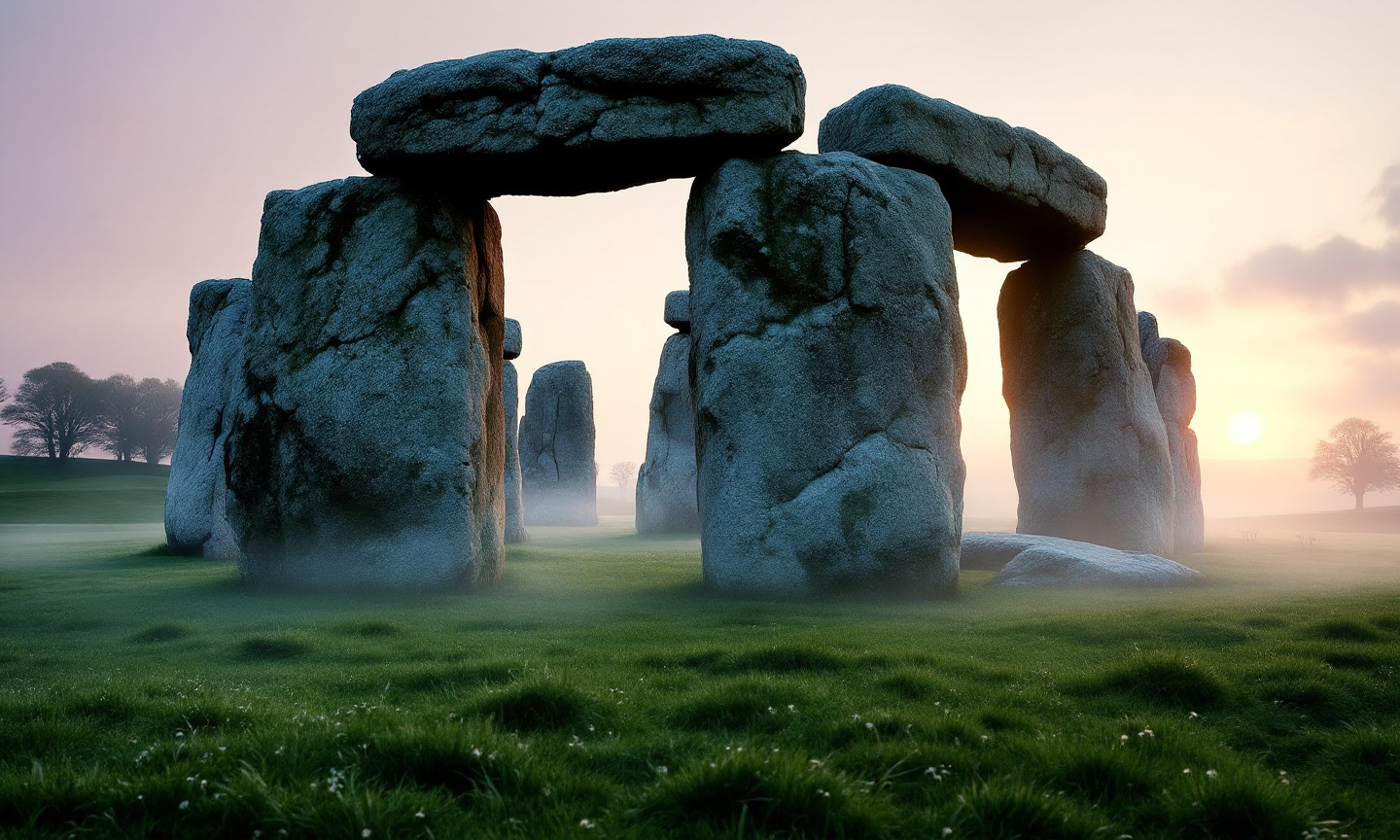
Stonehenge - Flux.1.1 pro
提示
Create an ethereal scene of Stonehenge at dawn, shrouded in a soft mist that envelops the ancient stones. The iconic megaliths, composed of weathered sarsen stones and blue stones, rise majestically against a pastel sky painted in hues of lavender, peach, and pale gold. The rough textures of the stones contrast with the smooth, dew-kissed grass surrounding them. Wisps of fog curl around the stones, adding a mystical quality to the landscape. In the background, rolling green hills and a distant line of ancient trees frame the monument, enhancing its historical significance. Capture the scene in a soft-focus, dreamlike photographic style, evoking a sense of reverence and timelessness, while highlighting the astronomical alignment of the stones as the first rays of sunlight illuminate their surfaces, hinting at the cultural mysteries of this prehistoric site.
Flux AI 图像提示的详细分析
分析用于通过 Flux AI 图像生成器生成图像的详细提示。
探索Flux AI图像生成器的提示词
如何通过 Flux.1.1 pro
按照以下四个简单步骤创建您想要的图像。
步骤 1:输入您的文字 (可以优化您的提示以获得更好的结果)
步骤 2:选择图片宽高比
步骤 3:选择您的 Flux 模型:
步骤 4:点击生成按钮,等待几秒钟获取您的图像
与提示相关的 Flux AI 工具 Flux.1.1 pro
发现来自 Flux AI 的高级工具,提升您的创意工作流程。