Urban Vigor: Confidence in Motion - Flux.1.1 pro
提示
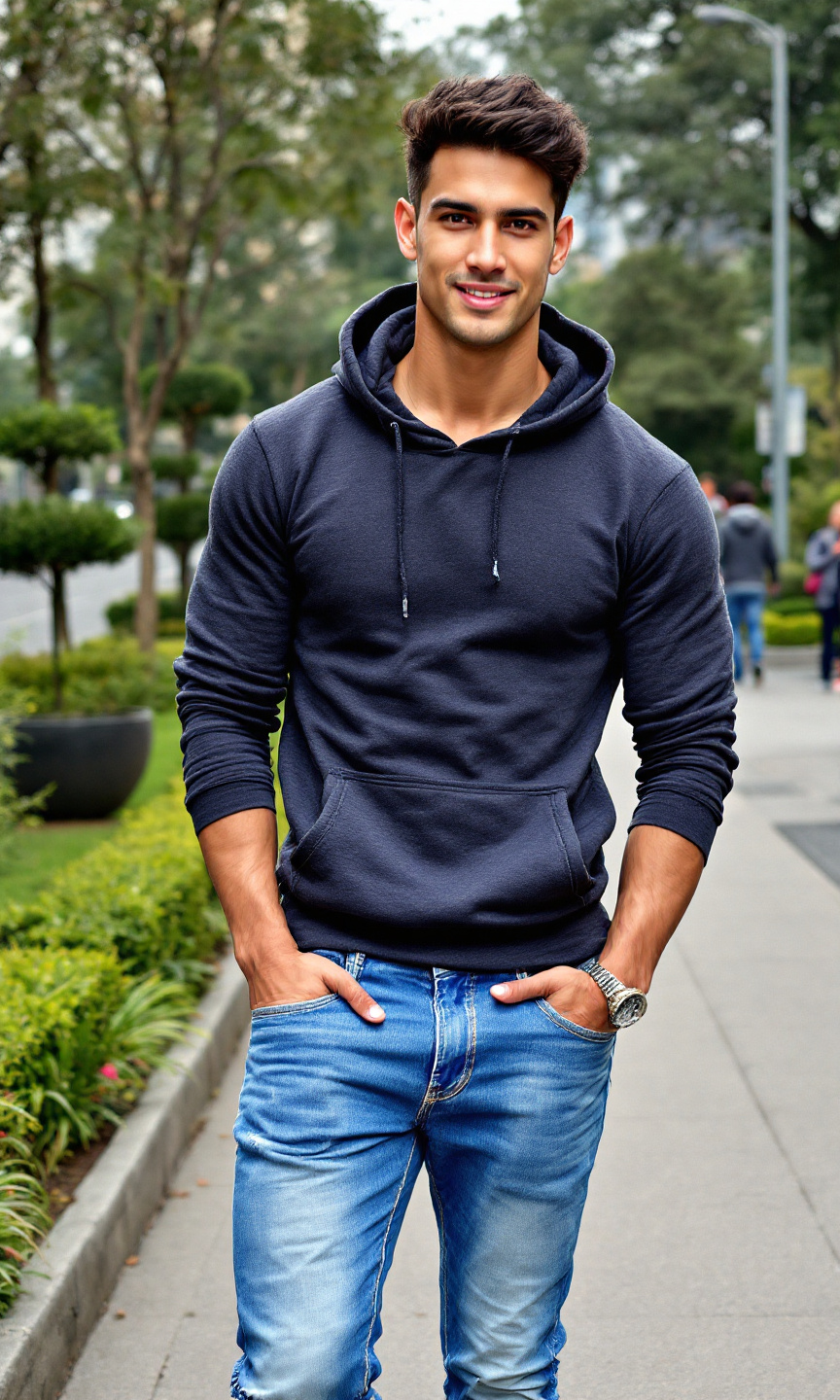
A fit individual stands confidently, showcasing a well-defined physique with broad shoulders and a toned build. They have short, slightly tousled dark hair and a smooth, medium skin tone. Their facial features are sharp, with high cheekbones, a strong jawline, and expressive brown eyes that reflect a sense of determination. Dressed in a snug, dark gray hoodie that accentuates their athletic frame, they pair it with faded blue jeans that fit comfortably, slightly distressed at the knees. The individual wears white sneakers, adding a casual touch to their outfit. With a slight smile, they exude a relaxed yet focused demeanor, leaning slightly to one side with their hands casually tucked into their pockets. The background features an urban park with greenery and a walking path, suggesting a moment of leisure amidst a busy day.
Flux AI 图像提示的详细分析
分析用于通过 Flux AI 图像生成器生成图像的详细提示。
探索Flux AI图像生成器的提示词
如何通过 Flux.1.1 pro
按照以下四个简单步骤创建您想要的图像。
步骤 1:输入您的文字 (可以优化您的提示以获得更好的结果)
步骤 2:选择图片宽高比
步骤 3:选择您的 Flux 模型:
步骤 4:点击生成按钮,等待几秒钟获取您的图像
与提示相关的 Flux AI 工具 Flux.1.1 pro
发现来自 Flux AI 的高级工具,提升您的创意工作流程。