Ryu's Fiery Showdown: Art in Action - Flux.1.1 pro
提示
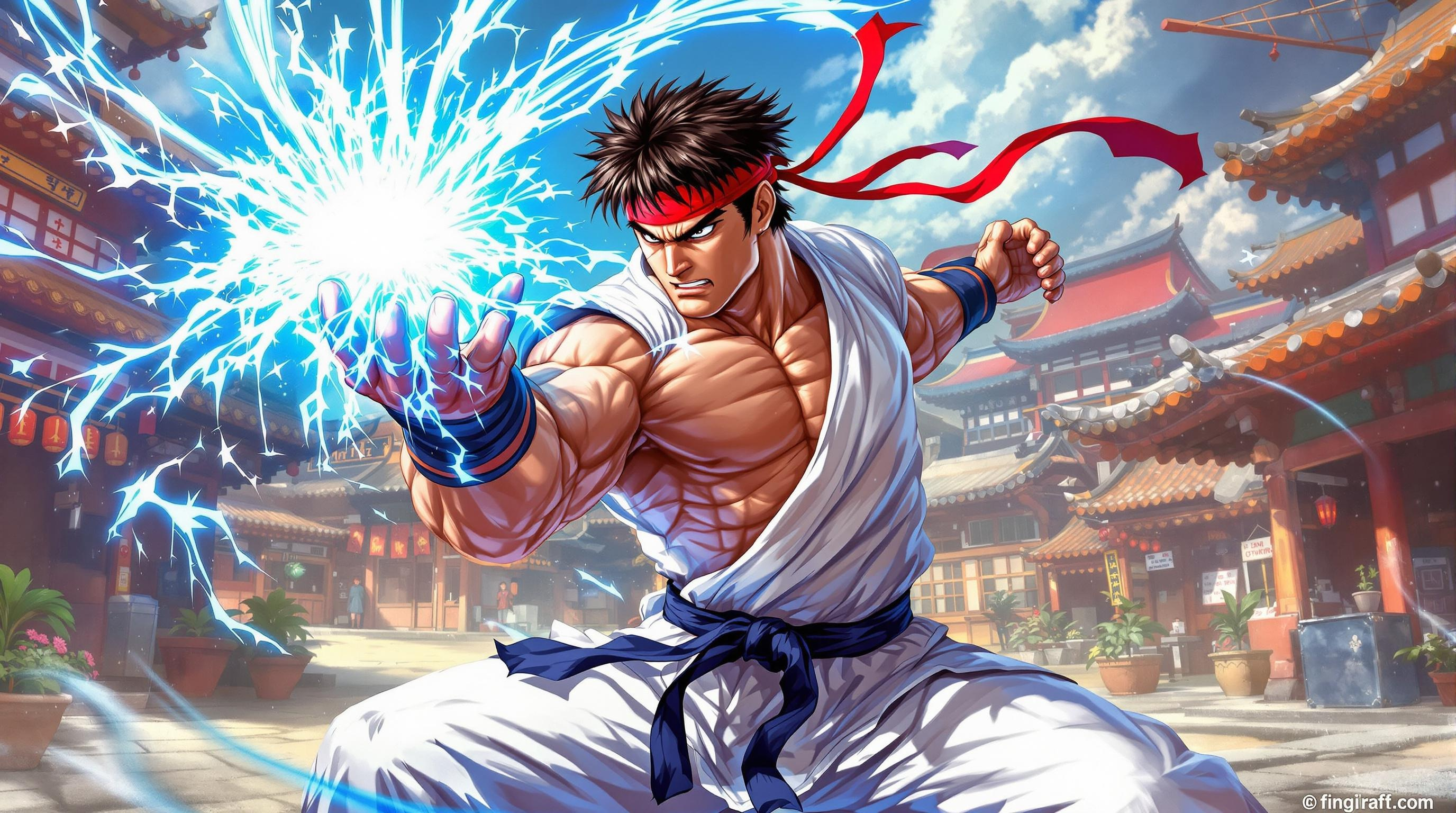
Create a dynamic fighting scene inspired by the classic genre of 2D fighting games, specifically "Street Fighter II." Focus on Ryu, the iconic martial artist, depicted in a powerful stance, wearing his signature white gi with a red headband flowing in the wind. His muscular physique and intense expression convey determination and focus. Surround him with vibrant, hand-painted backgrounds reminiscent of the game’s colorful arenas, like a bustling Japanese street market or a serene temple courtyard. Include iconic elements such as a glowing Hadouken energy ball forming in his hands, radiating blue and white light. The atmosphere should be charged with excitement and tension, capturing the essence of a fierce battle. Emphasize bold colors, sharp contrasts, and exaggerated movements to evoke the thrilling energy of a Street Fighter match.
Flux AI 图像提示的详细分析
分析用于通过 Flux AI 图像生成器生成图像的详细提示。
探索Flux AI图像生成器的提示词
如何通过 Flux.1.1 pro
按照以下四个简单步骤创建您想要的图像。
步骤 1:输入您的文字 (可以优化您的提示以获得更好的结果)
步骤 2:选择图片宽高比
步骤 3:选择您的 Flux 模型:
步骤 4:点击生成按钮,等待几秒钟获取您的图像
与提示相关的 Flux AI 工具 Flux.1.1 pro
发现来自 Flux AI 的高级工具,提升您的创意工作流程。