Stonehenge - Flux.1 schnell
提示
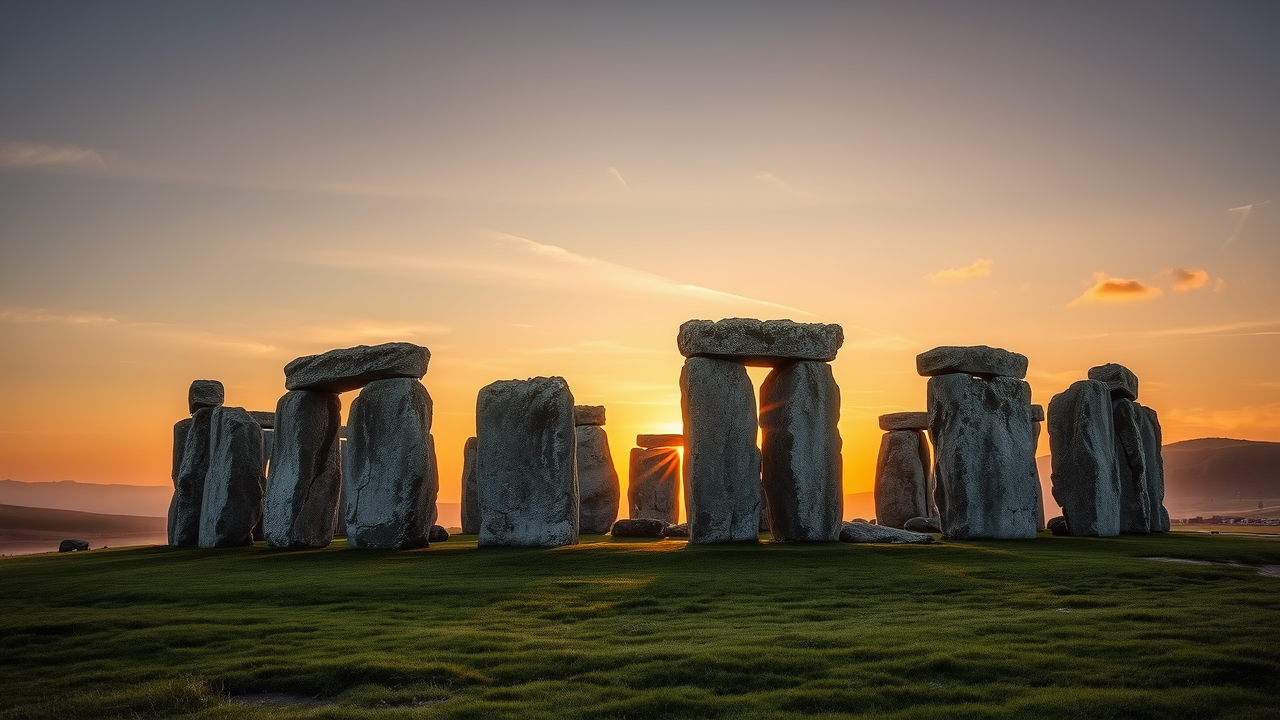
Create an image of Stonehenge at dawn, bathed in the soft, golden light of the rising sun. The ancient stone circle, composed of massive sarsen stones and smaller bluestones, stands majestically against a backdrop of a pastel sky, transitioning from deep blue to warm orange and pink hues. The rugged textures of the stones, weathered by millennia, are highlighted by the gentle light, casting long shadows on the dew-kissed grass below. Surrounding the monument, rolling green hills and a misty landscape evoke a sense of serenity and mystery. Include a few wispy clouds, enhancing the ethereal atmosphere. Capture the scene in a wide-angle shot, emphasizing the grandeur and scale of the structure. This composition reflects the cultural significance of Stonehenge as a prehistoric monument, inviting viewers to ponder its ancient purpose and the rituals that once took place here.
Flux AI 图像提示的详细分析
分析用于通过 Flux AI 图像生成器生成图像的详细提示。
探索Flux AI图像生成器的提示词
如何通过 Flux.1 schnell
按照以下四个简单步骤创建您想要的图像。
步骤 1:输入您的文字 (可以优化您的提示以获得更好的结果)
步骤 2:选择图片宽高比
步骤 3:选择您的 Flux 模型:
步骤 4:点击生成按钮,等待几秒钟获取您的图像
与提示相关的 Flux AI 工具 Flux.1 schnell
发现来自 Flux AI 的高级工具,提升您的创意工作流程。