Stonehenge - Flux.1.1 pro
提示
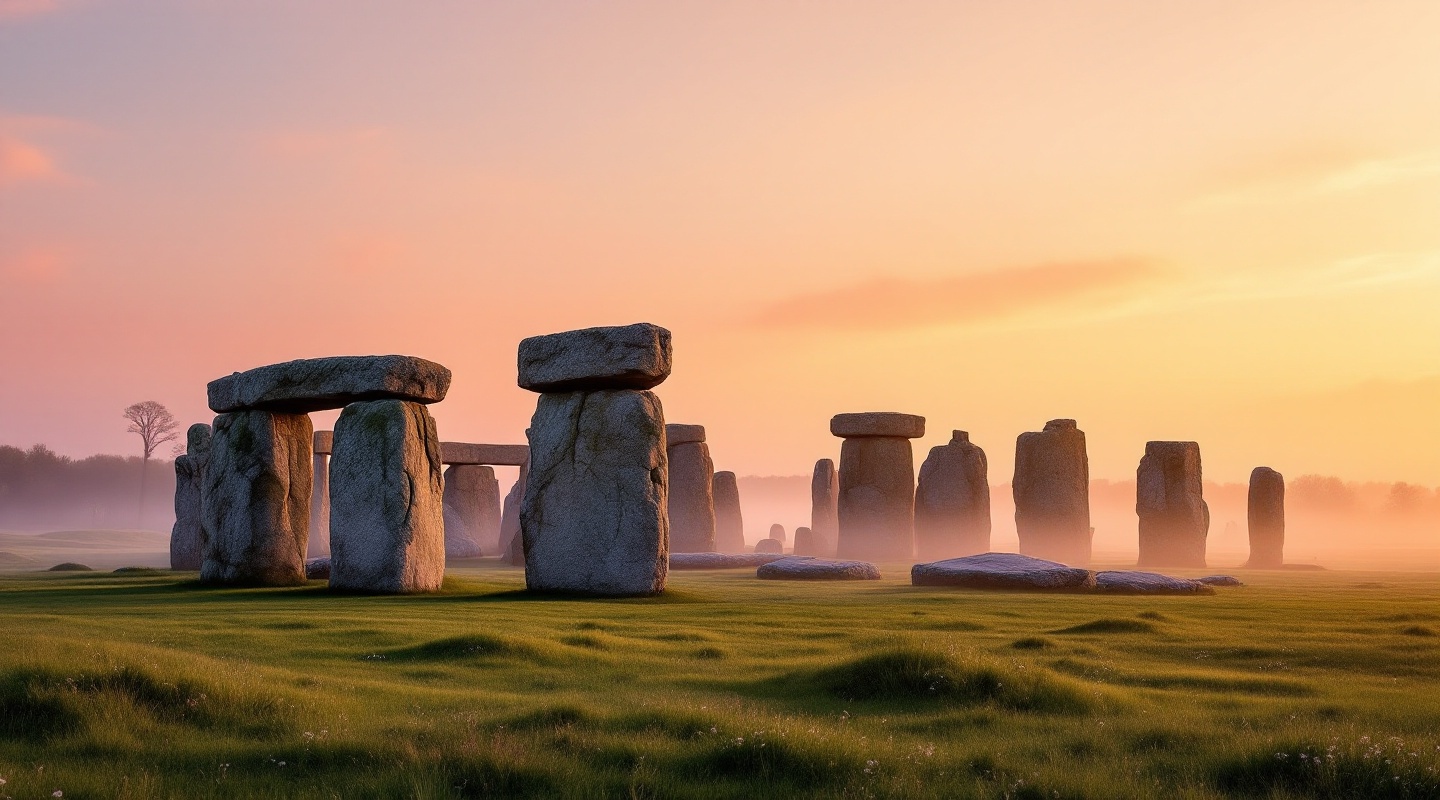
Create an image of Stonehenge at dawn, when the first light casts a golden hue over the ancient stones. The scene captures the iconic megaliths, massive sarsen stones and smaller bluestones arranged in a circular formation, their rough textures contrasting with the smooth grass beneath. Mist hovers low over the ground, adding an ethereal quality, while the soft pink and orange sky creates a warm backdrop. Surrounding the site, gentle rolling hills and patches of wildflowers enhance the natural beauty, while distant trees frame the horizon. The composition should evoke a sense of mystery and reverence, highlighting the cultural significance of this prehistoric monument. Use a wide-angle lens to emphasize the scale of the stones against the vast sky, and consider a soft-focus effect to enhance the dreamlike atmosphere of this ancient landscape.
Flux AI 图像提示的详细分析
分析用于通过 Flux AI 图像生成器生成图像的详细提示。
探索Flux AI图像生成器的提示词
如何通过 Flux.1.1 pro
按照以下四个简单步骤创建您想要的图像。
步骤 1:输入您的文字 (可以优化您的提示以获得更好的结果)
步骤 2:选择图片宽高比
步骤 3:选择您的 Flux 模型:
步骤 4:点击生成按钮,等待几秒钟获取您的图像
与提示相关的 Flux AI 工具 Flux.1.1 pro
发现来自 Flux AI 的高级工具,提升您的创意工作流程。