Haruhi Takeda - Flux.1 schnell
提示
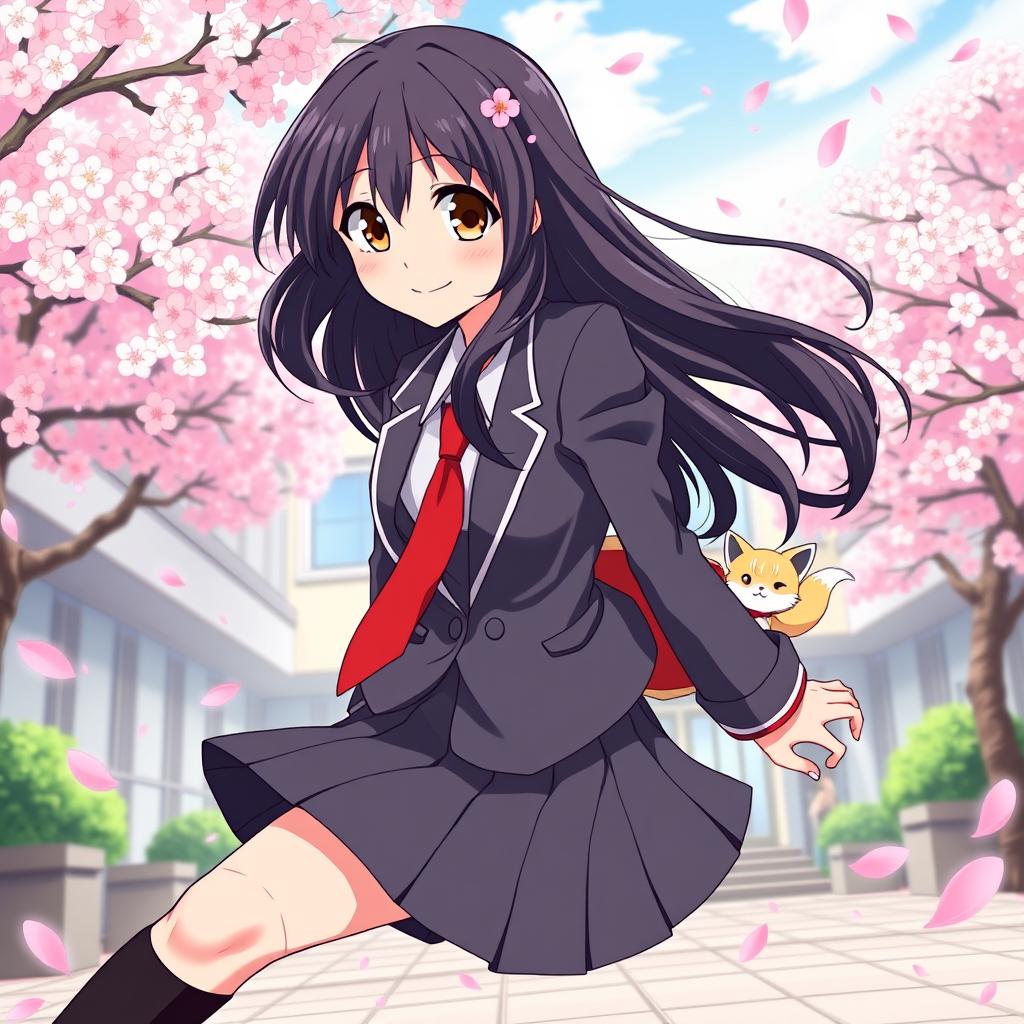
Create an image of Haruhi Takeda in a vibrant anime style. She has long, flowing black hair with a slight wave, adorned with a delicate cherry blossom hairpin. Her expressive brown eyes sparkle with curiosity and determination. Dress her in a stylish, modern school uniform featuring a fitted blazer, a pleated skirt, and knee-high socks, complemented by a bright red necktie. Capture her in a dynamic pose, mid-action, as if she's about to leap into an adventure, with a confident smile on her face. The background should depict a lively school courtyard in spring, with cherry blossom trees in full bloom, petals gently falling around her. Use a colorful, cel-shaded art style with bold outlines and soft shading to enhance the anime aesthetic. Include signature elements like a small, playful fox spirit peeking from behind her, symbolizing her adventurous spirit.
Flux AI 图像提示的详细分析
分析用于通过 Flux AI 图像生成器生成图像的详细提示。
探索Flux AI图像生成器的提示词
如何通过 Flux.1 schnell
按照以下四个简单步骤创建您想要的图像。
步骤 1:输入您的文字 (可以优化您的提示以获得更好的结果)
步骤 2:选择图片宽高比
步骤 3:选择您的 Flux 模型:
步骤 4:点击生成按钮,等待几秒钟获取您的图像
与提示相关的 Flux AI 工具 Flux.1 schnell
发现来自 Flux AI 的高级工具,提升您的创意工作流程。