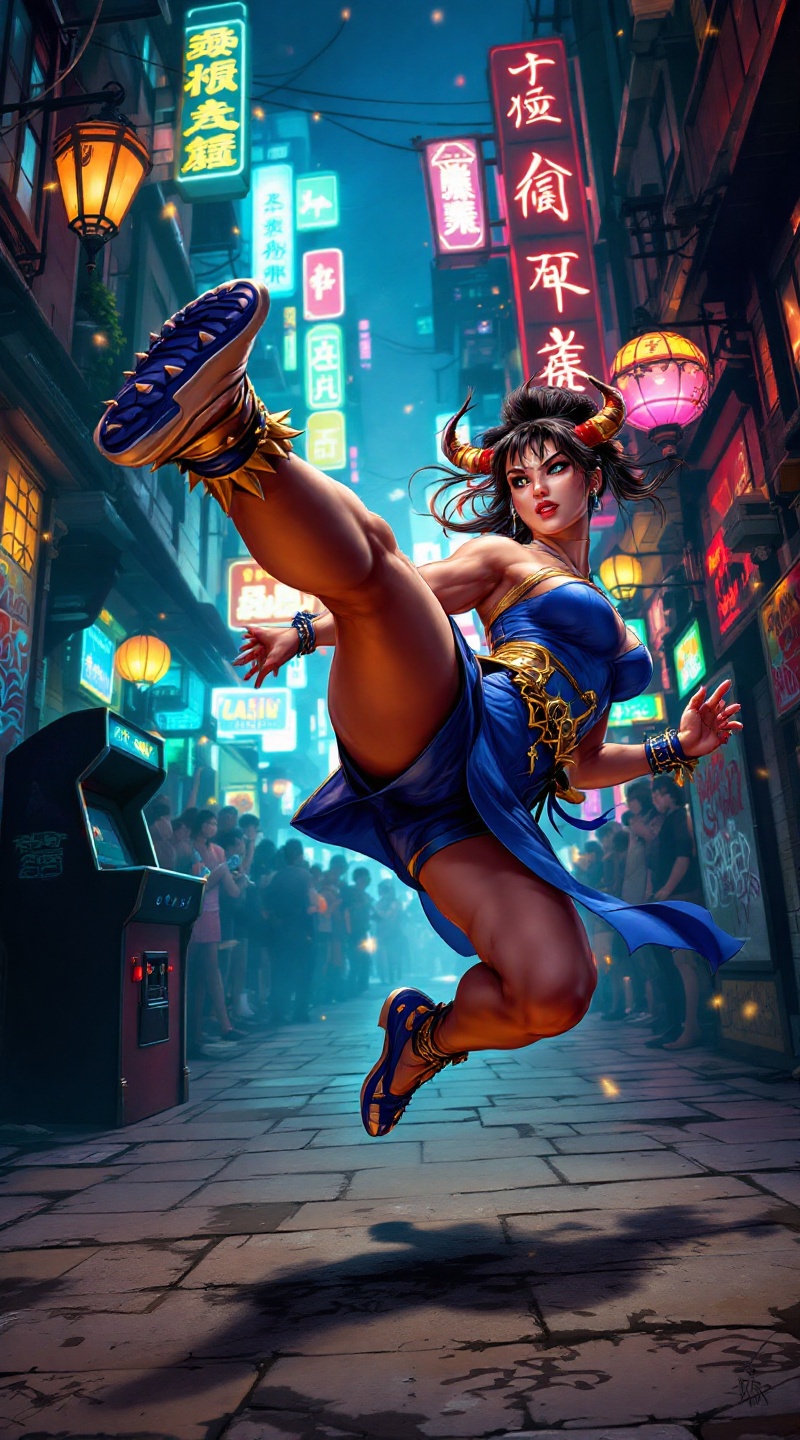
Chun-Li's Neon Showdown - Flux.1.1 pro
提示
Create a dynamic scene inspired by the iconic fighting game "Street Fighter II," showcasing Chun-Li, the fierce and agile martial artist. Capture her in mid-action, delivering a powerful spinning bird kick, her muscular legs highlighted by her traditional blue qipao adorned with golden accents. Her distinctive ox horns hairstyle frames her determined expression, while her spiked bracelets add a touch of fierceness. Set the backdrop in an urban street filled with colorful neon lights and graffiti, evoking the vibrant atmosphere of a bustling city. Include elements like a cheering crowd and a classic arcade machine in the corner, enhancing the nostalgic vibe. The overall mood should be energetic and intense, reflecting the competitive spirit of the game, with dynamic lighting emphasizing movement and power in the scene.
Flux AI 图像提示的详细分析
分析用于通过 Flux AI 图像生成器生成图像的详细提示。
探索Flux AI图像生成器的提示词
如何通过 Flux.1.1 pro
按照以下四个简单步骤创建您想要的图像。
步骤 1:输入您的文字 (可以优化您的提示以获得更好的结果)
步骤 2:选择图片宽高比
步骤 3:选择您的 Flux 模型:
步骤 4:点击生成按钮,等待几秒钟获取您的图像
与提示相关的 Flux AI 工具 Flux.1.1 pro
发现来自 Flux AI 的高级工具,提升您的创意工作流程。