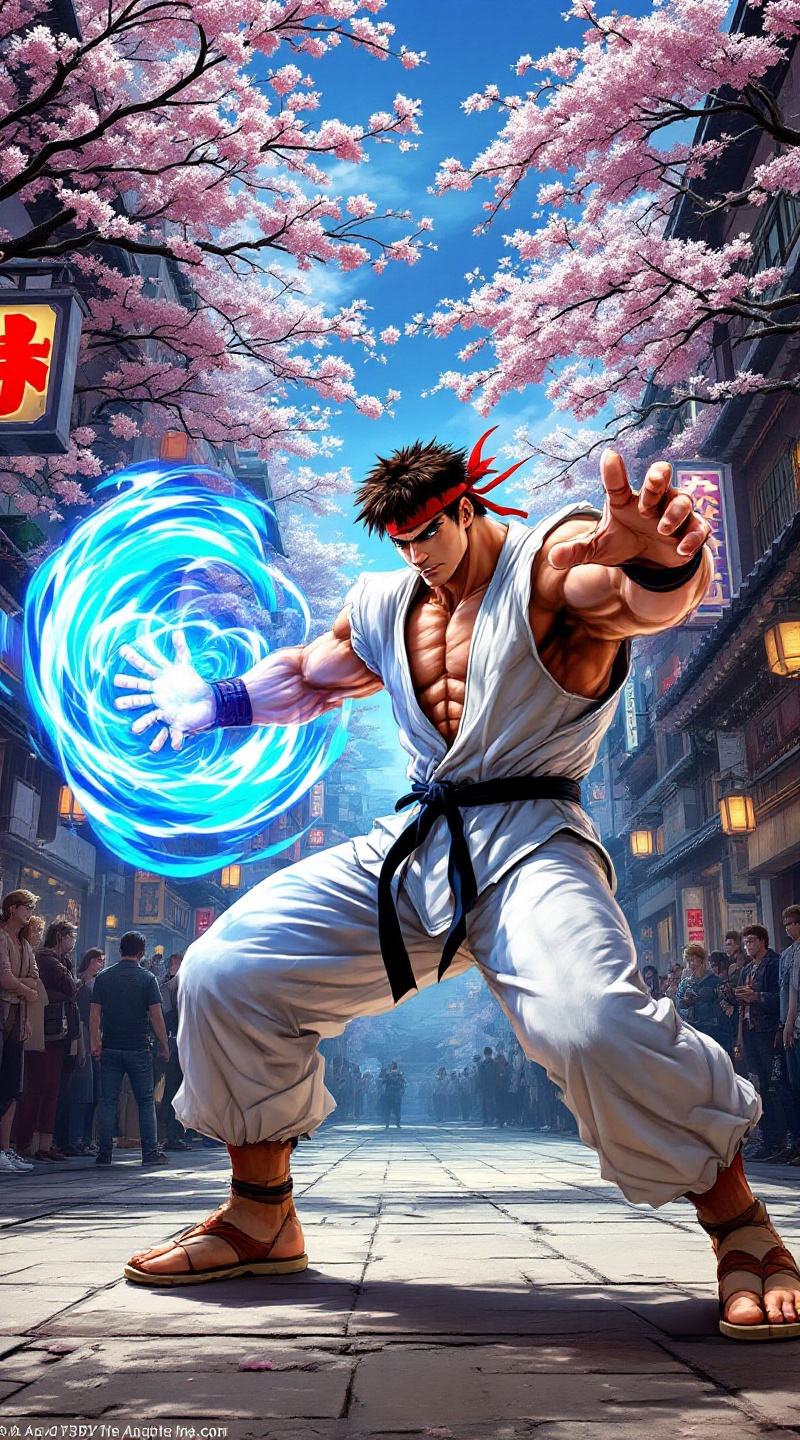
Ryu's Hadouken: Urban Showdown - Flux.1.1 pro
提示
Create a dynamic scene inspired by the classic fighting game "Street Fighter II," capturing the essence of intense martial arts combat. Focus on Ryu, a muscular, determined fighter with a white gi, red headband, and black belt, showcasing his signature Hadouken move, a swirling blue energy sphere in his outstretched hand. The background features a vibrant, bustling urban street in Japan, with neon signs and cherry blossom trees swaying gently in the breeze. Include spectators in awe, adding to the atmosphere of excitement and tension. The overall mood should be electrifying, with bold colors and dramatic lighting emphasizing the clash of power and skill. Incorporate iconic elements like Ryu's worn training shoes and the dojo-style architecture in the distance, enhancing the authenticity of this legendary fighting arena.
Flux AI 图像提示的详细分析
分析用于通过 Flux AI 图像生成器生成图像的详细提示。
探索Flux AI图像生成器的提示词
如何通过 Flux.1.1 pro
按照以下四个简单步骤创建您想要的图像。
步骤 1:输入您的文字 (可以优化您的提示以获得更好的结果)
步骤 2:选择图片宽高比
步骤 3:选择您的 Flux 模型:
步骤 4:点击生成按钮,等待几秒钟获取您的图像
与提示相关的 Flux AI 工具 Flux.1.1 pro
发现来自 Flux AI 的高级工具,提升您的创意工作流程。