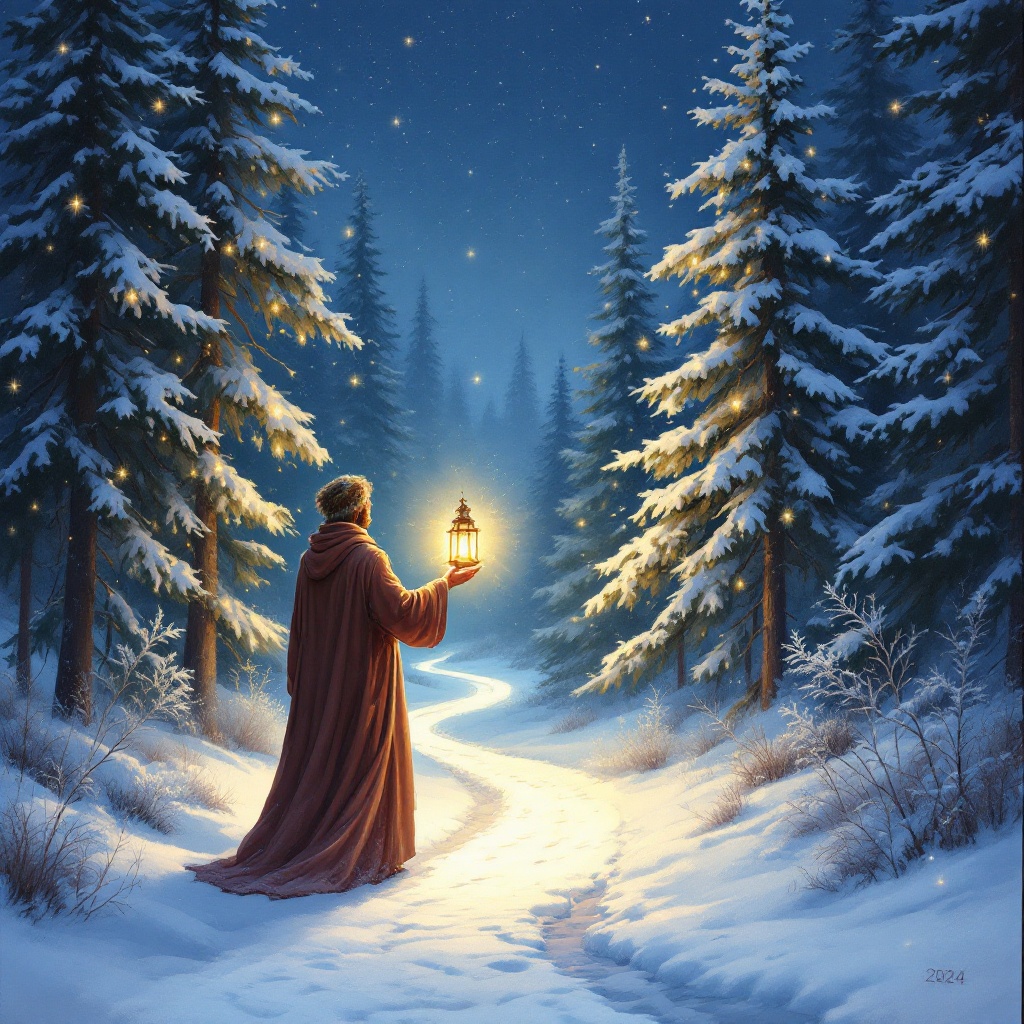
Radiant Hope in Winter's Embrace - Flux.1.1 pro
提示
Create a serene winter scene on December 25, 2024, where a radiant, ethereal light emanates from a glowing lantern held by a figure in warm, flowing robes. The figure stands at a crossroads in a snow-covered forest, surrounded by tall, majestic pine trees dusted with snowflakes. The lantern's light casts a golden hue, illuminating a winding path that leads deeper into the woods, symbolizing hope and love. Soft, twinkling fairy lights hang from the branches, adding a magical touch. The sky is a deep twilight blue, speckled with stars, enhancing the peaceful mood. Use a painterly style reminiscent of Thomas Kinkade, emphasizing warmth and nostalgia, with gentle brush strokes to convey the soft glow. The scene should evoke feelings of tranquility, faith, and a sense of community, inviting viewers to reflect on the power of love and hope in their own lives.
Flux AI 图像提示的详细分析
分析用于通过 Flux AI 图像生成器生成图像的详细提示。
探索Flux AI图像生成器的提示词
如何通过 Flux.1.1 pro
按照以下四个简单步骤创建您想要的图像。
步骤 1:输入您的文字 (可以优化您的提示以获得更好的结果)
步骤 2:选择图片宽高比
步骤 3:选择您的 Flux 模型:
步骤 4:点击生成按钮,等待几秒钟获取您的图像
与提示相关的 Flux AI 工具 Flux.1.1 pro
发现来自 Flux AI 的高级工具,提升您的创意工作流程。