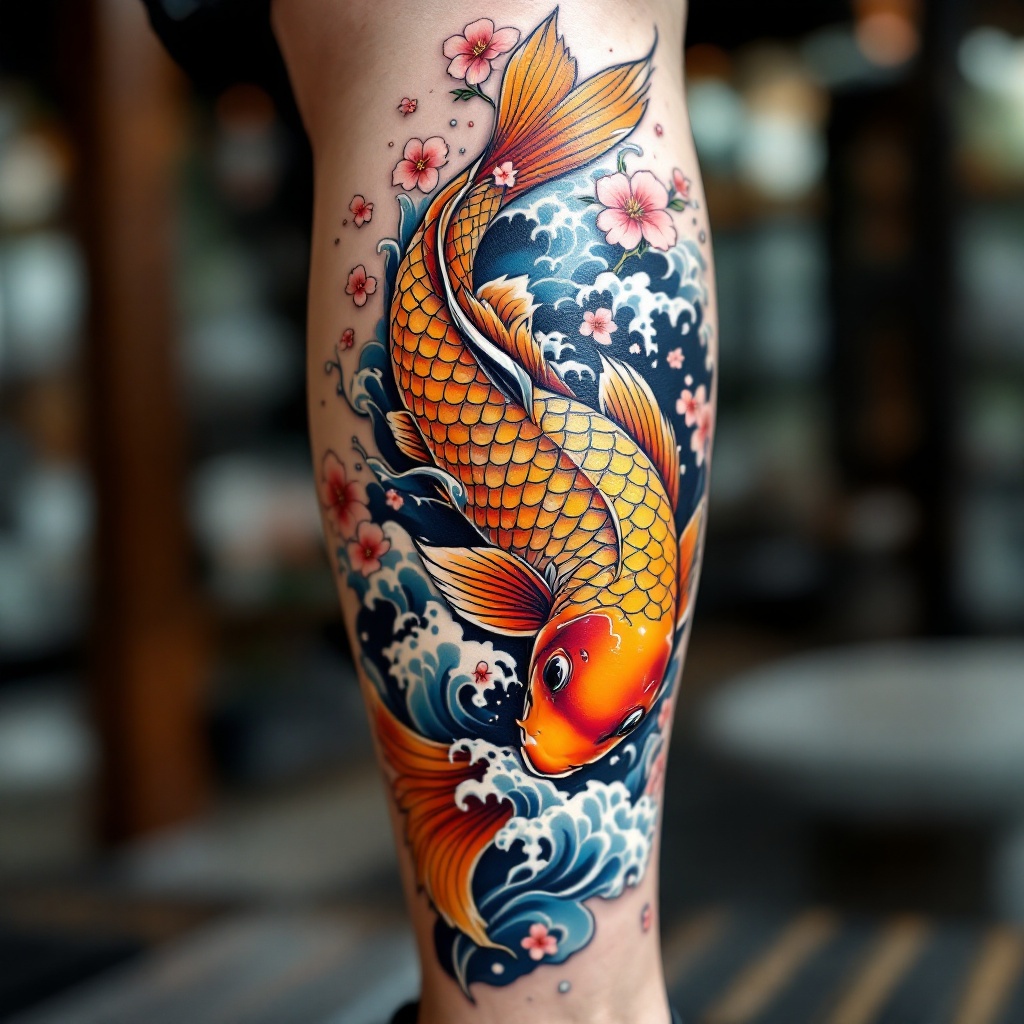
Koi Serenity: A Calf Tattoo Tribute - Flux.1.1 pro
提示
Create a tattoo design for the side of the calf featuring a vibrant Japanese koi fish, symbolizing perseverance and strength. The koi should be depicted in a dynamic swimming pose, with its scales intricately detailed, showcasing shades of orange, gold, and hints of blue. Surround the koi with flowing water waves and cherry blossom petals, adding a sense of movement and tranquility. The artistic style should be traditional Japanese, emphasizing bold outlines and rich colors while maintaining a slightly realistic touch. The tattoo should cover approximately half of the calf, allowing for a medium scale that draws attention. Incorporate subtle textures in the water and petals to enhance depth. The overall mood should evoke a sense of serenity and resilience, celebrating the beauty of nature and Japanese culture.
Flux AI 图像提示的详细分析
分析用于通过 Flux AI 图像生成器生成图像的详细提示。
探索Flux AI图像生成器的提示词
如何通过 Flux.1.1 pro
按照以下四个简单步骤创建您想要的图像。
步骤 1:输入您的文字 (可以优化您的提示以获得更好的结果)
步骤 2:选择图片宽高比
步骤 3:选择您的 Flux 模型:
步骤 4:点击生成按钮,等待几秒钟获取您的图像
与提示相关的 Flux AI 工具 Flux.1.1 pro
发现来自 Flux AI 的高级工具,提升您的创意工作流程。