World Esports Championships - Flux.1 schnell
提示
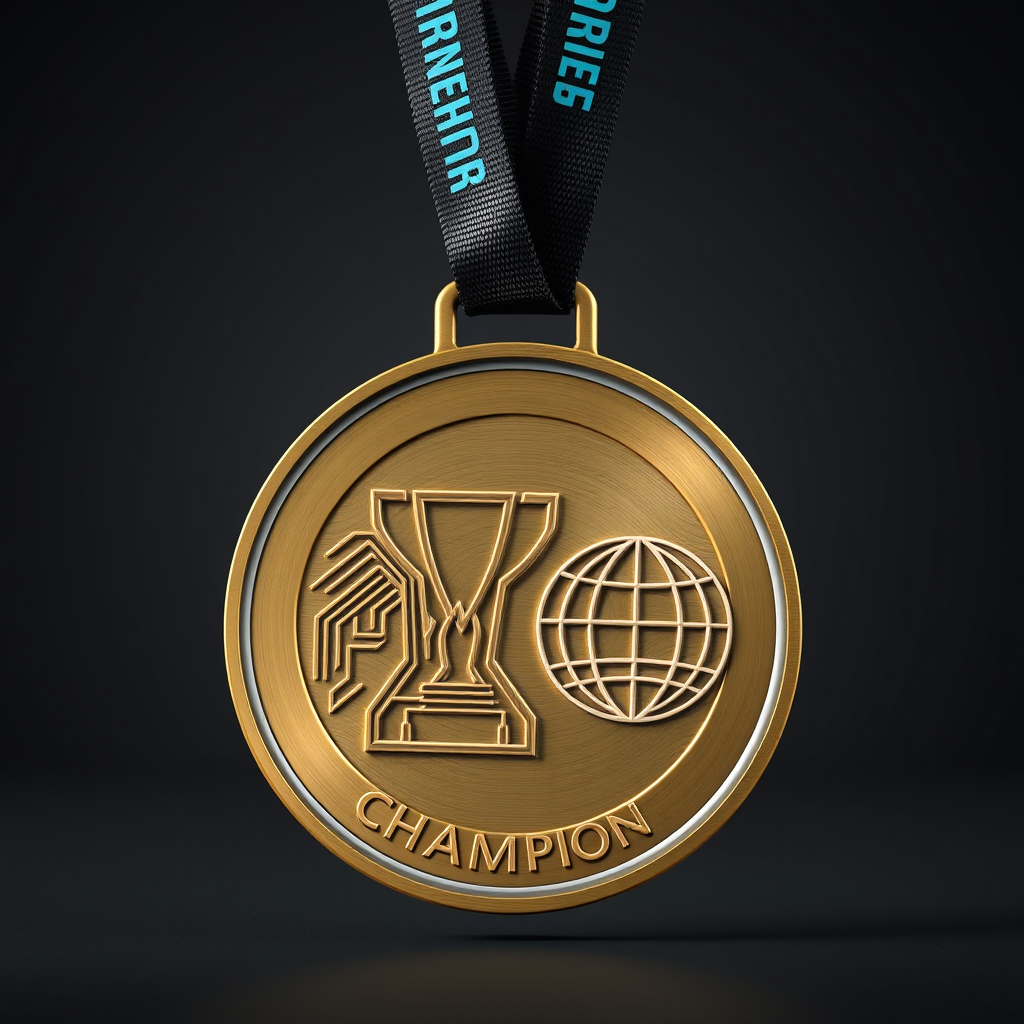
Generate a highly detailed, photorealistic image of a World Esports Championship medal. The medal is circular (3 inches diameter) with a brushed gold finish, featuring a sleek, modern design. The obverse side has a raised, intricate embossing of a futuristic esports trophy surrounded by circuit-like patterns, with "World Esports Champion" engraved in bold, angular font. The reverse side displays a minimalist globe emblem with pixel-art accents. The medal hangs from a premium black ribbon with neon-blue satin edges, subtly textured with micro-geometric patterns. Use a dynamic side-angle perspective, with soft studio lighting casting subtle reflections on the medal's surface. The background is a dark, gradient slate-gray, adding depth and focus to the medal. Highlight the metallic sheen and fine engravings for a prestigious, high-quality aesthetic.
Flux AI 图像提示的详细分析
分析用于通过 Flux AI 图像生成器生成图像的详细提示。
探索Flux AI图像生成器的提示词
如何通过 Flux.1 schnell
按照以下四个简单步骤创建您想要的图像。
步骤 1:输入您的文字 (可以优化您的提示以获得更好的结果)
步骤 2:选择图片宽高比
步骤 3:选择您的 Flux 模型:
步骤 4:点击生成按钮,等待几秒钟获取您的图像
与提示相关的 Flux AI 工具 Flux.1 schnell
发现来自 Flux AI 的高级工具,提升您的创意工作流程。