Harrison Ford - Flux.1.1 pro
提示
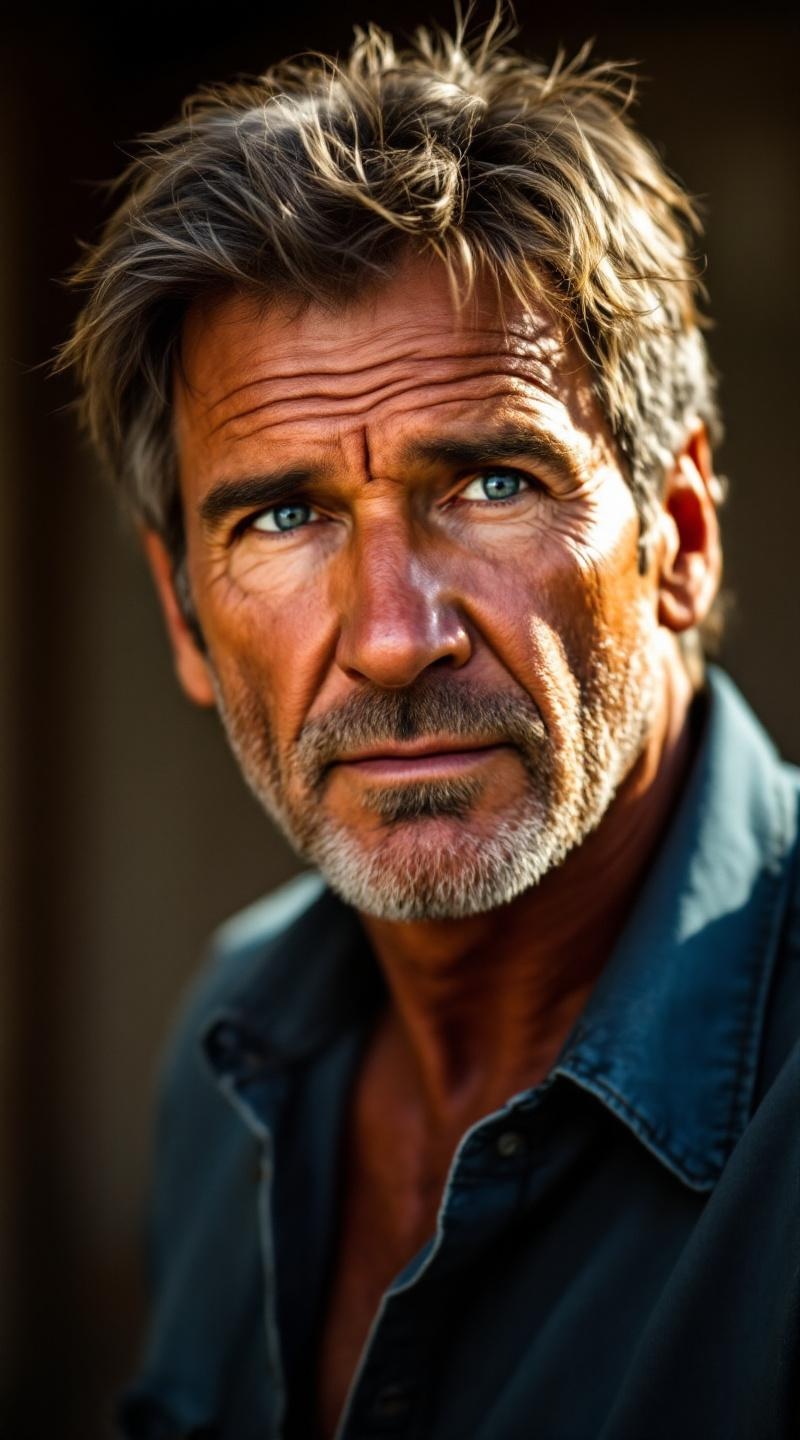
**Prompt:** "Create a hyper-realistic portrait of Harrison Ford as a rugged, charismatic leading man in his prime. Capture his chiseled jawline, sharp cheekbones, and piercing blue eyes with a hint of intensity. His expression is confident yet approachable, with a subtle smirk and slight crow's feet suggesting wisdom and experience. Frame the shot as a close-up, using a 85mm lens for a cinematic depth of field. Soft, golden-hour lighting highlights his weathered yet handsome features, casting gentle shadows for dimension. Emulate the rich texture of classic Hollywood photography, with a Kodak Portra film grain effect. He wears a slightly unbuttoned denim shirt, hinting at his iconic, laid-back charm. Background is softly blurred with warm bokeh, enhancing focus on his striking presence. Ultra-detailed, 8K resolution, photorealistic rendering." (999 characters)
Flux AI 图像提示的详细分析
分析用于通过 Flux AI 图像生成器生成图像的详细提示。
探索Flux AI图像生成器的提示词
如何通过 Flux.1.1 pro
按照以下四个简单步骤创建您想要的图像。
步骤 1:输入您的文字 (可以优化您的提示以获得更好的结果)
步骤 2:选择图片宽高比
步骤 3:选择您的 Flux 模型:
步骤 4:点击生成按钮,等待几秒钟获取您的图像
与提示相关的 Flux AI 工具 Flux.1.1 pro
发现来自 Flux AI 的高级工具,提升您的创意工作流程。