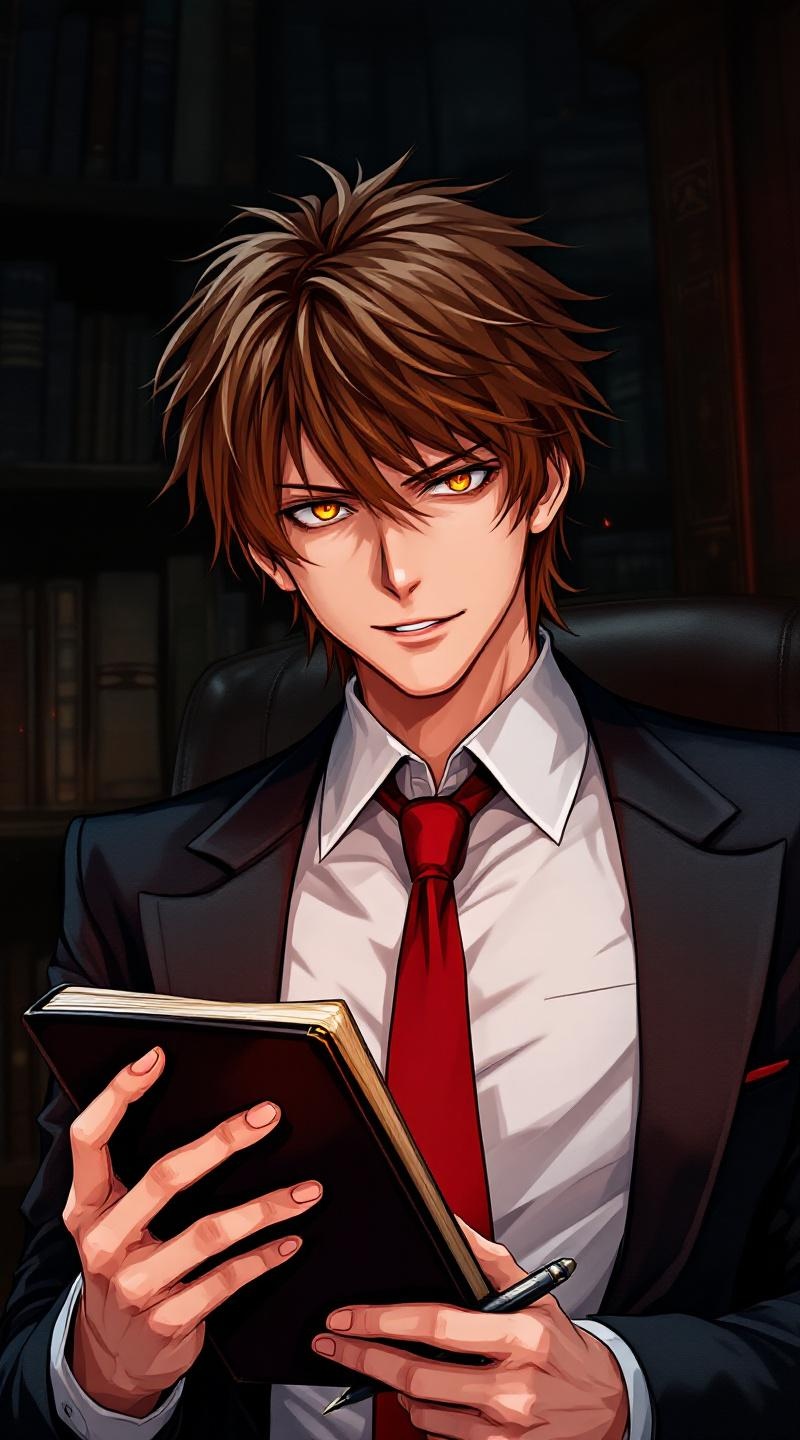
《Death Note》-Light Yagami - Flux.1.1 pro
提示
Generate a highly detailed anime-style portrait of Light Yagami from *Death Note*, showcasing his sharp, calculating expression with piercing golden-brown eyes and perfectly styled chestnut hair. He wears his iconic white dress shirt, red tie, and black blazer, holding a black *Death Note* notebook ominously in one hand while gripping a poised pen in the other. His pose exudes confidence—leaning slightly forward with a faint, sinister smirk, as if plotting his next move. The background is a dimly lit study with towering bookshelves, bathed in a dramatic chiaroscuro glow, emphasizing his god-complex persona. The art style is sleek, with crisp linework, vibrant yet moody shading, and a semi-realistic anime aesthetic. Include subtle glowing red accents to hint at Ryuk’s unseen presence. Ultra-detailed, high-resolution, and atmospheric." (999 characters)
Flux AI 图像提示的详细分析
分析用于通过 Flux AI 图像生成器生成图像的详细提示。
探索Flux AI图像生成器的提示词
如何通过 Flux.1.1 pro
按照以下四个简单步骤创建您想要的图像。
步骤 1:输入您的文字 (可以优化您的提示以获得更好的结果)
步骤 2:选择图片宽高比
步骤 3:选择您的 Flux 模型:
步骤 4:点击生成按钮,等待几秒钟获取您的图像
与提示相关的 Flux AI 工具 Flux.1.1 pro
发现来自 Flux AI 的高级工具,提升您的创意工作流程。