《Cells at Work!》-White Blood Cell - Flux.1 schnell
提示
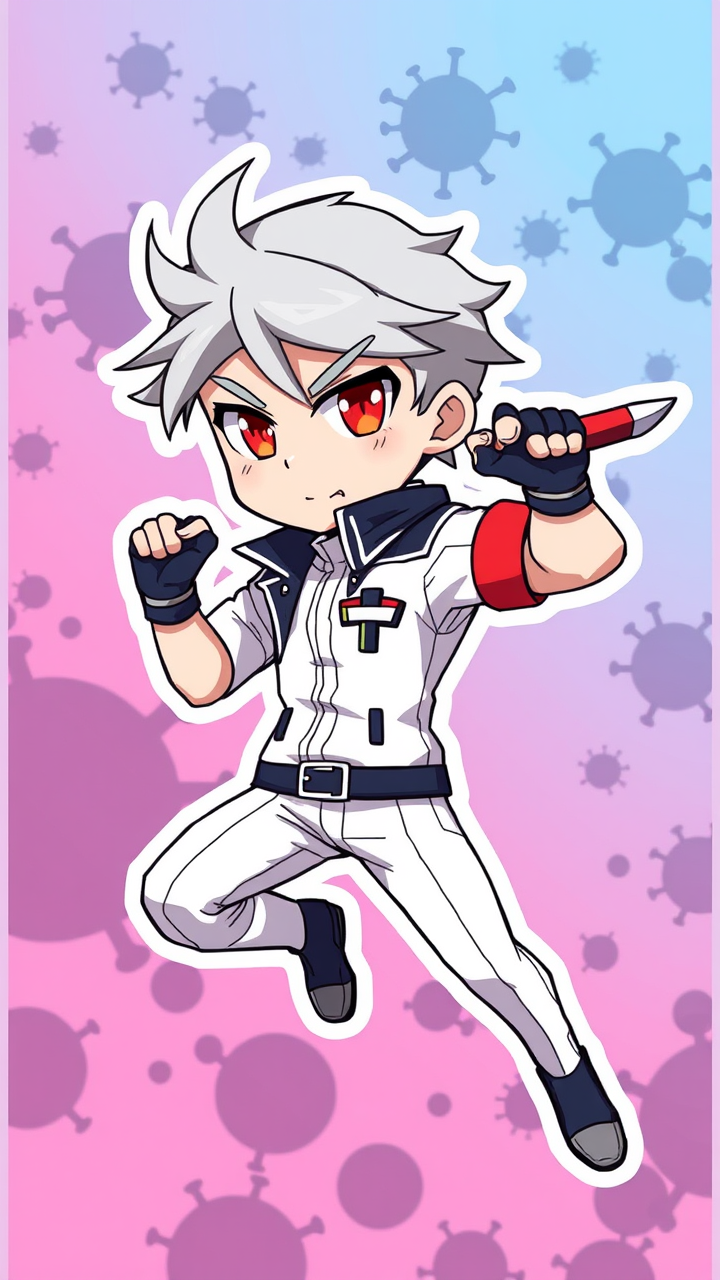
**Prompt:** *"Anime sticker-style illustration of White Blood Cell (Neutrophil) from 《Cells at Work!》, in a dynamic, action-ready pose. Sharp, clean lines with bold outlines and vibrant colors. Character wears a sleek white uniform with a dark blue jacket, fingerless gloves, and a signature knife. His silver hair is slightly windswept, and his piercing red eyes glow with determination. Expression is cool and focused, mid-movement as if leaping into battle. Include subtle motion lines or speed effects for energy. Background: abstract, gradient blue-and-pink cellular environment with floating pathogen silhouettes. Sticker-style includes a white border or cut-out effect. Exaggerated, chibi-proportioned limbs for playful intensity. Highlight his iconic armband and combat-ready stance."* (999 characters)
Flux AI 图像提示的详细分析
分析用于通过 Flux AI 图像生成器生成图像的详细提示。
探索Flux AI图像生成器的提示词
如何通过 Flux.1 schnell
按照以下四个简单步骤创建您想要的图像。
步骤 1:输入您的文字 (可以优化您的提示以获得更好的结果)
步骤 2:选择图片宽高比
步骤 3:选择您的 Flux 模型:
步骤 4:点击生成按钮,等待几秒钟获取您的图像
与提示相关的 Flux AI 工具 Flux.1 schnell
发现来自 Flux AI 的高级工具,提升您的创意工作流程。