Awkward Penguin Family Photos - Flux.1.1 pro
提示
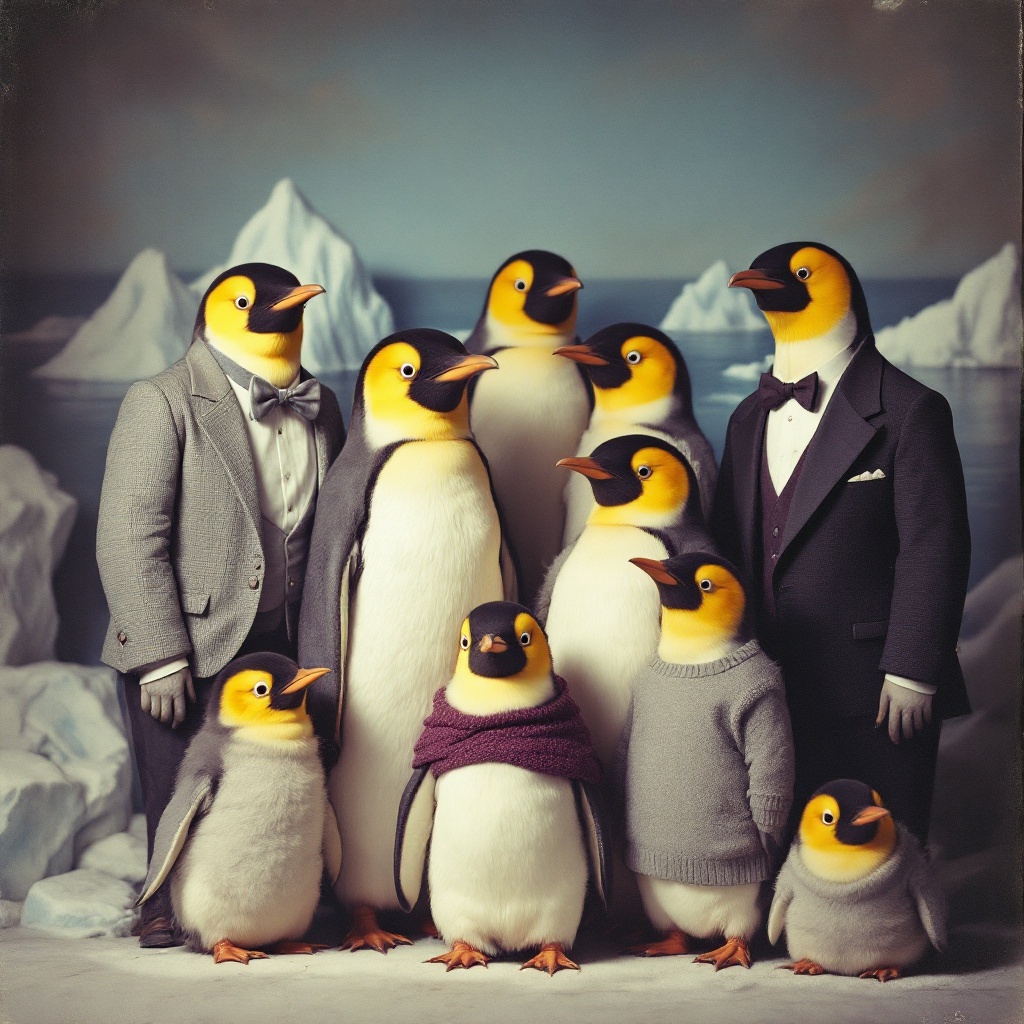
**Image Prompt:** A hilariously awkward family portrait of anthropomorphic penguins dressed in mismatched, overly formal attire, standing stiffly in a vintage photo studio. The composition centers a rigid group—parents in outdated suits and frumpy dresses, children in ill-fitting sweaters—all with deadpan expressions. The backdrop is a faded, slightly wrinkled seascape mural with fake iceberg props. Harsh, unflattering flash lighting creates stark shadows, emphasizing their glossy feathers and beady eyes. One chick squirms uncomfortably, another stares blankly off-frame, while the father’s bowtie is crooked. The color palette is muted blues and grays with pops of garish 1980s hues (mustard yellow, mauve). Shot in a grainy, slightly overexposed film style, evoking cringe-worthy school photo realism with a touch of surreal whimsy.
Flux AI 图像提示的详细分析
分析用于通过 Flux AI 图像生成器生成图像的详细提示。
探索Flux AI图像生成器的提示词
如何通过 Flux.1.1 pro
按照以下四个简单步骤创建您想要的图像。
步骤 1:输入您的文字 (可以优化您的提示以获得更好的结果)
步骤 2:选择图片宽高比
步骤 3:选择您的 Flux 模型:
步骤 4:点击生成按钮,等待几秒钟获取您的图像
与提示相关的 Flux AI 工具 Flux.1.1 pro
发现来自 Flux AI 的高级工具,提升您的创意工作流程。