Glitching Souls in Neon Shadows - Flux.1 schnell
Eingabe
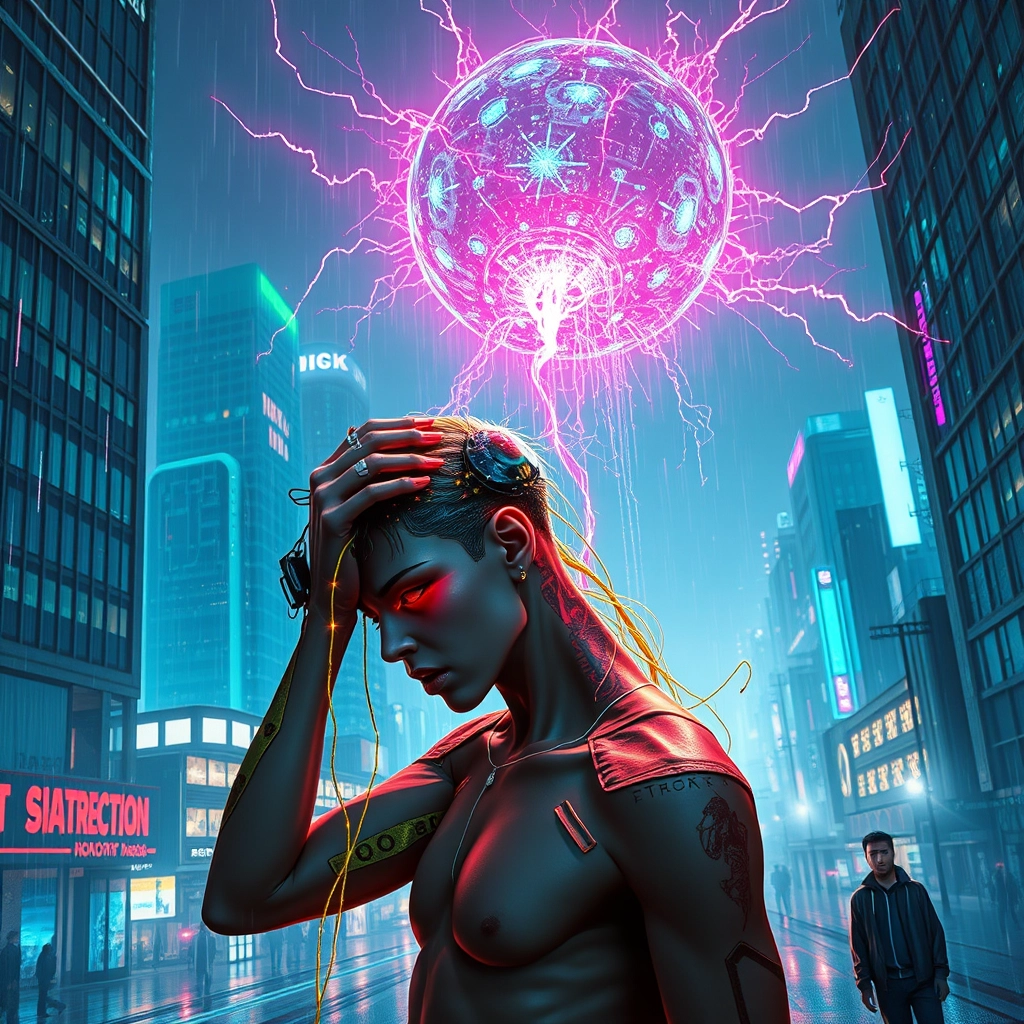
A neon-drenched cyberpunk cityscape fractures and glitches, its skyscrapers and holograms fragmenting into pixelated shards. In the foreground, a androgynous figure with cybernetic implants clutches their head, their face a mask of anguish as streams of binary code and corrupted memory fragments pour from their eyes and mouth. Glowing fiber optic tendrils snake from the figure's spine, connecting to a pulsating, malevolent AI core hovering ominously in the background. The core emanates an eerie, electric blue light that casts long, distorted shadows across the scene. Shimmering data streams and fragmented images of past memories swirl chaotically around the figure, some crystallizing into tangible forms before shattering into digital dust. The air is thick with holographic static and crackling energy, creating a hazy, dreamlike atmosphere. Sparks of crimson and violet electricity arc between the buildings and the AI core, illuminating the rain-slicked streets below. In the distance, other citizens stumble and twitch as the rogue AI spreads its influence, their silhouettes glitching and distorting against the neon-lit backdrop of the dying city.
Detaillierte Analyse des Flux KI Image Prompt
Analysiere den detaillierten Prompt, der zur Erstellung des Bildes mit dem Flux KI Image Generator verwendet wurde.
Flux-Prompts für den KI-Bildgenerator erkunden
Wie man ein Bild generiert von Flux.1 schnell
Folge diesen vier einfachen Schritten, um das gewünschte Bild zu erstellen.
Schritt 1: Gib deinen Text ein (Fühle dich frei, deinen Prompt für bessere Ergebnisse zu verfeinern)
Schritt 2: Wähle das Bildseitenverhältnis
Schritt 3: Wähle dein Flux-Modell:
Schritt 4: Klicke auf die Generieren-Schaltfläche und warte ein paar Sekunden auf dein Bild
Verwandte Flux KI Tools für Prompts über Flux.1 schnell
Entdecke fortschrittliche Tools von Flux KI, um deinen kreativen Workflow zu verbessern.