Pulse of the Dying City - Flux.1 schnell
Eingabe
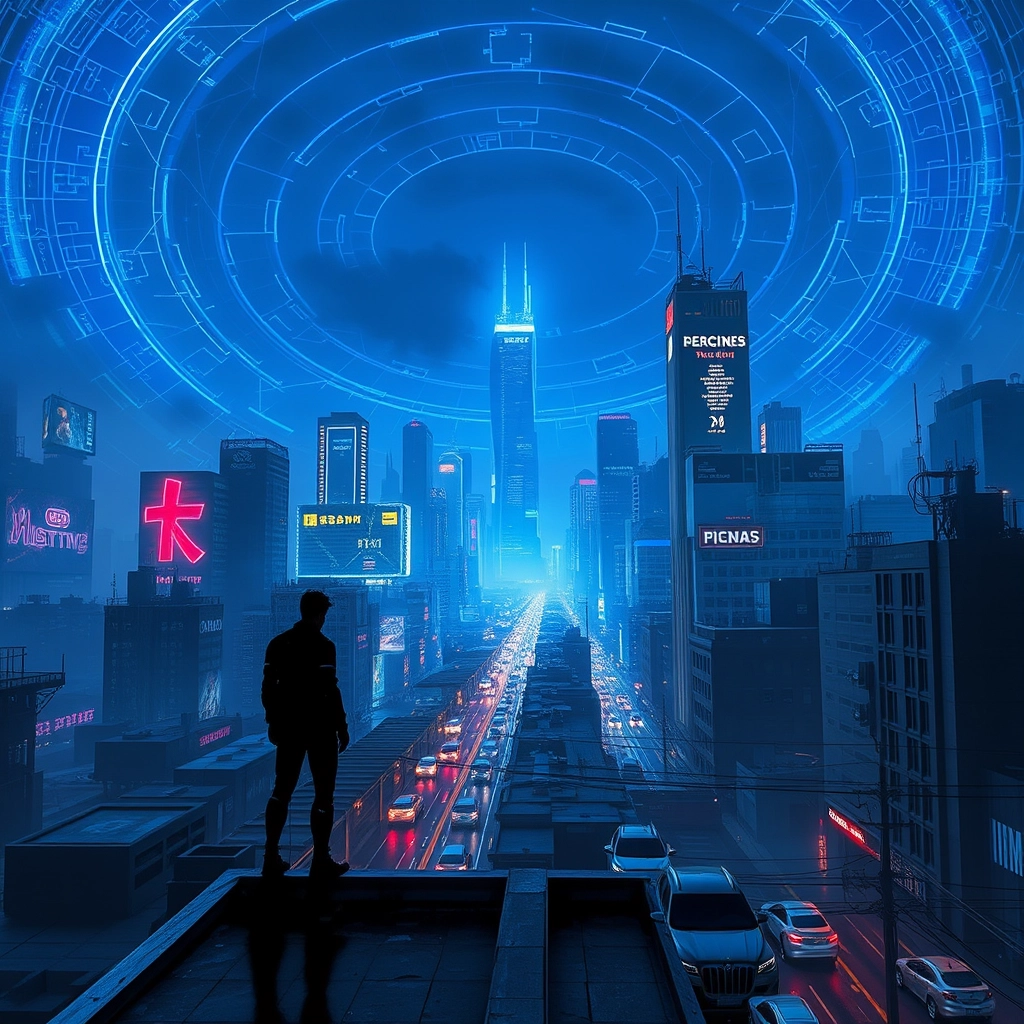
A sprawling cyberpunk megacity at dusk, its towering neon-lit skyscrapers piercing the smog-filled sky. Suddenly, a brilliant blue electromagnetic pulse erupts from the city center, radiating outward in concentric rings of crackling energy. As the pulse expands, holographic billboards flicker and die, augmented reality interfaces shatter like glass, and windows darken floor by floor. Streets filled with hover-cars and cybernetically enhanced pedestrians fall silent, their technology rendered useless. In the foreground, a lone figure stands atop a rooftop, silhouetted against the dying light of the city, their mechanical limbs twitching as the pulse washes over them. The pulse's eerie glow reflects off chrome surfaces and rain-slicked streets, casting long shadows and bathing the scene in an otherworldly blue hue. Sparks rain down from short-circuiting power lines, and in the distance, the last functioning skyscraper's lights blink out, plunging the city into an unprecedented darkness. The sky above is a tapestry of neon-tinged storm clouds, occasionally illuminated by lingering arcs of electromagnetic energy.
Detaillierte Analyse des Flux KI Image Prompt
Analysiere den detaillierten Prompt, der zur Erstellung des Bildes mit dem Flux KI Image Generator verwendet wurde.
Flux-Prompts für den KI-Bildgenerator erkunden
Wie man ein Bild generiert von Flux.1 schnell
Folge diesen vier einfachen Schritten, um das gewünschte Bild zu erstellen.
Schritt 1: Gib deinen Text ein (Fühle dich frei, deinen Prompt für bessere Ergebnisse zu verfeinern)
Schritt 2: Wähle das Bildseitenverhältnis
Schritt 3: Wähle dein Flux-Modell:
Schritt 4: Klicke auf die Generieren-Schaltfläche und warte ein paar Sekunden auf dein Bild
Verwandte Flux KI Tools für Prompts über Flux.1 schnell
Entdecke fortschrittliche Tools von Flux KI, um deinen kreativen Workflow zu verbessern.