Heartbreak in a Digital Glow - Flux.1 dev
Eingabe
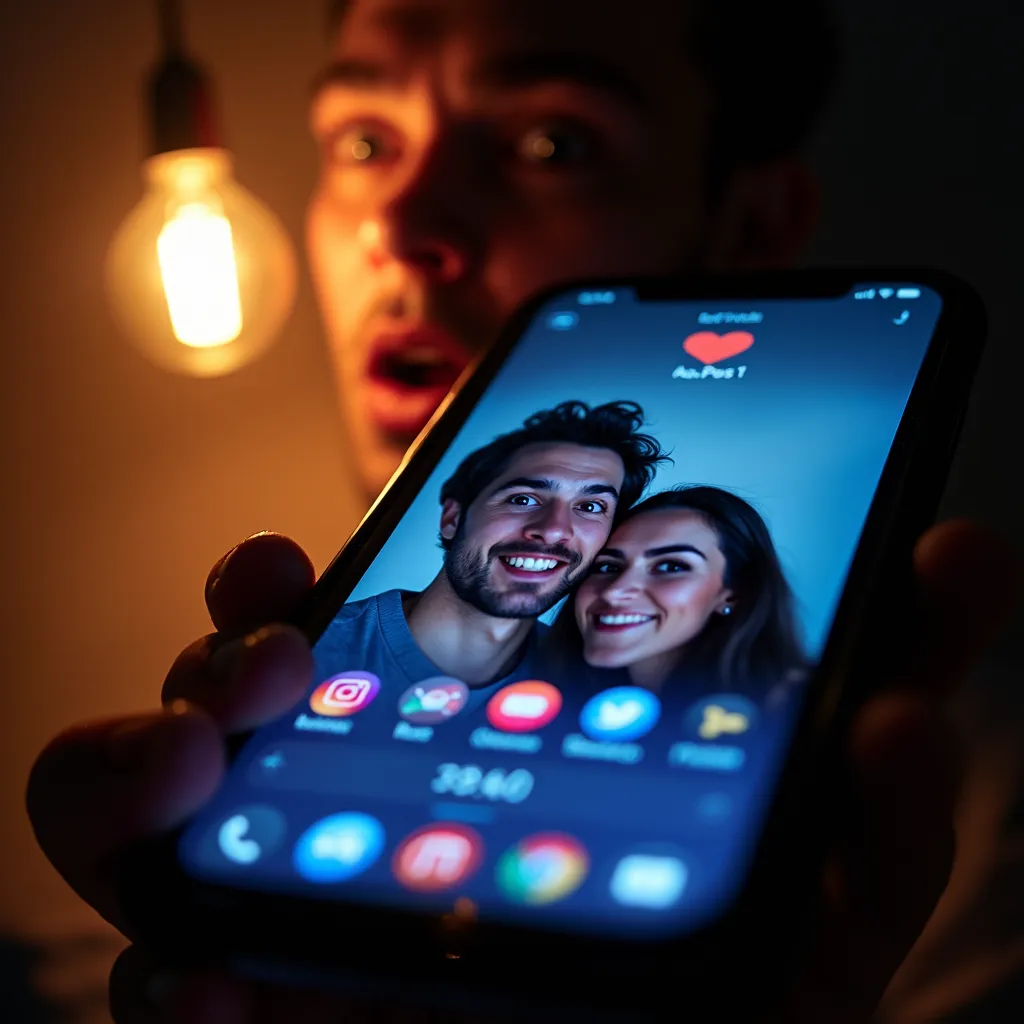
A close-up of a smartphone screen illuminated in a dark room, showing a social media profile page. The profile picture displays a smiling couple - the ex-partner with their new love interest. A glowing, pulsating heart icon hovers over the image, indicating a recent 'like'. In the foreground, a blurred, panicked face is reflected on the screen, eyes wide with horror. The smartphone is tilted at a dramatic angle, as if about to be dropped. Vibrant blues from the app's interface contrast with warm orange tones from a nearby lamp, creating a tense atmosphere. Beads of sweat on the reflected face catch the light. The timestamp "3y" is visible next to the post. Employ a hyper-realistic digital painting style with sharp details on the screen and softer, out-of-focus elements in the background. Incorporate subtle motion blur to convey a sense of urgency and mistake. The composition should be asymmetrical, with the 'like' button positioned using the golden ratio for maximum impact.
Detaillierte Analyse des Flux KI Image Prompt
Analysiere den detaillierten Prompt, der zur Erstellung des Bildes mit dem Flux KI Image Generator verwendet wurde.
Flux-Prompts für den KI-Bildgenerator erkunden
Wie man ein Bild generiert von Flux.1 dev
Folge diesen vier einfachen Schritten, um das gewünschte Bild zu erstellen.
Schritt 1: Gib deinen Text ein (Fühle dich frei, deinen Prompt für bessere Ergebnisse zu verfeinern)
Schritt 2: Wähle das Bildseitenverhältnis
Schritt 3: Wähle dein Flux-Modell:
Schritt 4: Klicke auf die Generieren-Schaltfläche und warte ein paar Sekunden auf dein Bild
Verwandte Flux KI Tools für Prompts über Flux.1 dev
Entdecke fortschrittliche Tools von Flux KI, um deinen kreativen Workflow zu verbessern.