Portal Panic: A Cozy Chaos - Flux.1 schnell
Eingabe
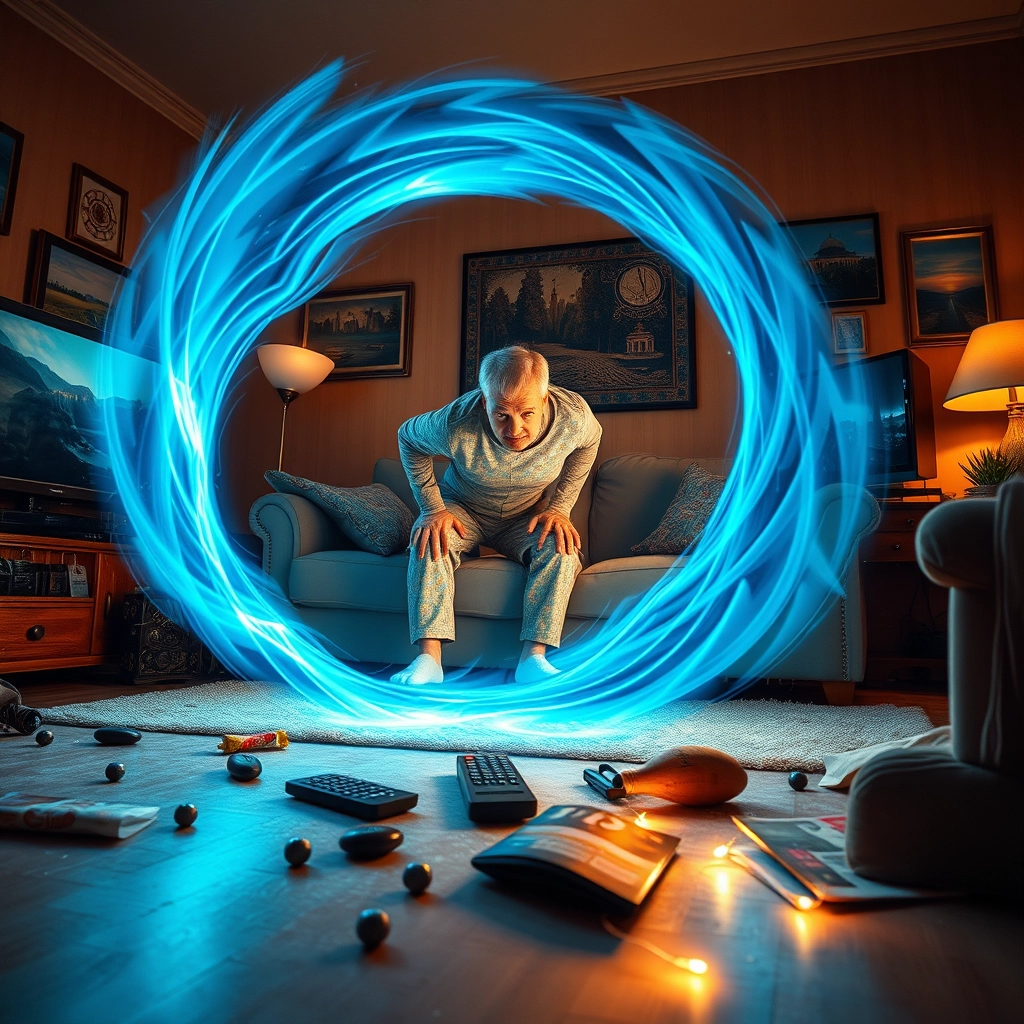
A chaotic living room with a swirling blue portal opening in mid-air. A surprised middle-aged man in pajamas and slippers, reaching under a couch cushion, accidentally activates the portal. TV remote buttons glow on the floor, forming a mystical pattern. Scattered snacks and magazines float towards the vortex. The room's warm, cozy lighting contrasts with the cool, ethereal glow of the portal. Distorted reflections of distant landscapes visible through the portal's shimmer. Photorealistic style with elements of surrealism. Dynamic composition with the portal as the focal point, man off-center. Rich, saturated colors for the living room, contrasting with otherworldly hues from the portal. Dramatic lighting with shadows stretching from objects being pulled into the vortex. Intricate details on the portal's edge, resembling circuitry and ancient symbols. Subtle motion blur on floating objects. Reflections of the portal in picture frames and TV screen. Dust particles illuminated by the portal's light. Hyper-detailed textures on furniture and clothing.
Detaillierte Analyse des Flux KI Image Prompt
Analysiere den detaillierten Prompt, der zur Erstellung des Bildes mit dem Flux KI Image Generator verwendet wurde.
Flux-Prompts für den KI-Bildgenerator erkunden
Wie man ein Bild generiert von Flux.1 schnell
Folge diesen vier einfachen Schritten, um das gewünschte Bild zu erstellen.
Schritt 1: Gib deinen Text ein (Fühle dich frei, deinen Prompt für bessere Ergebnisse zu verfeinern)
Schritt 2: Wähle das Bildseitenverhältnis
Schritt 3: Wähle dein Flux-Modell:
Schritt 4: Klicke auf die Generieren-Schaltfläche und warte ein paar Sekunden auf dein Bild
Verwandte Flux KI Tools für Prompts über Flux.1 schnell
Entdecke fortschrittliche Tools von Flux KI, um deinen kreativen Workflow zu verbessern.