Neon Sanctum: Healing the Future - Flux.1 schnell
Eingabe
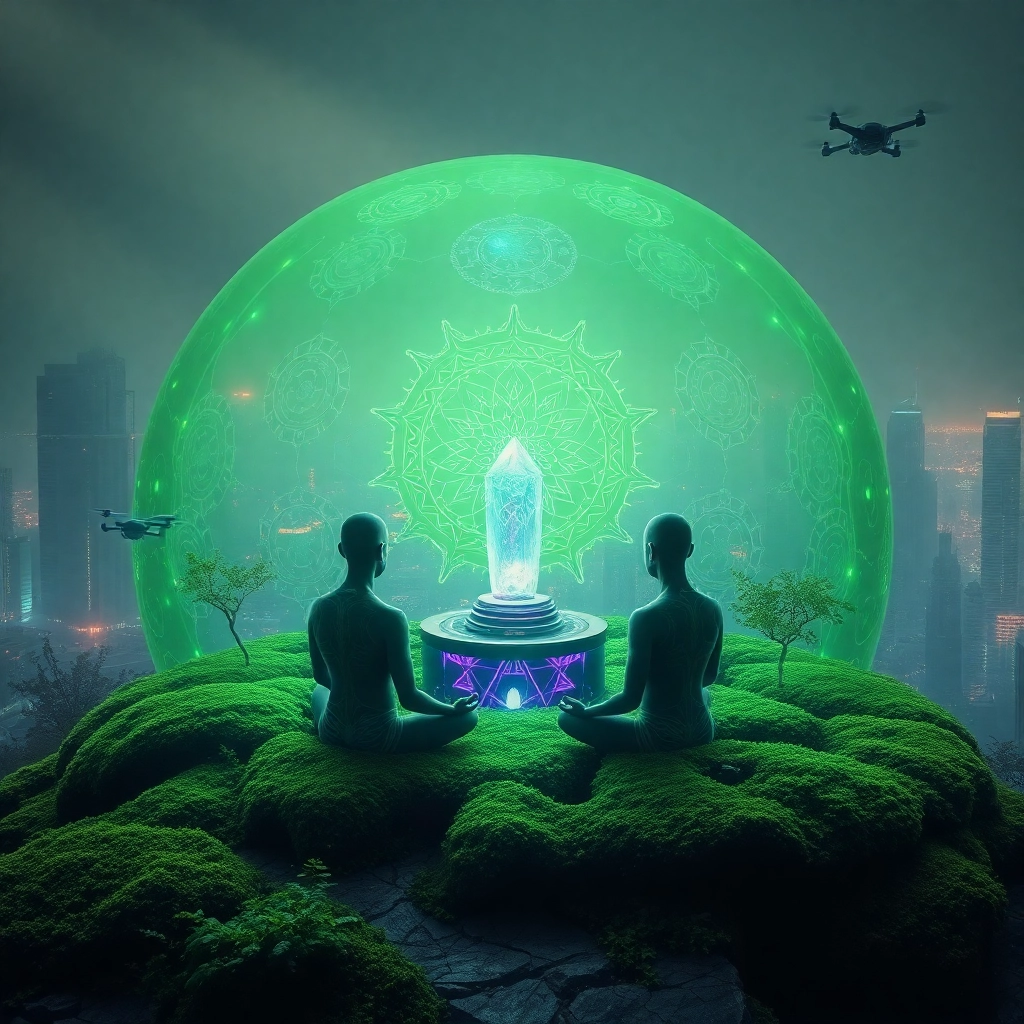
A bioluminescent moss-covered biodome rises amidst a neon-drenched cityscape, its translucent walls pulsing with eerie green light. Inside, cyber-monks with shaved heads and glowing circuit tattoos meditate in lotus position, their eyes closed as data streams flow through neural implants. Holographic mandalas and fractal patterns swirl around them, casting prismatic reflections on the dome's surface. The air shimmers with purified oxygen, a stark contrast to the smog-choked atmosphere beyond. Sleek cultivation pods line the walls, nurturing genetically-modified plants that absorb toxins from the surrounding environment. A central altar houses a crystalline supercomputer, its quantum core humming with artificial intelligence dedicated to spiritual algorithms. Outside, acid rain sizzles against the protective shield, while flying drones patrol the perimeter. The cityscape beyond is a jagged silhouette of crumbling skyscrapers and flickering holograms, a testament to the world the monks seek to heal through their digital enlightenment.
Detaillierte Analyse des Flux KI Image Prompt
Analysiere den detaillierten Prompt, der zur Erstellung des Bildes mit dem Flux KI Image Generator verwendet wurde.
Flux-Prompts für den KI-Bildgenerator erkunden
Wie man ein Bild generiert von Flux.1 schnell
Folge diesen vier einfachen Schritten, um das gewünschte Bild zu erstellen.
Schritt 1: Gib deinen Text ein (Fühle dich frei, deinen Prompt für bessere Ergebnisse zu verfeinern)
Schritt 2: Wähle das Bildseitenverhältnis
Schritt 3: Wähle dein Flux-Modell:
Schritt 4: Klicke auf die Generieren-Schaltfläche und warte ein paar Sekunden auf dein Bild
Verwandte Flux KI Tools für Prompts über Flux.1 schnell
Entdecke fortschrittliche Tools von Flux KI, um deinen kreativen Workflow zu verbessern.