Neon Dreams: Drones Reborn - Flux.1 schnell
Eingabe
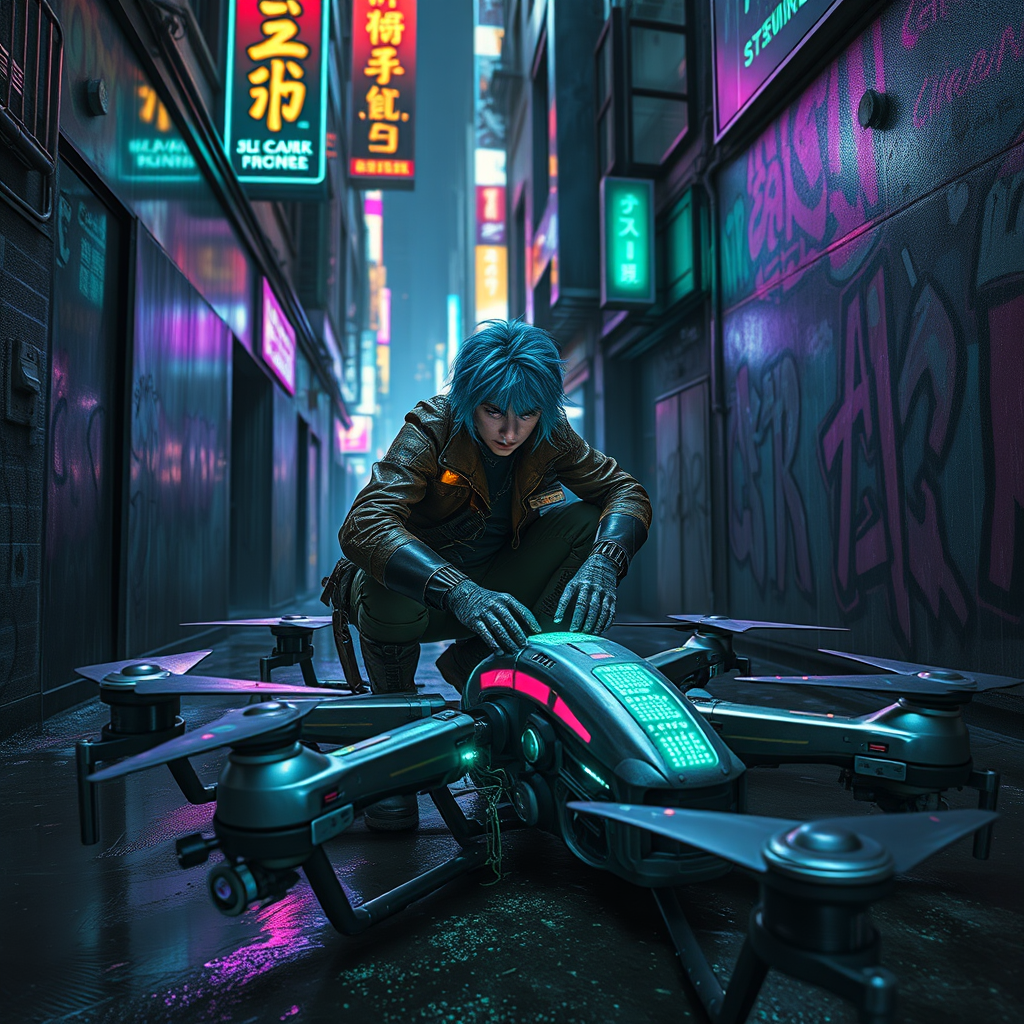
In a dimly lit, rain-soaked alley of a sprawling cyberpunk metropolis, a rogue engineer with neon blue hair crouches over a cluster of ancient drones, their once-sleek metallic bodies now adorned with glowing circuit pathways that pulse rhythmically like a heartbeat. The air is thick with the scent of ozone and oil, illuminated by the flickering holographic advertisements overhead casting vibrant hues of electric purple and toxic green across the scene. The engineer, clad in a patchwork of leather and tech-infused fabrics, meticulously rewires the drones, their eyes reflecting the pulsating lights as they work with a mix of determination and mischief. Surrounding them, the walls are covered in graffiti art, depicting a chaotic blend of machinery and organic forms, while the distant hum of the city blends with the soft whirring of the drones coming to life, creating an atmosphere of both danger and opportunity in this underbelly of innovation.
Detaillierte Analyse des Flux KI Image Prompt
Analysiere den detaillierten Prompt, der zur Erstellung des Bildes mit dem Flux KI Image Generator verwendet wurde.
Flux-Prompts für den KI-Bildgenerator erkunden
Wie man ein Bild generiert von Flux.1 schnell
Folge diesen vier einfachen Schritten, um das gewünschte Bild zu erstellen.
Schritt 1: Gib deinen Text ein (Fühle dich frei, deinen Prompt für bessere Ergebnisse zu verfeinern)
Schritt 2: Wähle das Bildseitenverhältnis
Schritt 3: Wähle dein Flux-Modell:
Schritt 4: Klicke auf die Generieren-Schaltfläche und warte ein paar Sekunden auf dein Bild
Verwandte Flux KI Tools für Prompts über Flux.1 schnell
Entdecke fortschrittliche Tools von Flux KI, um deinen kreativen Workflow zu verbessern.