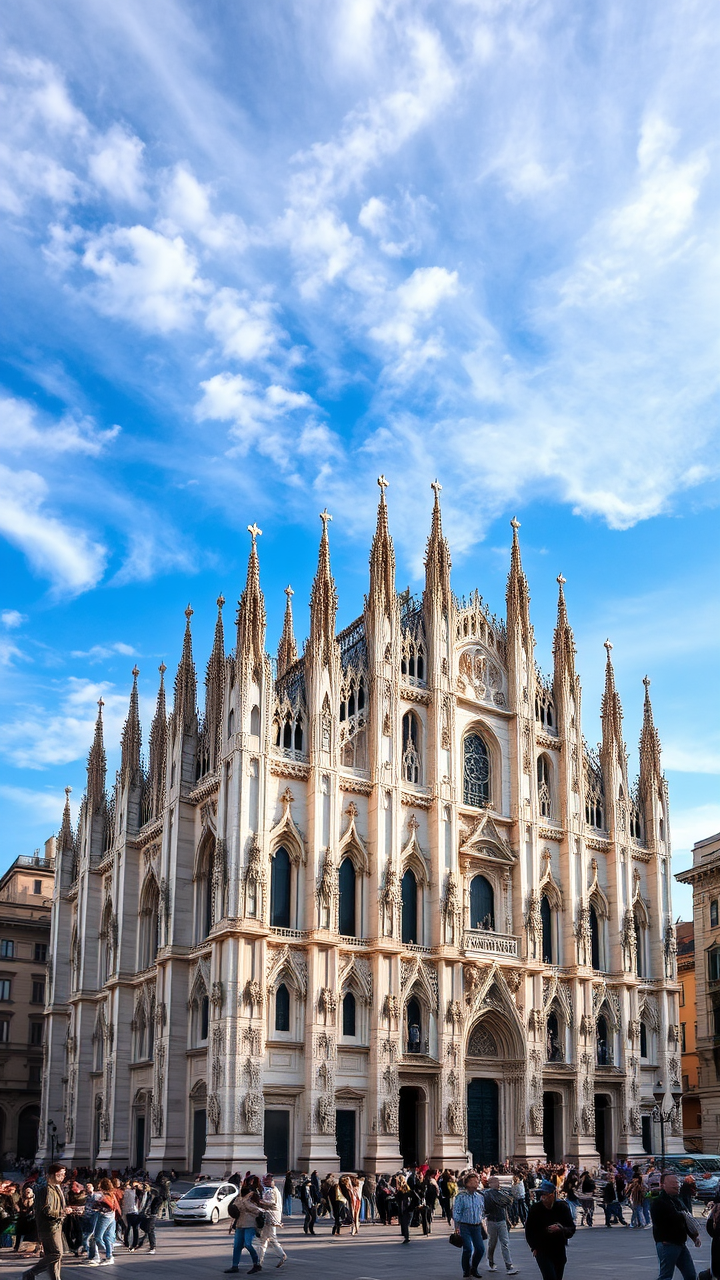
Milan Cathedral - Flux.1 schnell
Eingabe
Create a stunning image of Milan Cathedral, a breathtaking example of Gothic architecture, renowned for its intricate spires and detailed façade. Capture the cathedral's white Candoglia marble, which glistens under the soft morning light, highlighting its elaborate sculptures and ornate flying buttresses. The scene should include the vibrant blue sky dotted with wispy clouds, contrasting beautifully with the cathedral's intricate stonework. Surrounding the cathedral, depict the bustling Piazza del Duomo, with its lively crowds and historic buildings, adding context to the grandeur of the cathedral. Consider a slight mist in the air, enhancing the ethereal quality of the scene. Use a wide-angle lens to emphasize the towering spires reaching towards the heavens, and apply a soft focus to the background, drawing attention to the cathedral's majestic details. Capture this moment in a realistic photographic style, evoking a sense of awe and reverence for this cultural landmark.
Detaillierte Analyse des Flux KI Image Prompt
Analysiere den detaillierten Prompt, der zur Erstellung des Bildes mit dem Flux KI Image Generator verwendet wurde.
Flux-Prompts für den KI-Bildgenerator erkunden
Wie man ein Bild generiert von Flux.1 schnell
Folge diesen vier einfachen Schritten, um das gewünschte Bild zu erstellen.
Schritt 1: Gib deinen Text ein (Fühle dich frei, deinen Prompt für bessere Ergebnisse zu verfeinern)
Schritt 2: Wähle das Bildseitenverhältnis
Schritt 3: Wähle dein Flux-Modell:
Schritt 4: Klicke auf die Generieren-Schaltfläche und warte ein paar Sekunden auf dein Bild
Verwandte Flux KI Tools für Prompts über Flux.1 schnell
Entdecke fortschrittliche Tools von Flux KI, um deinen kreativen Workflow zu verbessern.