Urban Chill: A Snapshot of Style - Flux.1 schnell
Eingabe
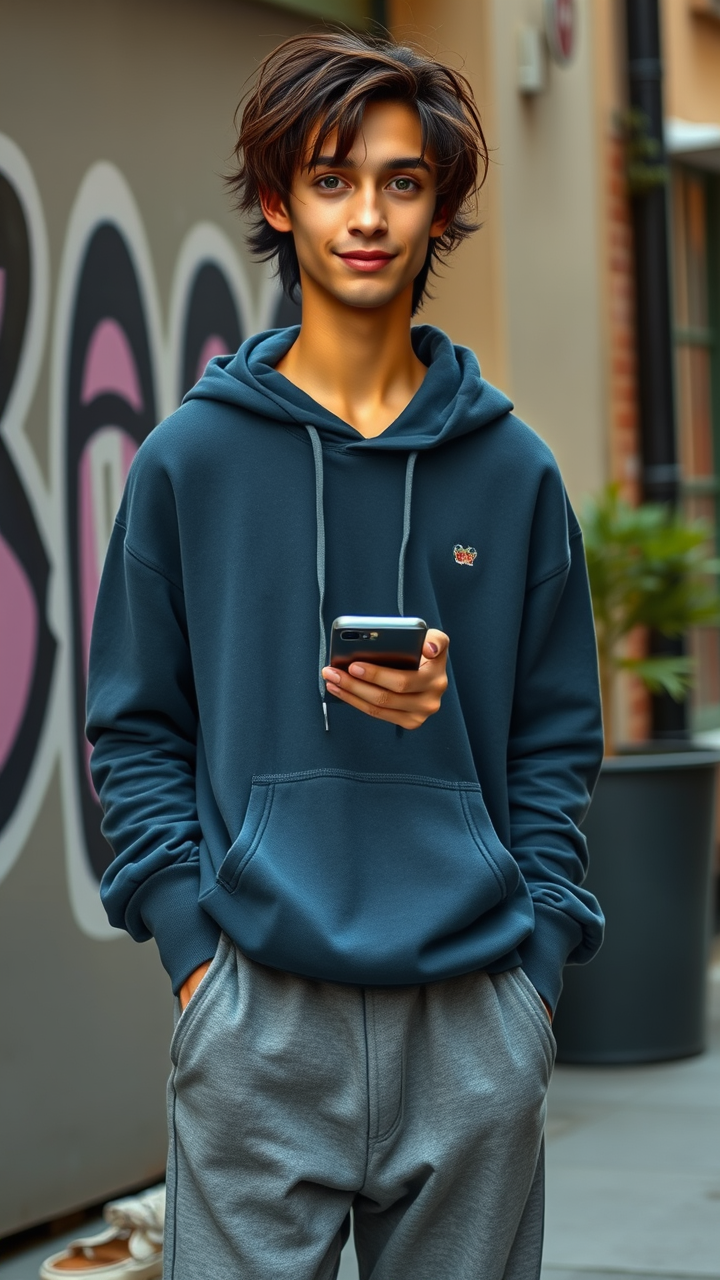
A lanky individual stands casually, exuding a relaxed vibe. They have tousled, medium-length dark brown hair that falls slightly over their forehead, framing a heart-shaped face with high cheekbones. Their skin is a warm olive tone, and they have bright green eyes that sparkle with a hint of mischief. Dressed in an oversized, faded navy blue hoodie that hangs loosely over their slender frame, the hoodie features a small, vintage logo on the left side. They wear baggy gray joggers that gather slightly at the ankles, paired with worn white sneakers. Their expression is one of contentment, with a gentle smile playing on their lips. One hand is casually tucked into a pocket, while the other holds a smartphone, slightly tilted as if capturing a moment. The backdrop hints at an urban setting, with a graffiti-covered wall and a hint of greenery peeking through, suggesting a lively neighborhood atmosphere.
Detaillierte Analyse des Flux KI Image Prompt
Analysiere den detaillierten Prompt, der zur Erstellung des Bildes mit dem Flux KI Image Generator verwendet wurde.
Flux-Prompts für den KI-Bildgenerator erkunden
Wie man ein Bild generiert von Flux.1 schnell
Folge diesen vier einfachen Schritten, um das gewünschte Bild zu erstellen.
Schritt 1: Gib deinen Text ein (Fühle dich frei, deinen Prompt für bessere Ergebnisse zu verfeinern)
Schritt 2: Wähle das Bildseitenverhältnis
Schritt 3: Wähle dein Flux-Modell:
Schritt 4: Klicke auf die Generieren-Schaltfläche und warte ein paar Sekunden auf dein Bild
Verwandte Flux KI Tools für Prompts über Flux.1 schnell
Entdecke fortschrittliche Tools von Flux KI, um deinen kreativen Workflow zu verbessern.