Neon Shadows: The Hunter's Pursuit - Flux.1 schnell
Eingabe
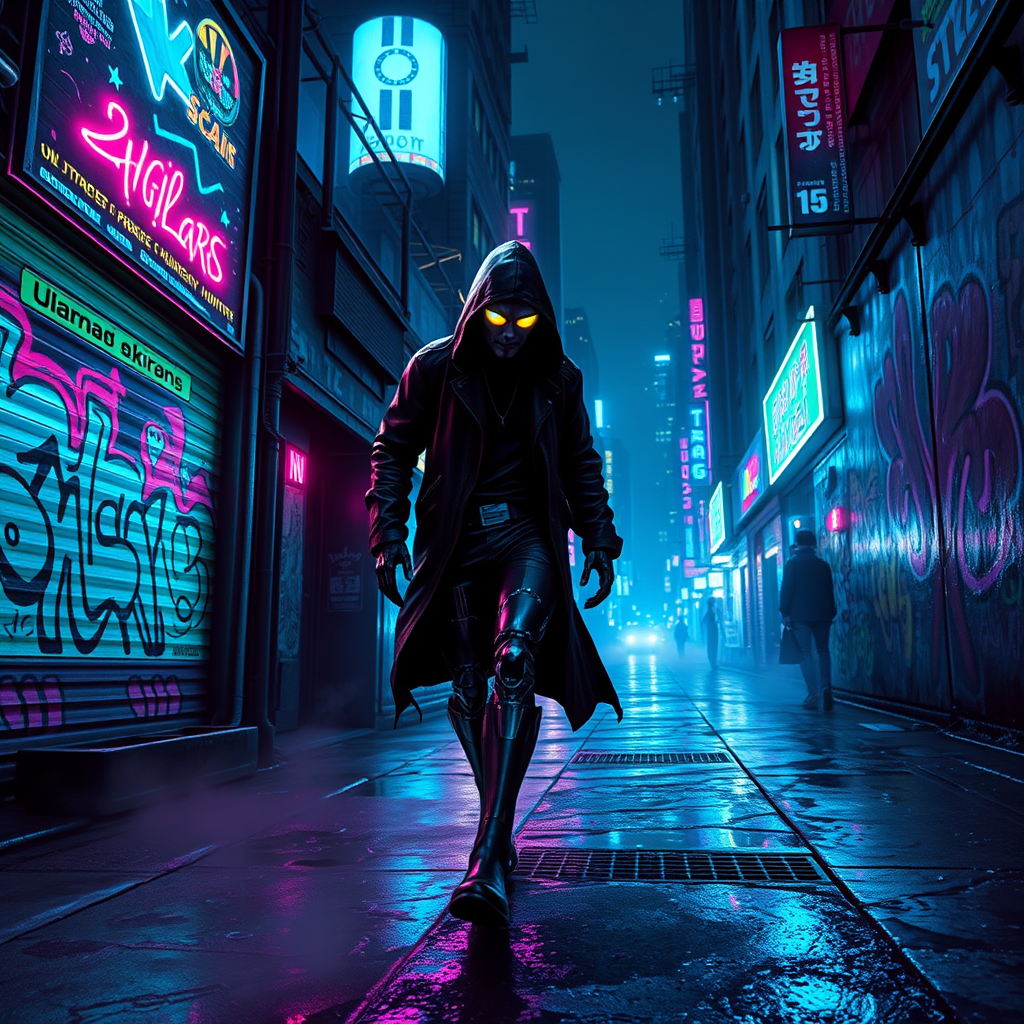
In the shadowy underbelly of a sprawling neon city, a cyborg bounty hunter prowls through the damp, graffiti-covered alleyways, illuminated by flickering holographic advertisements casting a kaleidoscope of colors—electric blues, vibrant pinks, and acidic greens—across the slick pavement. The hunter, a striking figure with metallic limbs and glowing cybernetic eyes, wears a tattered leather coat that flutters against the cold, damp air, reflecting the neon glow. Wisps of steam rise from grates, shrouding the scene in a mysterious haze, while the distant hum of drones echoes above. In the background, towering skyscrapers loom, their windows aglow with the pulse of city life, contrasting with the dark, gritty corners where danger lurks. The hunter's focus is sharp, scanning the shadows for their elusive prey, a shadowy figure cloaked in a hood, barely visible but radiating a sense of foreboding as they slip deeper into the neon abyss.
Detaillierte Analyse des Flux KI Image Prompt
Analysiere den detaillierten Prompt, der zur Erstellung des Bildes mit dem Flux KI Image Generator verwendet wurde.
Flux-Prompts für den KI-Bildgenerator erkunden
Wie man ein Bild generiert von Flux.1 schnell
Folge diesen vier einfachen Schritten, um das gewünschte Bild zu erstellen.
Schritt 1: Gib deinen Text ein (Fühle dich frei, deinen Prompt für bessere Ergebnisse zu verfeinern)
Schritt 2: Wähle das Bildseitenverhältnis
Schritt 3: Wähle dein Flux-Modell:
Schritt 4: Klicke auf die Generieren-Schaltfläche und warte ein paar Sekunden auf dein Bild
Verwandte Flux KI Tools für Prompts über Flux.1 schnell
Entdecke fortschrittliche Tools von Flux KI, um deinen kreativen Workflow zu verbessern.