Shinobu Kocho - Flux.1 dev
Eingabe
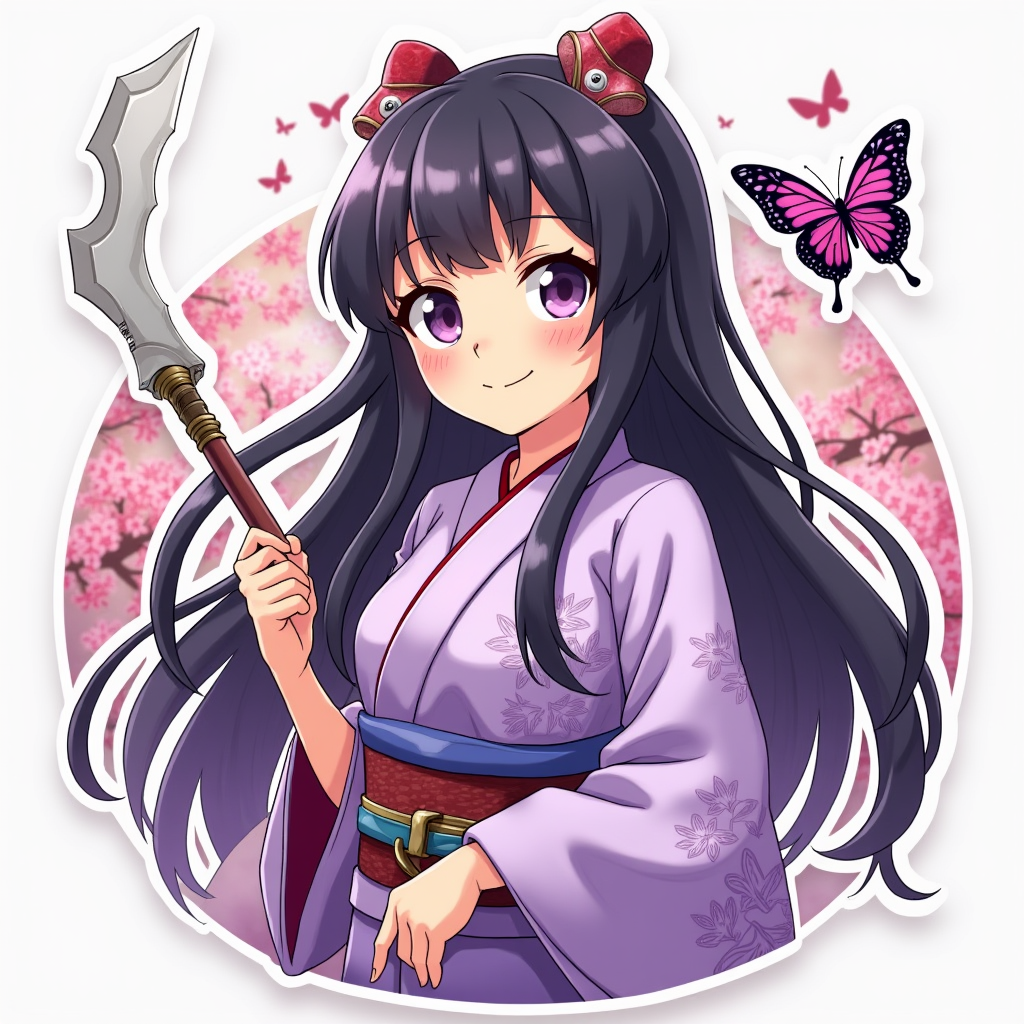
Create an image of Shinobu Kocho from "Demon Slayer" in a vibrant anime sticker style. Focus on her key physical traits: delicate, youthful features, large, expressive lavender eyes, and long, flowing black hair with a gradient to a soft purple at the tips. She wears her signature butterfly-patterned haori, which is predominantly light purple and adorned with intricate designs, over a traditional kimono. Capture her playful yet serene expression, with a gentle smile that reflects her kind-hearted nature. Pose her in a dynamic stance, one hand resting on her hip while the other holds her iconic Nichirin blade, which has a wavy, butterfly-like design. Set the scene against a lush, dreamy background of cherry blossoms and soft, pastel colors to enhance the whimsical feel. Incorporate signature elements like butterflies fluttering around her, emphasizing her connection to nature and her role as a demon slayer. Use bold outlines and bright colors typical of anime sticker art.
Detaillierte Analyse des Flux KI Image Prompt
Analysiere den detaillierten Prompt, der zur Erstellung des Bildes mit dem Flux KI Image Generator verwendet wurde.
Flux-Prompts für den KI-Bildgenerator erkunden
Wie man ein Bild generiert von Flux.1 dev
Folge diesen vier einfachen Schritten, um das gewünschte Bild zu erstellen.
Schritt 1: Gib deinen Text ein (Fühle dich frei, deinen Prompt für bessere Ergebnisse zu verfeinern)
Schritt 2: Wähle das Bildseitenverhältnis
Schritt 3: Wähle dein Flux-Modell:
Schritt 4: Klicke auf die Generieren-Schaltfläche und warte ein paar Sekunden auf dein Bild
Verwandte Flux KI Tools für Prompts über Flux.1 dev
Entdecke fortschrittliche Tools von Flux KI, um deinen kreativen Workflow zu verbessern.