Whispers of Neon Histories - Flux.1 schnell
Eingabe
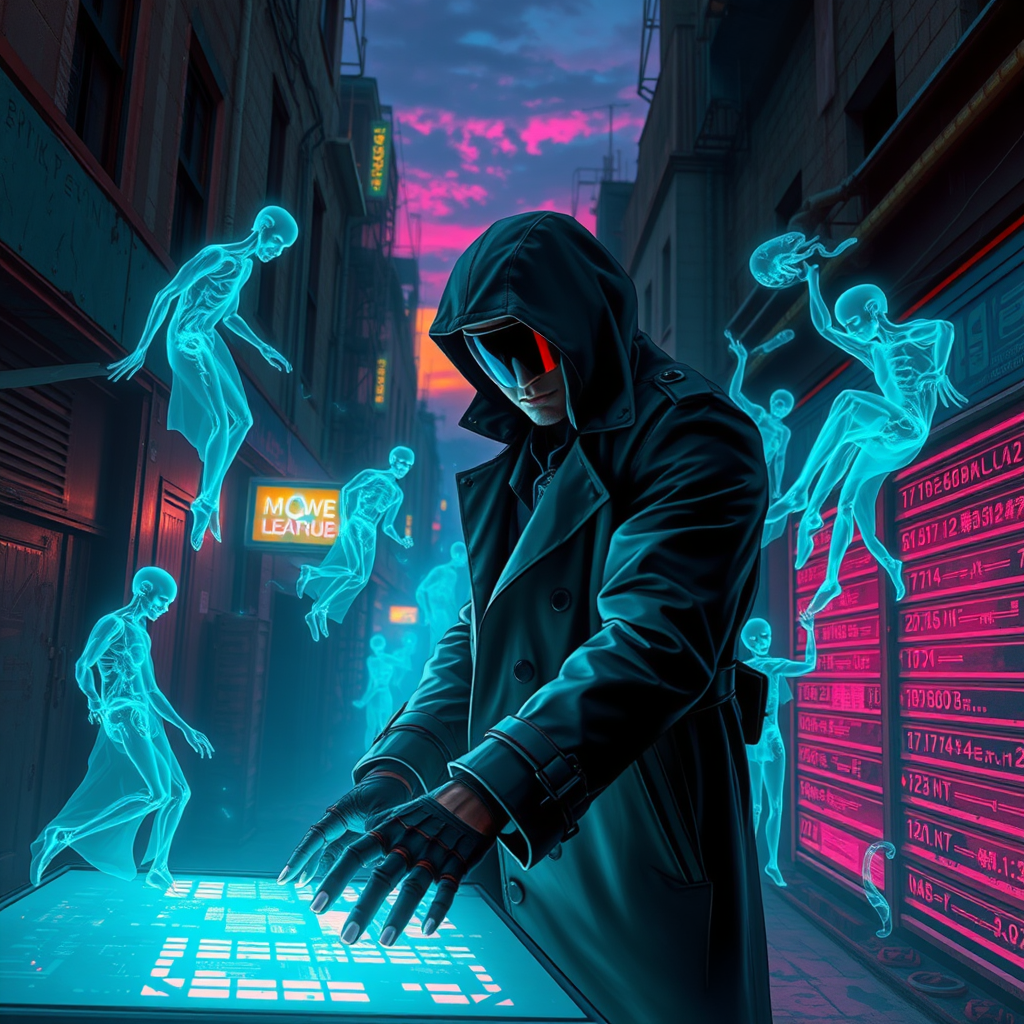
In a dimly lit, neon-drenched alleyway of a sprawling cyberpunk metropolis, holographic specters flicker and sway, their translucent forms shimmering in hues of electric blue and vivid magenta against a backdrop of crumbling concrete and rusted steel. The twilight sky, a gradient of deep indigo and burnt orange, casts an ethereal glow over the scene, illuminating a rogue archivist hunched over a glowing, fragmented data console, fingers dancing across holographic interfaces. Clad in a tattered trench coat adorned with glowing circuitry, the archivist's face is partially obscured by a high-tech visor, reflecting the swirling data streams around them. Around the archivist, ghostly figures emerge from the shadows, whispering forgotten tales of lost histories, while shards of light and data coalesce into swirling patterns, creating an atmosphere charged with mystery and the weight of untold stories waiting to be decrypted.
Detaillierte Analyse des Flux KI Image Prompt
Analysiere den detaillierten Prompt, der zur Erstellung des Bildes mit dem Flux KI Image Generator verwendet wurde.
Flux-Prompts für den KI-Bildgenerator erkunden
Wie man ein Bild generiert von Flux.1 schnell
Folge diesen vier einfachen Schritten, um das gewünschte Bild zu erstellen.
Schritt 1: Gib deinen Text ein (Fühle dich frei, deinen Prompt für bessere Ergebnisse zu verfeinern)
Schritt 2: Wähle das Bildseitenverhältnis
Schritt 3: Wähle dein Flux-Modell:
Schritt 4: Klicke auf die Generieren-Schaltfläche und warte ein paar Sekunden auf dein Bild
Verwandte Flux KI Tools für Prompts über Flux.1 schnell
Entdecke fortschrittliche Tools von Flux KI, um deinen kreativen Workflow zu verbessern.