Fluid Geometry: A Tattoo Odyssey - Flux.1 schnell
Eingabe
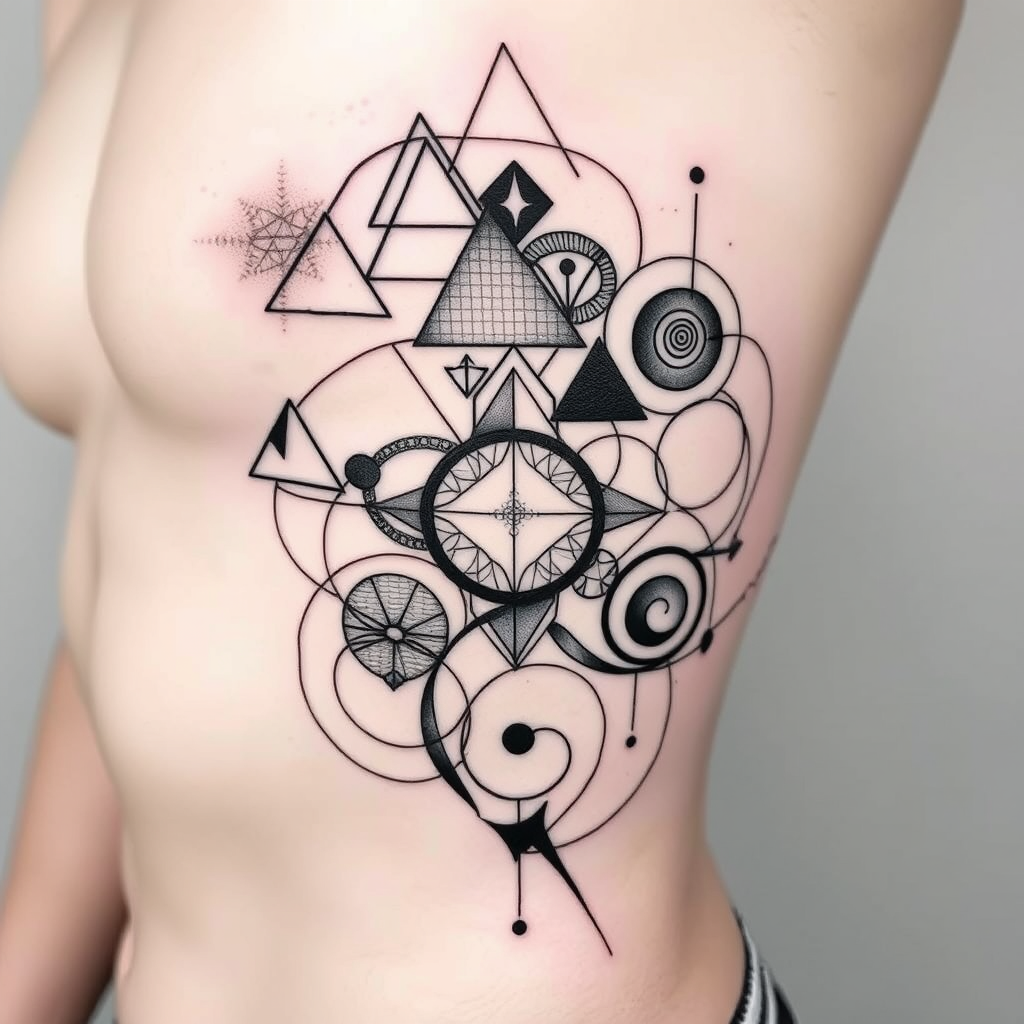
Create a tattoo design for the side of a torso featuring an intricate arrangement of abstract geometric shapes interwoven with flowing lines. Incorporate elements like triangles, circles, and spirals that blend seamlessly into one another, creating a sense of movement and fluidity. The artistic style should be a fusion of minimalist and modern abstract, emphasizing clean lines and negative space. The tattoo should cover a medium to large area, wrapping slightly around the ribs for a dynamic look. Opt for a monochromatic color palette, utilizing deep blacks and subtle grays to enhance the depth of the design. Include intricate textures within the shapes, like dot work or fine hatching, to add richness. Consider subtle cultural references, such as sacred geometry, to imbue the design with meaning. The overall mood should be harmonious and contemplative, evoking a sense of balance and personal expression.
Detaillierte Analyse des Flux KI Image Prompt
Analysiere den detaillierten Prompt, der zur Erstellung des Bildes mit dem Flux KI Image Generator verwendet wurde.
Flux-Prompts für den KI-Bildgenerator erkunden
Wie man ein Bild generiert von Flux.1 schnell
Folge diesen vier einfachen Schritten, um das gewünschte Bild zu erstellen.
Schritt 1: Gib deinen Text ein (Fühle dich frei, deinen Prompt für bessere Ergebnisse zu verfeinern)
Schritt 2: Wähle das Bildseitenverhältnis
Schritt 3: Wähle dein Flux-Modell:
Schritt 4: Klicke auf die Generieren-Schaltfläche und warte ein paar Sekunden auf dein Bild
Verwandte Flux KI Tools für Prompts über Flux.1 schnell
Entdecke fortschrittliche Tools von Flux KI, um deinen kreativen Workflow zu verbessern.