Urban Elegance Unveiled - Flux.1 schnell
Eingabe
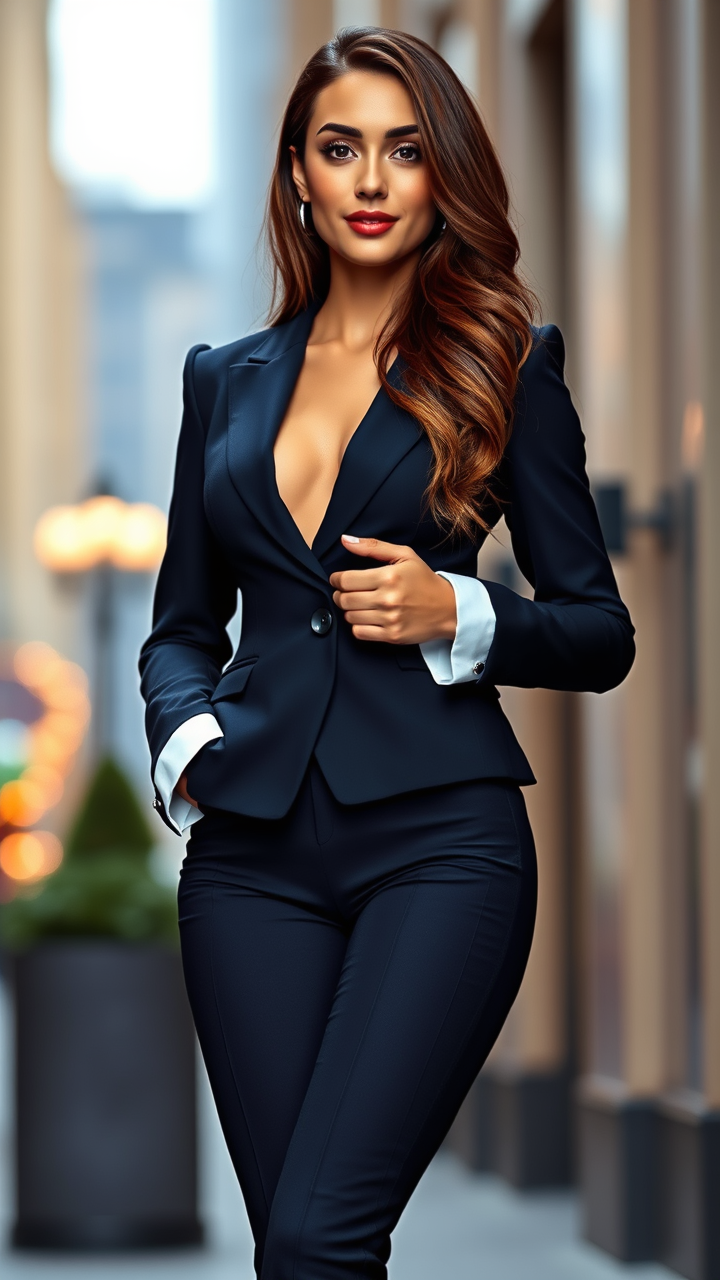
A lithe figure stands confidently, showcasing a graceful physique with well-defined shoulders and a slim waist. Her oval face features high cheekbones, almond-shaped hazel eyes, and full lips that curve into a subtle, knowing smile. Cascading chestnut waves frame her face, glistening in the soft light. She has a warm, fair skin tone with a hint of rosy undertones. Dressed in a tailored navy suit, the blazer hugs her figure perfectly, accentuating her silhouette, while crisp, white cuffs peek from beneath the sleeves. The matching tailored trousers are sleek and fitted, ending just above her ankle, revealing polished black heels. She stands with one hand on her hip and the other casually adjusting her blazer, exuding confidence and poise. The setting is an upscale urban environment, with blurred city lights in the background, suggesting a lively evening atmosphere.
Detaillierte Analyse des Flux KI Image Prompt
Analysiere den detaillierten Prompt, der zur Erstellung des Bildes mit dem Flux KI Image Generator verwendet wurde.
Flux-Prompts für den KI-Bildgenerator erkunden
Wie man ein Bild generiert von Flux.1 schnell
Folge diesen vier einfachen Schritten, um das gewünschte Bild zu erstellen.
Schritt 1: Gib deinen Text ein (Fühle dich frei, deinen Prompt für bessere Ergebnisse zu verfeinern)
Schritt 2: Wähle das Bildseitenverhältnis
Schritt 3: Wähle dein Flux-Modell:
Schritt 4: Klicke auf die Generieren-Schaltfläche und warte ein paar Sekunden auf dein Bild
Verwandte Flux KI Tools für Prompts über Flux.1 schnell
Entdecke fortschrittliche Tools von Flux KI, um deinen kreativen Workflow zu verbessern.