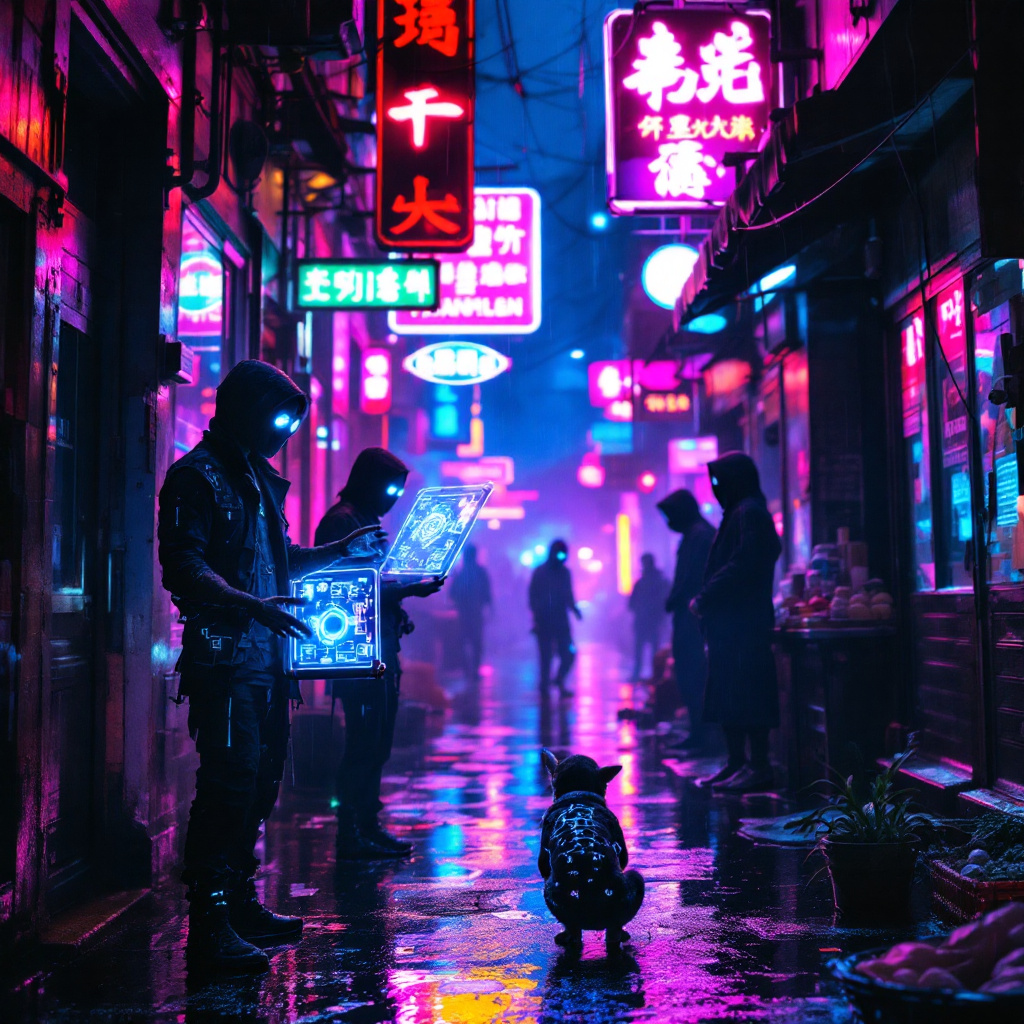
Holographic street vendors hawk illegal tech; neon-lit shadows conceal watchers. - Flux.1.1 pro
Eingabe
In a rain-soaked alleyway bathed in an electric blue and vibrant magenta glow, holographic street vendors display flickering wares of illegal tech, their translucent images shimmering like ghosts against the slick pavement. Neon signs buzz overhead, casting kaleidoscopic reflections that dance in puddles, while shadows loom ominously in the corners, hinting at the presence of unseen watchers cloaked in dark, tattered garments. A vendor, a wiry figure with augmented eyes glowing softly, gestures towards a hovering device that projects intricate schematics in mid-air. The air is thick with a mix of ozone and the faint scent of fried street food, while the distant hum of drones adds an unsettling rhythm to the scene. Glowing tattoos snake up the arms of a nearby patron, their face obscured by a high-tech mask, eyes scanning the surroundings with nervous anticipation. The atmosphere crackles with tension, a vibrant tableau of desperation and illicit commerce in a dystopian urban landscape.
Detaillierte Analyse des Flux KI Image Prompt
Analysiere den detaillierten Prompt, der zur Erstellung des Bildes mit dem Flux KI Image Generator verwendet wurde.
Flux-Prompts für den KI-Bildgenerator erkunden
Wie man ein Bild generiert von Flux.1.1 pro
Folge diesen vier einfachen Schritten, um das gewünschte Bild zu erstellen.
Schritt 1: Gib deinen Text ein (Fühle dich frei, deinen Prompt für bessere Ergebnisse zu verfeinern)
Schritt 2: Wähle das Bildseitenverhältnis
Schritt 3: Wähle dein Flux-Modell:
Schritt 4: Klicke auf die Generieren-Schaltfläche und warte ein paar Sekunden auf dein Bild
Verwandte Flux KI Tools für Prompts über Flux.1.1 pro
Entdecke fortschrittliche Tools von Flux KI, um deinen kreativen Workflow zu verbessern.