Twilight's Holographic Secrets - Flux.1 schnell
Eingabe
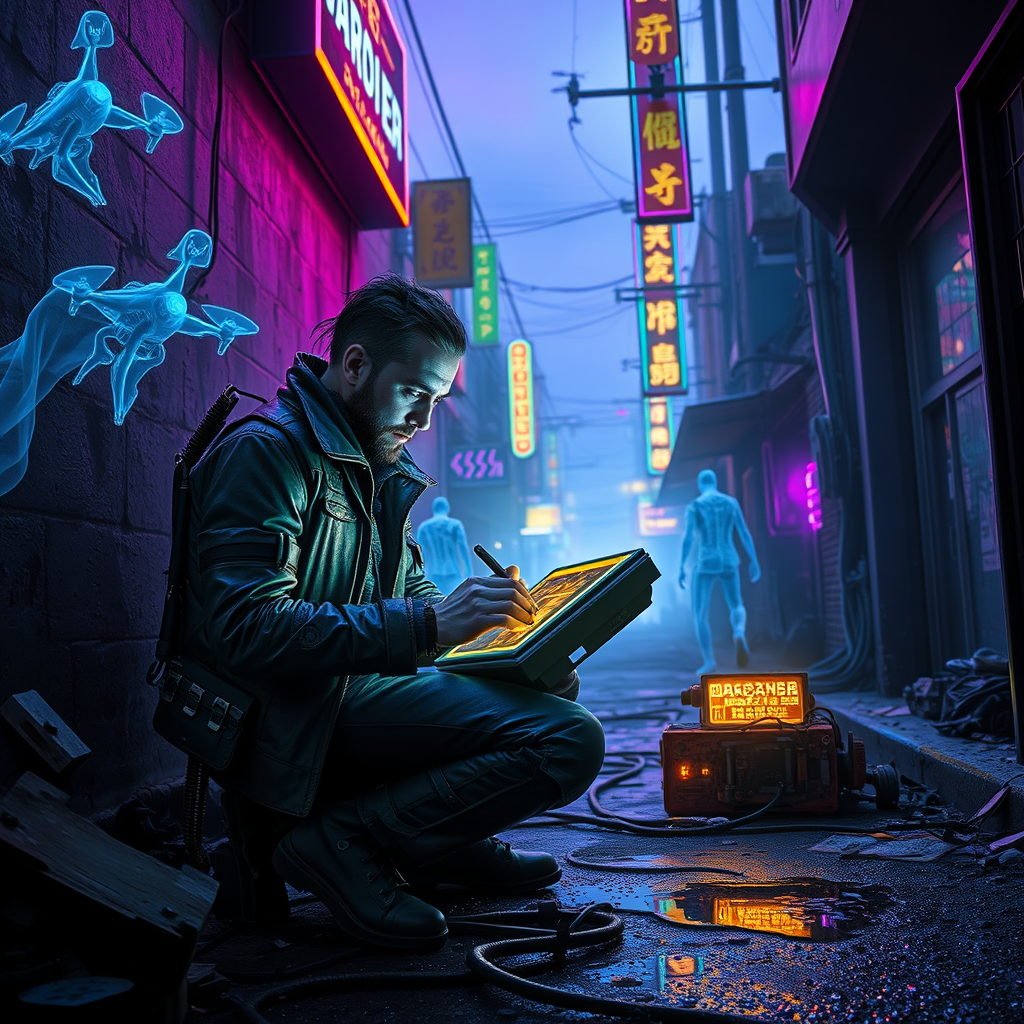
In a neon-drenched alleyway, twilight casts a deep indigo hue over the crumbling concrete, where holographic specters shimmer like ethereal ghosts, their translucent forms flickering with vibrant shades of electric blue and violet. A rogue engineer, clad in a patchwork of leather and cybernetic enhancements, kneels amidst a tangle of rusted machinery and glowing circuit boards, intently decrypting an ancient tech relic that hums softly with a golden light. The air is thick with the scent of rain-soaked asphalt and the distant hum of drones, while neon signs buzz overhead, casting kaleidoscopic reflections on puddles below. The engineer's face is illuminated by the soft glow of a holographic interface, revealing intricate symbols and codes, as the twilight deepens, creating an atmosphere of mystery and urgency in this cyberpunk world, where the past and future collide in a dance of light and shadow.
Detaillierte Analyse des Flux KI Image Prompt
Analysiere den detaillierten Prompt, der zur Erstellung des Bildes mit dem Flux KI Image Generator verwendet wurde.
Flux-Prompts für den KI-Bildgenerator erkunden
Wie man ein Bild generiert von Flux.1 schnell
Folge diesen vier einfachen Schritten, um das gewünschte Bild zu erstellen.
Schritt 1: Gib deinen Text ein (Fühle dich frei, deinen Prompt für bessere Ergebnisse zu verfeinern)
Schritt 2: Wähle das Bildseitenverhältnis
Schritt 3: Wähle dein Flux-Modell:
Schritt 4: Klicke auf die Generieren-Schaltfläche und warte ein paar Sekunden auf dein Bild
Verwandte Flux KI Tools für Prompts über Flux.1 schnell
Entdecke fortschrittliche Tools von Flux KI, um deinen kreativen Workflow zu verbessern.