Neon Dreams in the Rain - Flux.1 dev
Eingabe
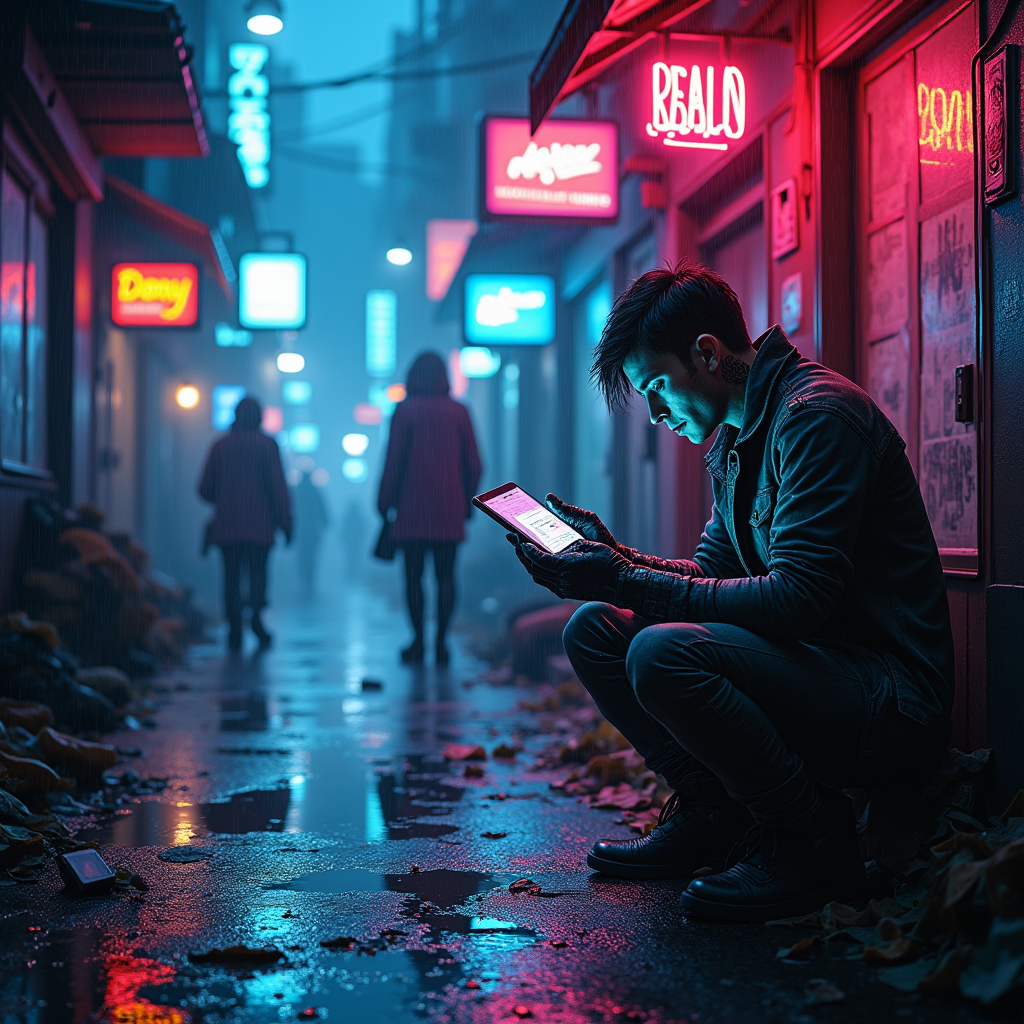
In a dimly lit rain-soaked alley, neon lights flicker erratically, casting vibrant hues of electric blue and deep magenta onto the slick cobblestones, creating a kaleidoscope of color that dances with each raindrop. Shadows shift as cybernetic scavengers, adorned with glowing tattoos and makeshift augmentations, meticulously sift through heaps of discarded tech and shattered dreams, their eyes gleaming with a mix of desperation and hope. The air is thick with the scent of wet asphalt and ozone, punctuated by the distant hum of machinery and the soft patter of rain. Puddles reflect the chaotic glow of holographic advertisements, showcasing tantalizing images of a utopian future that feels just out of reach. In the foreground, a scavenger, with a mechanical arm and a tattered trench coat, holds a fragment of an old holographic projector, its flickering light illuminating their face, revealing a look of determination amidst the haunting beauty of a world forgotten.
Detaillierte Analyse des Flux KI Image Prompt
Analysiere den detaillierten Prompt, der zur Erstellung des Bildes mit dem Flux KI Image Generator verwendet wurde.
Flux-Prompts für den KI-Bildgenerator erkunden
Wie man ein Bild generiert von Flux.1 dev
Folge diesen vier einfachen Schritten, um das gewünschte Bild zu erstellen.
Schritt 1: Gib deinen Text ein (Fühle dich frei, deinen Prompt für bessere Ergebnisse zu verfeinern)
Schritt 2: Wähle das Bildseitenverhältnis
Schritt 3: Wähle dein Flux-Modell:
Schritt 4: Klicke auf die Generieren-Schaltfläche und warte ein paar Sekunden auf dein Bild
Verwandte Flux KI Tools für Prompts über Flux.1 dev
Entdecke fortschrittliche Tools von Flux KI, um deinen kreativen Workflow zu verbessern.