Meme Madness: Office Showdown! - Flux.1.1 pro
Eingabe
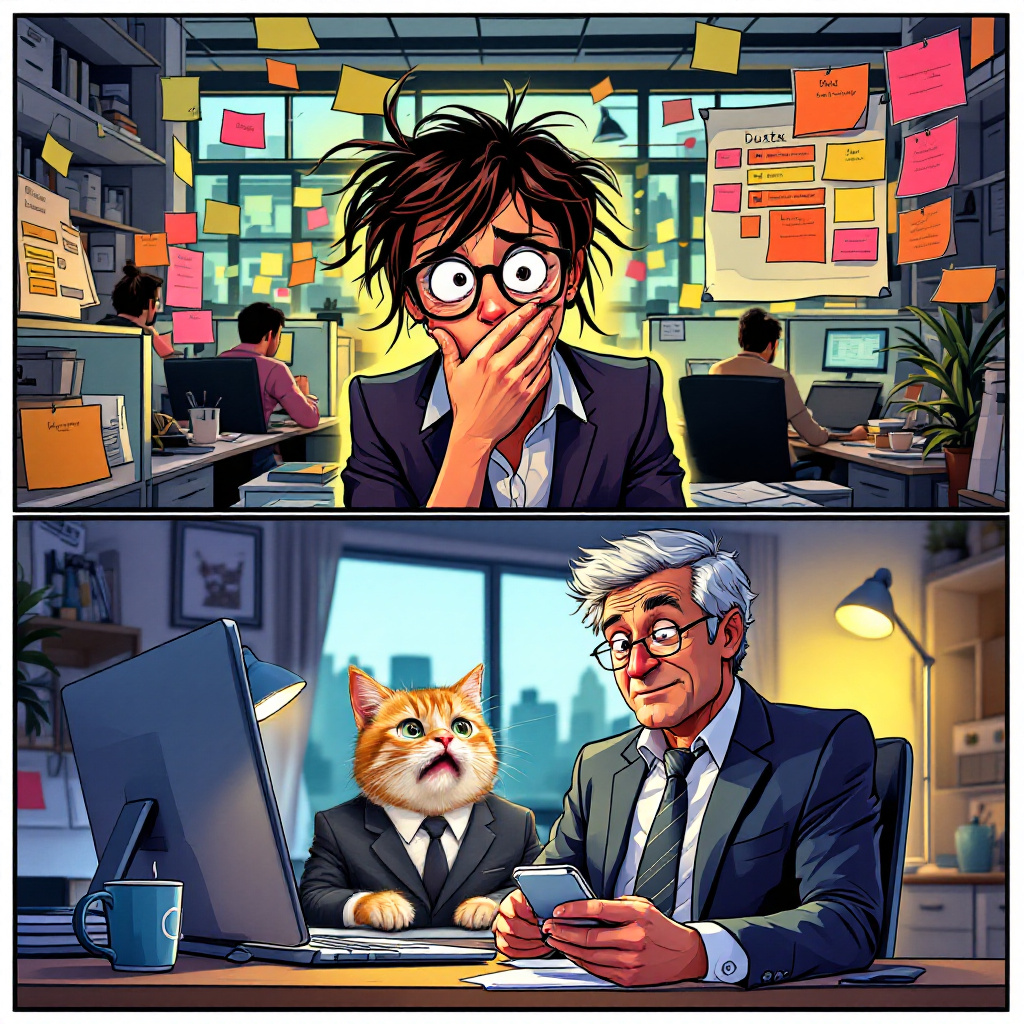
A split-screen image capturing two contrasting scenes. On the left, a bright, chaotic office environment filled with cubicles, where a flustered employee, a young woman with messy hair and glasses, stares wide-eyed at her phone, her hand covering her mouth in shock. The screen displays a humorous meme featuring a cat in a business suit, with exaggerated facial expressions. The background is filled with colorful sticky notes and a cluttered desk with a coffee cup and a laptop. On the right, the boss, an older man in a crisp suit, is sitting in a sleek, modern office, his face a mix of confusion and amusement as he looks at his own phone, the meme visible on the screen. The lighting is warm, with a soft glow from a desk lamp. Use a cartoonish style with vibrant colors and exaggerated expressions to enhance the humor of the situation, incorporating dynamic lines to convey the tension and surprise.
Detaillierte Analyse des Flux KI Image Prompt
Analysiere den detaillierten Prompt, der zur Erstellung des Bildes mit dem Flux KI Image Generator verwendet wurde.
Flux-Prompts für den KI-Bildgenerator erkunden
Wie man ein Bild generiert von Flux.1.1 pro
Folge diesen vier einfachen Schritten, um das gewünschte Bild zu erstellen.
Schritt 1: Gib deinen Text ein (Fühle dich frei, deinen Prompt für bessere Ergebnisse zu verfeinern)
Schritt 2: Wähle das Bildseitenverhältnis
Schritt 3: Wähle dein Flux-Modell:
Schritt 4: Klicke auf die Generieren-Schaltfläche und warte ein paar Sekunden auf dein Bild
Verwandte Flux KI Tools für Prompts über Flux.1.1 pro
Entdecke fortschrittliche Tools von Flux KI, um deinen kreativen Workflow zu verbessern.