Neon Shadows: Race for Data - Flux.1 schnell
Eingabe
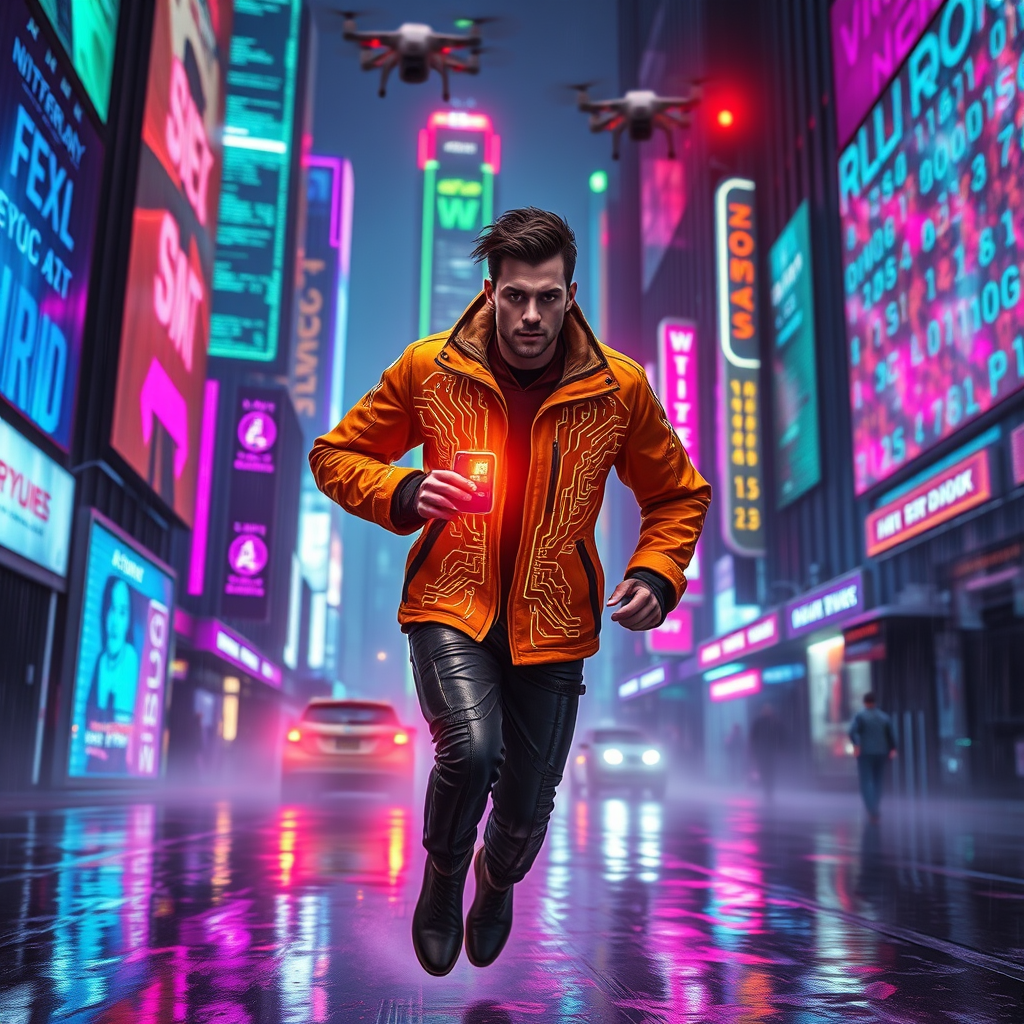
In a neon-drenched metropolis, holographic billboards flicker erratically, casting vibrant hues of electric blue, magenta, and acid green across rain-slicked streets. A rogue courier, clad in a sleek, reflective jacket adorned with pulsating circuit patterns, deftly navigates through a labyrinth of shifting data mazes, where translucent walls of cascading code shimmer and warp. The air is thick with a haze of digital particles, illuminated by the glow of towering skyscrapers that loom like monolithic sentinels. Above, drones buzz ominously, their red lights scanning the ground below. The atmosphere is charged with tension, as the courier, with a determined gaze and cybernetic enhancements glinting in the light, races against time, clutching a glowing data chip that pulses with urgency. Shadows dance around them, merging with the chaotic symphony of sound—hissing steam, distant sirens, and the hum of technology—creating a vivid tableau of a world on the brink of a digital revolution.
Detaillierte Analyse des Flux KI Image Prompt
Analysiere den detaillierten Prompt, der zur Erstellung des Bildes mit dem Flux KI Image Generator verwendet wurde.
Flux-Prompts für den KI-Bildgenerator erkunden
Wie man ein Bild generiert von Flux.1 schnell
Folge diesen vier einfachen Schritten, um das gewünschte Bild zu erstellen.
Schritt 1: Gib deinen Text ein (Fühle dich frei, deinen Prompt für bessere Ergebnisse zu verfeinern)
Schritt 2: Wähle das Bildseitenverhältnis
Schritt 3: Wähle dein Flux-Modell:
Schritt 4: Klicke auf die Generieren-Schaltfläche und warte ein paar Sekunden auf dein Bild
Verwandte Flux KI Tools für Prompts über Flux.1 schnell
Entdecke fortschrittliche Tools von Flux KI, um deinen kreativen Workflow zu verbessern.