Neon-lit alley echoes; augmented whispers exchange secrets beneath flickering... - Flux.1 schnell
Eingabe
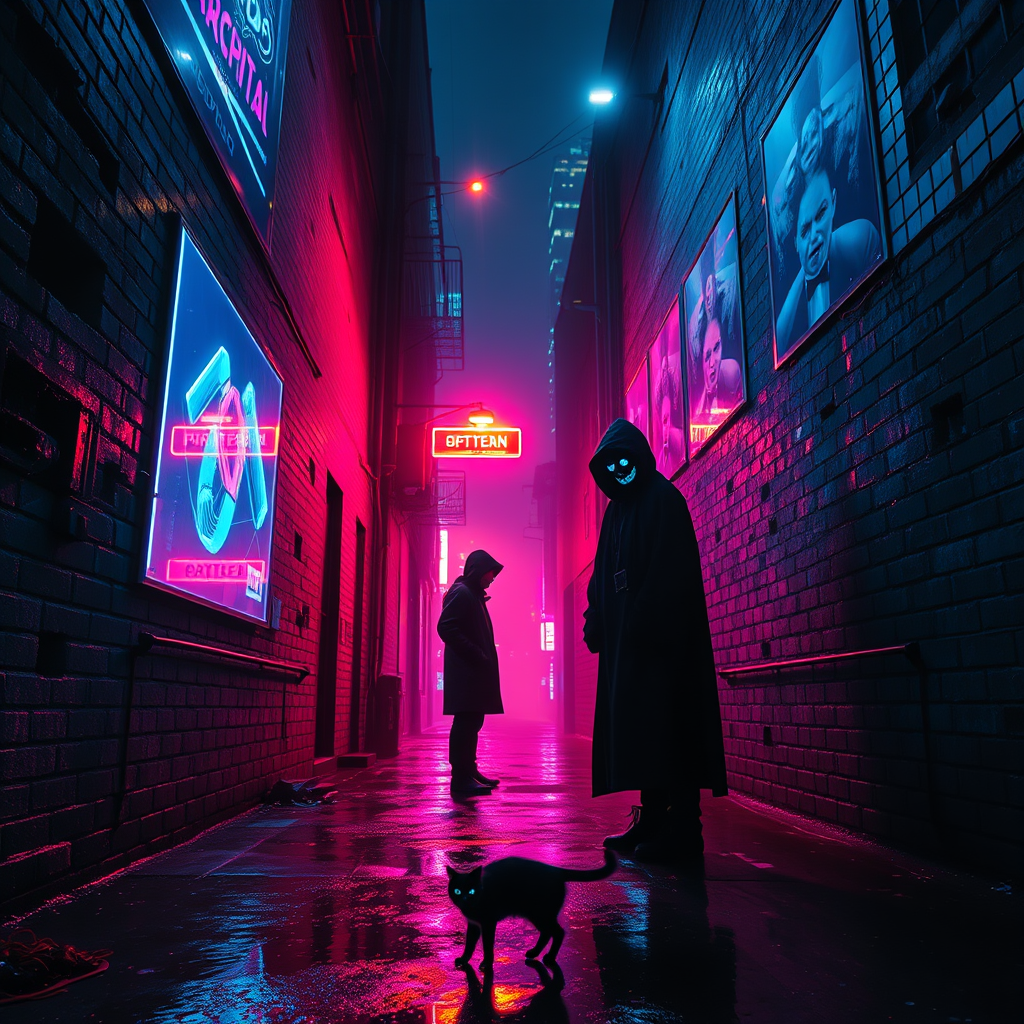
In a narrow, rain-slicked alleyway, neon lights pulse in vibrant hues of electric blue and hot pink, casting a surreal glow on the crumbling brick walls. Holographic advertisements flicker above, showcasing surreal products that hover in mid-air, their colors bleeding into the misty atmosphere. Shadows dance as two cloaked figures stand beneath a flickering streetlamp, their faces obscured, exchanging whispered secrets that shimmer like digital echoes in the air. The ground is littered with glowing debris, and a stray cat with luminescent eyes weaves through puddles reflecting the kaleidoscopic light. In the background, towering skyscrapers loom, their facades adorned with shifting digital murals, while the distant hum of drones adds to the electric ambiance. A sense of intrigue and tension fills the air, inviting the viewer to step into this vivid, dystopian world where every corner hides a story waiting to be uncovered.
Detaillierte Analyse des Flux KI Image Prompt
Analysiere den detaillierten Prompt, der zur Erstellung des Bildes mit dem Flux KI Image Generator verwendet wurde.
Flux-Prompts für den KI-Bildgenerator erkunden
Wie man ein Bild generiert von Flux.1 schnell
Folge diesen vier einfachen Schritten, um das gewünschte Bild zu erstellen.
Schritt 1: Gib deinen Text ein (Fühle dich frei, deinen Prompt für bessere Ergebnisse zu verfeinern)
Schritt 2: Wähle das Bildseitenverhältnis
Schritt 3: Wähle dein Flux-Modell:
Schritt 4: Klicke auf die Generieren-Schaltfläche und warte ein paar Sekunden auf dein Bild
Verwandte Flux KI Tools für Prompts über Flux.1 schnell
Entdecke fortschrittliche Tools von Flux KI, um deinen kreativen Workflow zu verbessern.