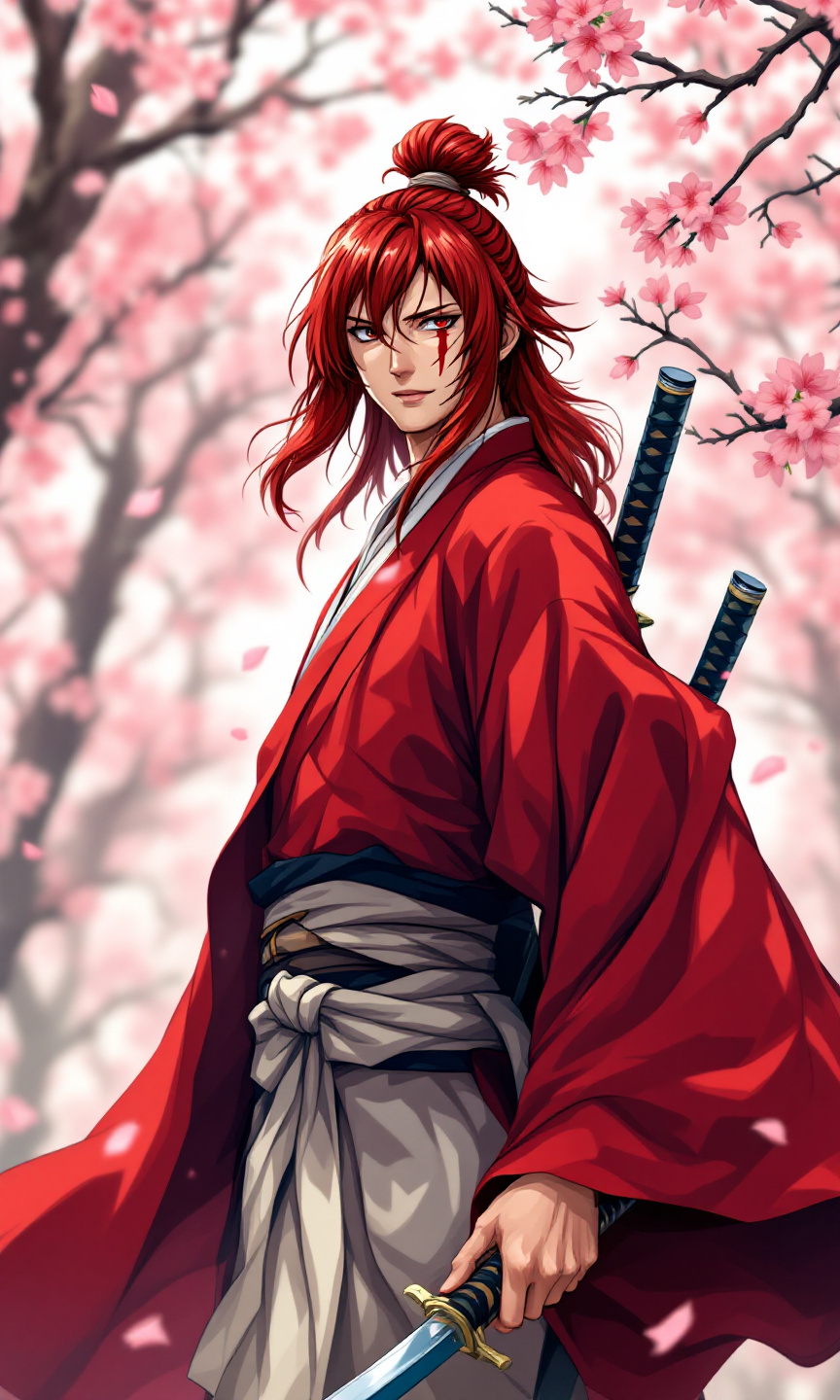
Kenshin Himura - Flux.1.1 pro
Eingabe
Generate an image of Kenshin Himura in a vibrant anime sticker style. Capture his key physical features: long, red hair tied in a traditional topknot, sharp features, and distinctive cross-shaped scar on his left cheek. Dress him in his iconic, flowing crimson kimono with a white obi, and add his dual katana sheathed at his side. Portray Kenshin with a determined yet calm expression, showcasing his gentle demeanor and fierce warrior spirit. Position him in a dynamic stance, one hand resting on the hilt of his sword, ready for action. Set the background in a serene, cherry blossom grove, with petals gently falling around him, enhancing the tranquil yet intense atmosphere. Use bold colors and clean lines typical of anime sticker art, emphasizing his striking hair and vibrant attire, while incorporating signature elements like the sakura blossoms and a hint of motion to convey his swift nature.
Detaillierte Analyse des Flux KI Image Prompt
Analysiere den detaillierten Prompt, der zur Erstellung des Bildes mit dem Flux KI Image Generator verwendet wurde.
Flux-Prompts für den KI-Bildgenerator erkunden
Wie man ein Bild generiert von Flux.1.1 pro
Folge diesen vier einfachen Schritten, um das gewünschte Bild zu erstellen.
Schritt 1: Gib deinen Text ein (Fühle dich frei, deinen Prompt für bessere Ergebnisse zu verfeinern)
Schritt 2: Wähle das Bildseitenverhältnis
Schritt 3: Wähle dein Flux-Modell:
Schritt 4: Klicke auf die Generieren-Schaltfläche und warte ein paar Sekunden auf dein Bild
Verwandte Flux KI Tools für Prompts über Flux.1.1 pro
Entdecke fortschrittliche Tools von Flux KI, um deinen kreativen Workflow zu verbessern.