Neon Rebellion: Rise of the Phoenix - Flux.1 dev
Eingabe
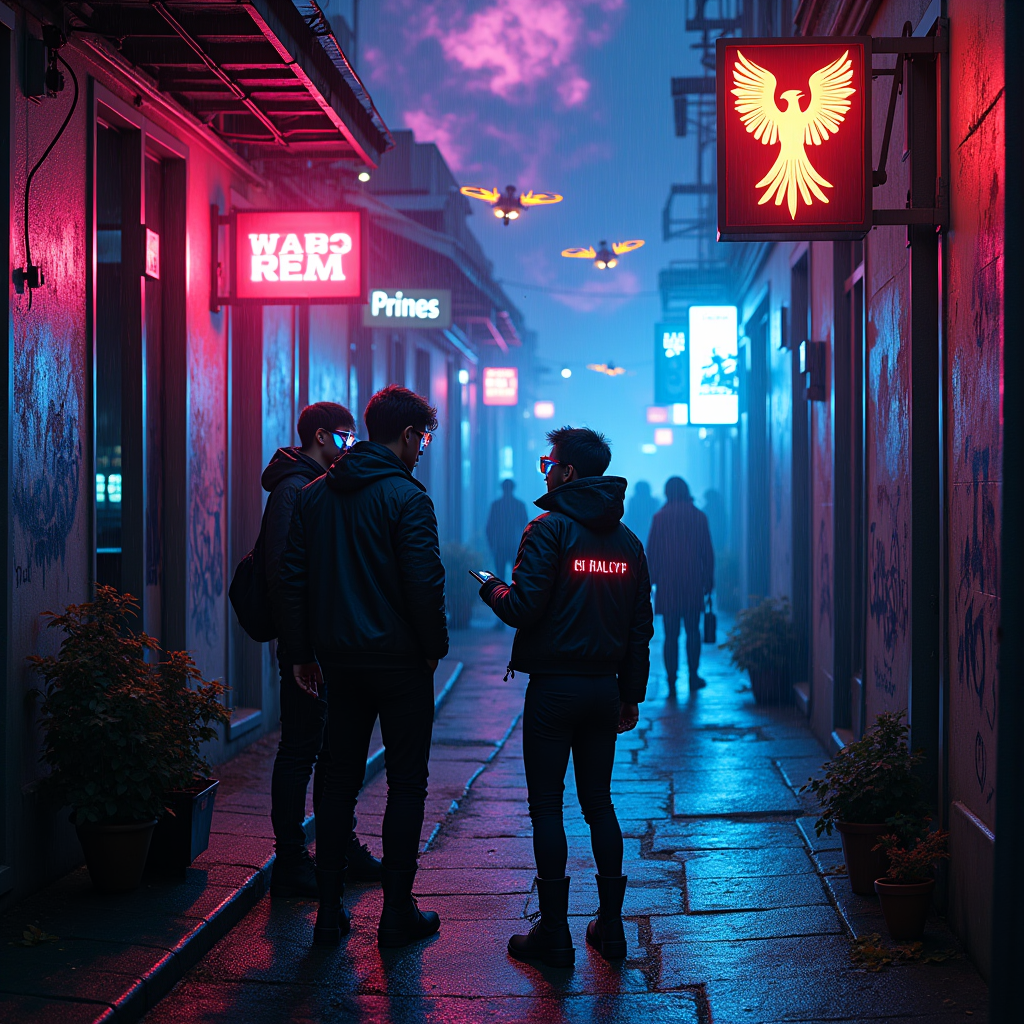
In a dimly lit alleyway, drenched in a kaleidoscope of electric blues and vibrant pinks, neon-clad rebels huddle together, their faces aglow with the pulsating light of holographic screens. The air crackles with tension, illuminated by flickering neon signs that cast eerie shadows on rain-slicked cobblestones, reflecting the chaotic beauty of a cyberpunk metropolis. Characters adorned in sleek, futuristic attire—leather jackets embedded with LED circuits, augmented visors, and cybernetic tattoos—whisper fervently, their breath visible in the cool night air. Above them, a sky streaked with swirling clouds of violet and electric green mirrors their fervor, while distant drones zip by, their lights blinking like fireflies in a storm. A graffiti mural of a defiant phoenix looms behind them, symbolizing their rebellion against a faceless regime, as the atmosphere thrums with the promise of revolution and the electric whispers of hope.
Detaillierte Analyse des Flux KI Image Prompt
Analysiere den detaillierten Prompt, der zur Erstellung des Bildes mit dem Flux KI Image Generator verwendet wurde.
Flux-Prompts für den KI-Bildgenerator erkunden
Wie man ein Bild generiert von Flux.1 dev
Folge diesen vier einfachen Schritten, um das gewünschte Bild zu erstellen.
Schritt 1: Gib deinen Text ein (Fühle dich frei, deinen Prompt für bessere Ergebnisse zu verfeinern)
Schritt 2: Wähle das Bildseitenverhältnis
Schritt 3: Wähle dein Flux-Modell:
Schritt 4: Klicke auf die Generieren-Schaltfläche und warte ein paar Sekunden auf dein Bild
Verwandte Flux KI Tools für Prompts über Flux.1 dev
Entdecke fortschrittliche Tools von Flux KI, um deinen kreativen Workflow zu verbessern.