Hikaru Saito - Flux.1 schnell
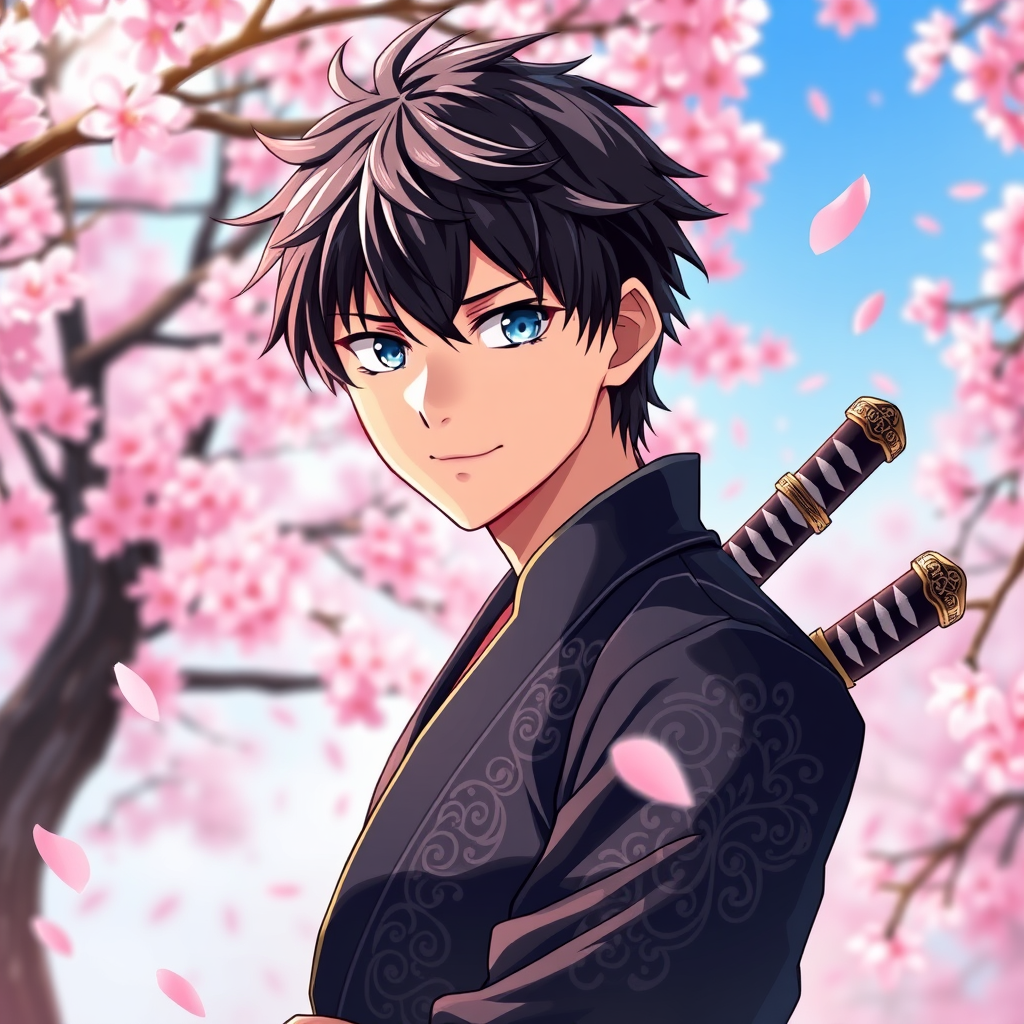
Eingabe
Create an image of Hikaru Saito in a vibrant anime style, featuring sharp, expressive eyes that reflect determination and intelligence. He has tousled dark hair with subtle highlights, styled to frame his face. Dress him in a sleek, modernized version of a traditional samurai outfit, incorporating a dark blue hakama and a fitted black kimono top adorned with intricate silver patterns. Include a katana sheathed at his side, with a hilt that showcases ornate designs. Hikaru's expression should be focused and confident, with a slight smirk suggesting both charm and cunning. Position him in a dynamic stance, as if ready to spring into action, with one hand resting on the katana's hilt. Set the scene in a serene cherry blossom grove, with pink petals gently falling around him, adding a touch of tranquility. Use vibrant colors and clean lines typical of contemporary anime art styles, emphasizing fluid motion and emotional depth. Incorporate a faint glow around the katana, highlighting its significance.
Detaillierte Analyse des Flux KI Image Prompt
Analysiere den detaillierten Prompt, der zur Erstellung des Bildes mit dem Flux KI Image Generator verwendet wurde.
Flux-Prompts für den KI-Bildgenerator erkunden
Wie man ein Bild generiert von Flux.1 schnell
Folge diesen vier einfachen Schritten, um das gewünschte Bild zu erstellen.
Schritt 1: Gib deinen Text ein (Fühle dich frei, deinen Prompt für bessere Ergebnisse zu verfeinern)
Schritt 2: Wähle das Bildseitenverhältnis
Schritt 3: Wähle dein Flux-Modell:
Schritt 4: Klicke auf die Generieren-Schaltfläche und warte ein paar Sekunden auf dein Bild
Verwandte Flux KI Tools für Prompts über Flux.1 schnell
Entdecke fortschrittliche Tools von Flux KI, um deinen kreativen Workflow zu verbessern.