Neon Hackers: Digital Uprising - Flux.1 schnell
Eingabe
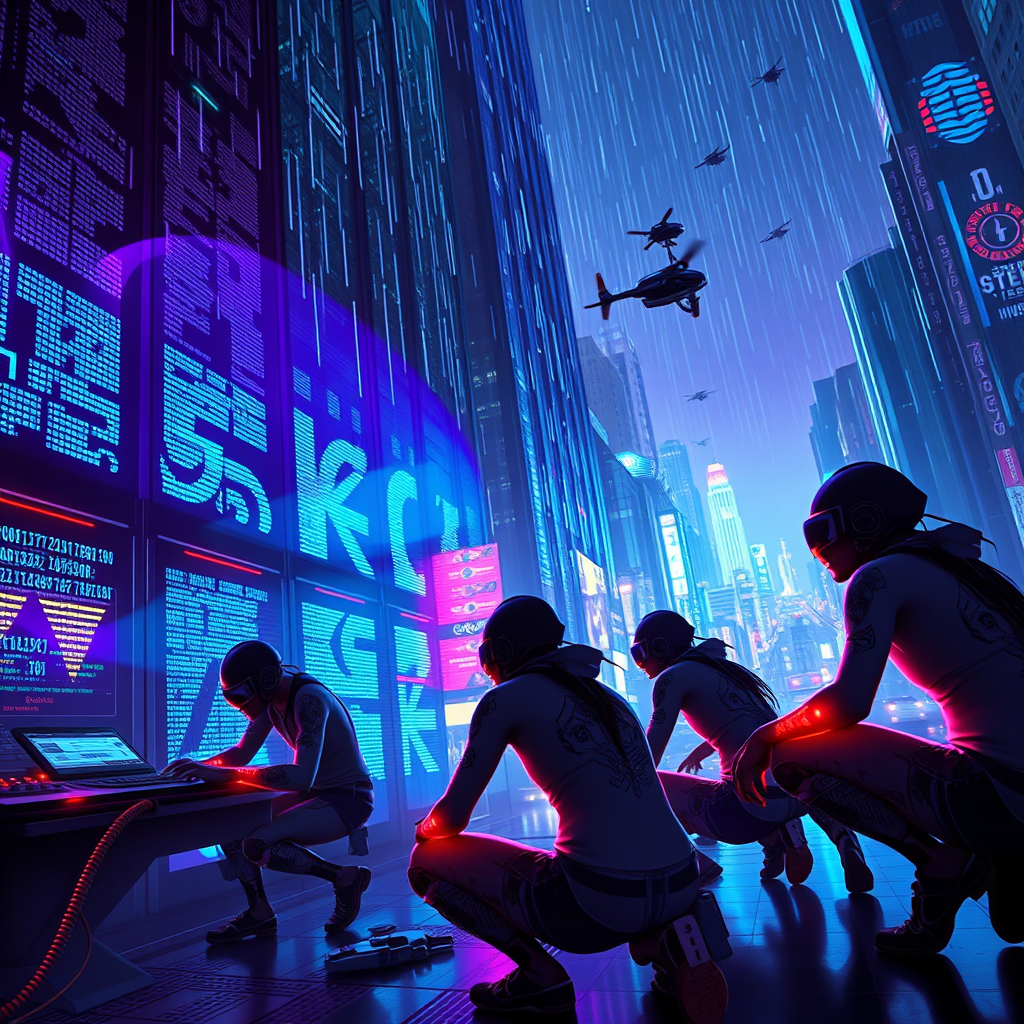
In a neon-lit cyberpunk cityscape, a group of sleek, augmented cyborg hackers with iridescent tattoos and glowing cybernetic limbs infiltrates a towering corporate skyscraper, its glass façade reflecting a kaleidoscope of vibrant blues and purples. They crouch in the shadows of a dimly lit server room, illuminated by the pulsating glow of holographic interfaces displaying cascading lines of code. The atmosphere is thick with tension, as digital rain streams down from the ceiling, creating a surreal backdrop of binary code. One hacker, with a visor displaying shifting data, interfaces with a massive console, while another, adorned with intricate circuitry tattoos, deploys a swarm of drones that buzz ominously like fireflies. In the distance, the chaotic city hums with life, its streets alive with flickering advertisements and the distant wail of sirens, as the hackers unleash digital mayhem, sending shockwaves through corporate networks, igniting a vibrant explosion of colors and chaos in the virtual realm.
Detaillierte Analyse des Flux KI Image Prompt
Analysiere den detaillierten Prompt, der zur Erstellung des Bildes mit dem Flux KI Image Generator verwendet wurde.
Flux-Prompts für den KI-Bildgenerator erkunden
Wie man ein Bild generiert von Flux.1 schnell
Folge diesen vier einfachen Schritten, um das gewünschte Bild zu erstellen.
Schritt 1: Gib deinen Text ein (Fühle dich frei, deinen Prompt für bessere Ergebnisse zu verfeinern)
Schritt 2: Wähle das Bildseitenverhältnis
Schritt 3: Wähle dein Flux-Modell:
Schritt 4: Klicke auf die Generieren-Schaltfläche und warte ein paar Sekunden auf dein Bild
Verwandte Flux KI Tools für Prompts über Flux.1 schnell
Entdecke fortschrittliche Tools von Flux KI, um deinen kreativen Workflow zu verbessern.