Sora Aizawa - Flux.1 dev
Eingabe
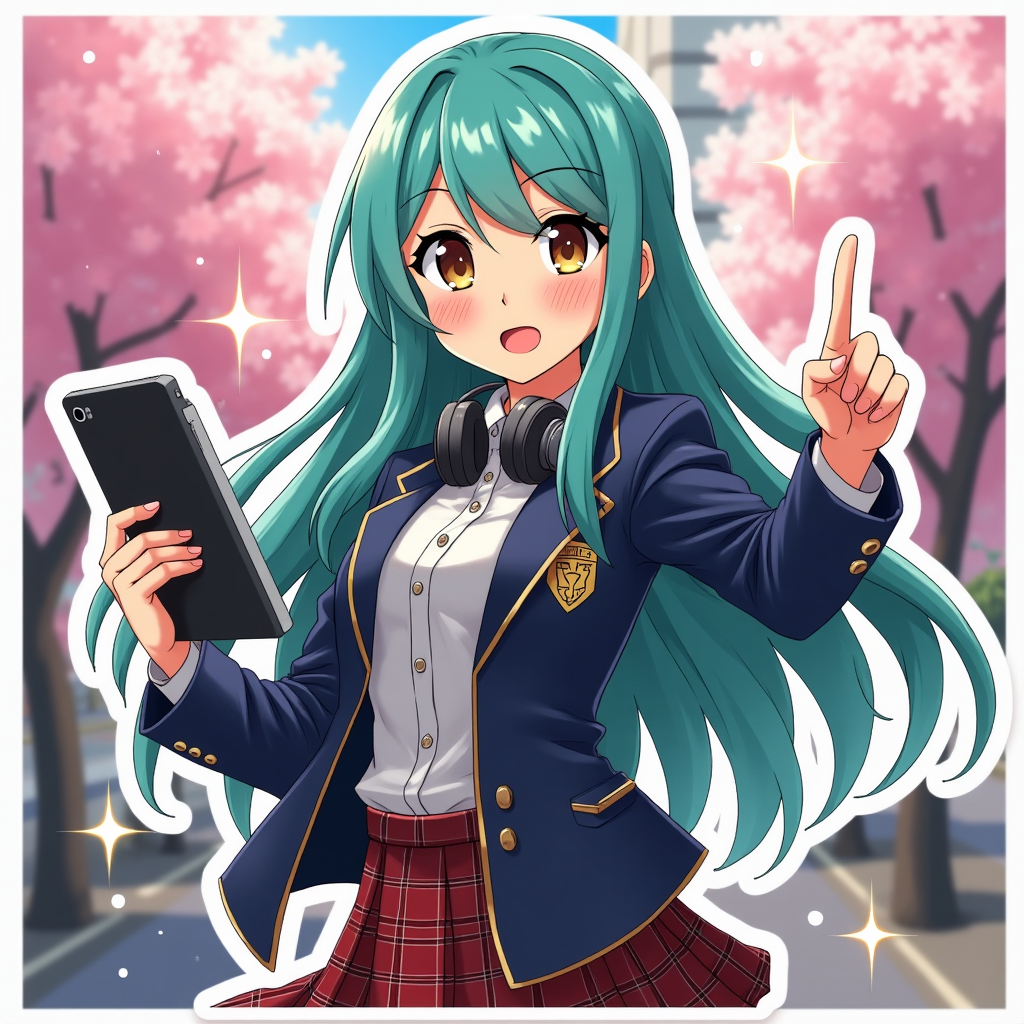
Create an image of Sora Aizawa in a vibrant anime sticker style. Capture her striking features: long, flowing teal hair with soft waves, bright amber eyes that sparkle with determination, and a light dusting of freckles across her cheeks. Dress her in a stylish, fitted school uniform with a modern twist—a navy blazer adorned with a unique emblem, a crisp white blouse, and a plaid skirt. Accessorize with a pair of sleek headphones around her neck and a digital tablet in one hand. Portray her with a confident smile, exuding a sense of adventure, while striking a dynamic pose, as if she's about to leap into action. Set the scene in a colorful urban landscape, with cherry blossom trees in full bloom and soft sunlight filtering through the branches. Use bold outlines and bright colors typical of anime sticker art, enhancing her cheerful and energetic vibe while incorporating small sparkles around her to emphasize her lively spirit.
Detaillierte Analyse des Flux KI Image Prompt
Analysiere den detaillierten Prompt, der zur Erstellung des Bildes mit dem Flux KI Image Generator verwendet wurde.
Flux-Prompts für den KI-Bildgenerator erkunden
Wie man ein Bild generiert von Flux.1 dev
Folge diesen vier einfachen Schritten, um das gewünschte Bild zu erstellen.
Schritt 1: Gib deinen Text ein (Fühle dich frei, deinen Prompt für bessere Ergebnisse zu verfeinern)
Schritt 2: Wähle das Bildseitenverhältnis
Schritt 3: Wähle dein Flux-Modell:
Schritt 4: Klicke auf die Generieren-Schaltfläche und warte ein paar Sekunden auf dein Bild
Verwandte Flux KI Tools für Prompts über Flux.1 dev
Entdecke fortschrittliche Tools von Flux KI, um deinen kreativen Workflow zu verbessern.