Neon Rebellion: Shadows Ignite - Flux.1 schnell
Eingabe
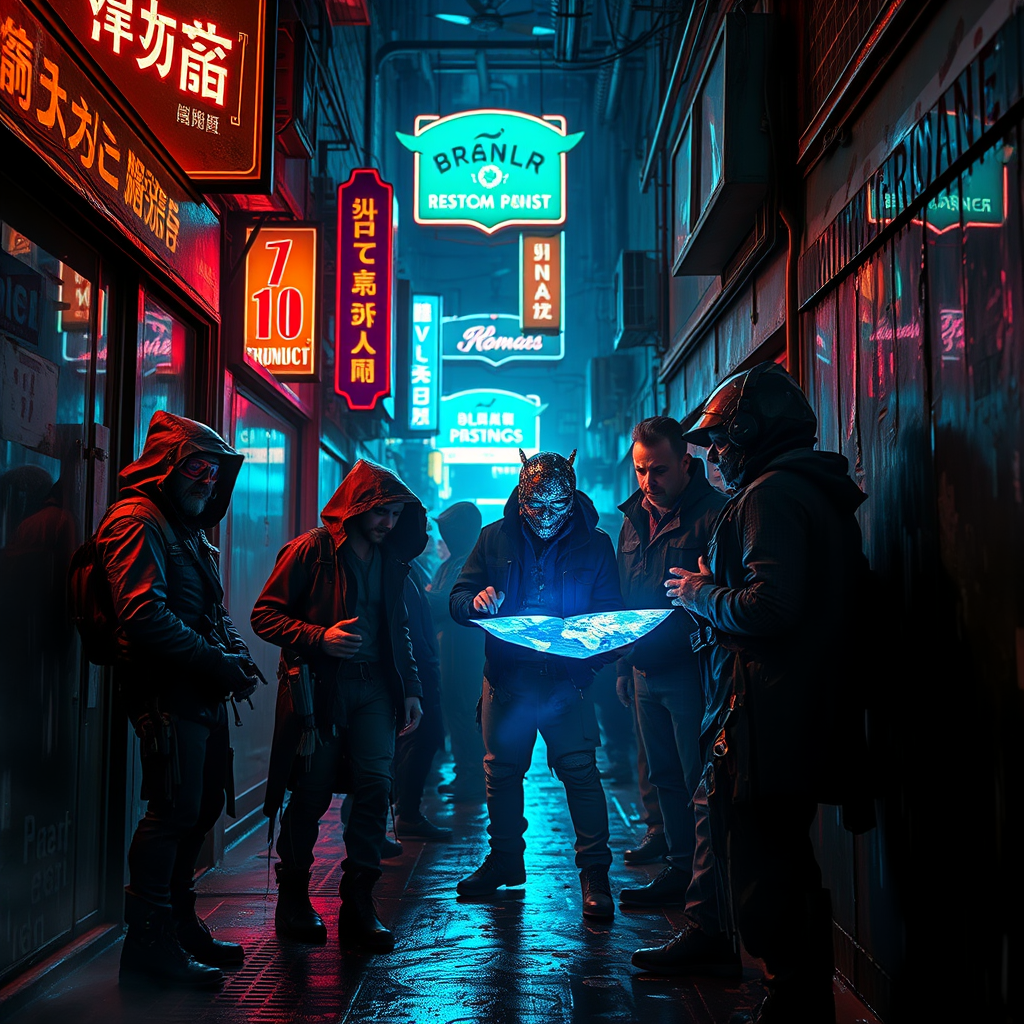
In a dimly lit, rain-soaked alleyway of a sprawling cyberpunk metropolis, holographic shadows flicker and dance against the slick, neon-drenched walls, casting an ethereal glow. Augmented rebels, clad in tattered leather and glowing circuitry, huddle beneath a canopy of vibrant, pulsating neon signs that advertise long-forgotten products. Their faces, illuminated by the soft bluish hue of a nearby holographic display, reveal expressions of determination and defiance. The air is thick with a palpable tension, as wisps of steam rise from grates in the ground, merging with the electric hum of drones overhead. A central figure, adorned with a visor that reflects cascading data streams, gestures animatedly, while a holographic map hovers before them, casting a kaleidoscope of colors on their worn attire. The atmosphere crackles with energy, embodying the spirit of rebellion against a dystopian regime, as shadows twist and turn, echoing the heartbeat of a revolution waiting to ignite.
Detaillierte Analyse des Flux KI Image Prompt
Analysiere den detaillierten Prompt, der zur Erstellung des Bildes mit dem Flux KI Image Generator verwendet wurde.
Flux-Prompts für den KI-Bildgenerator erkunden
Wie man ein Bild generiert von Flux.1 schnell
Folge diesen vier einfachen Schritten, um das gewünschte Bild zu erstellen.
Schritt 1: Gib deinen Text ein (Fühle dich frei, deinen Prompt für bessere Ergebnisse zu verfeinern)
Schritt 2: Wähle das Bildseitenverhältnis
Schritt 3: Wähle dein Flux-Modell:
Schritt 4: Klicke auf die Generieren-Schaltfläche und warte ein paar Sekunden auf dein Bild
Verwandte Flux KI Tools für Prompts über Flux.1 schnell
Entdecke fortschrittliche Tools von Flux KI, um deinen kreativen Workflow zu verbessern.