Neon Shadows: Hacking the Pulse - Flux.1 dev
Eingabe
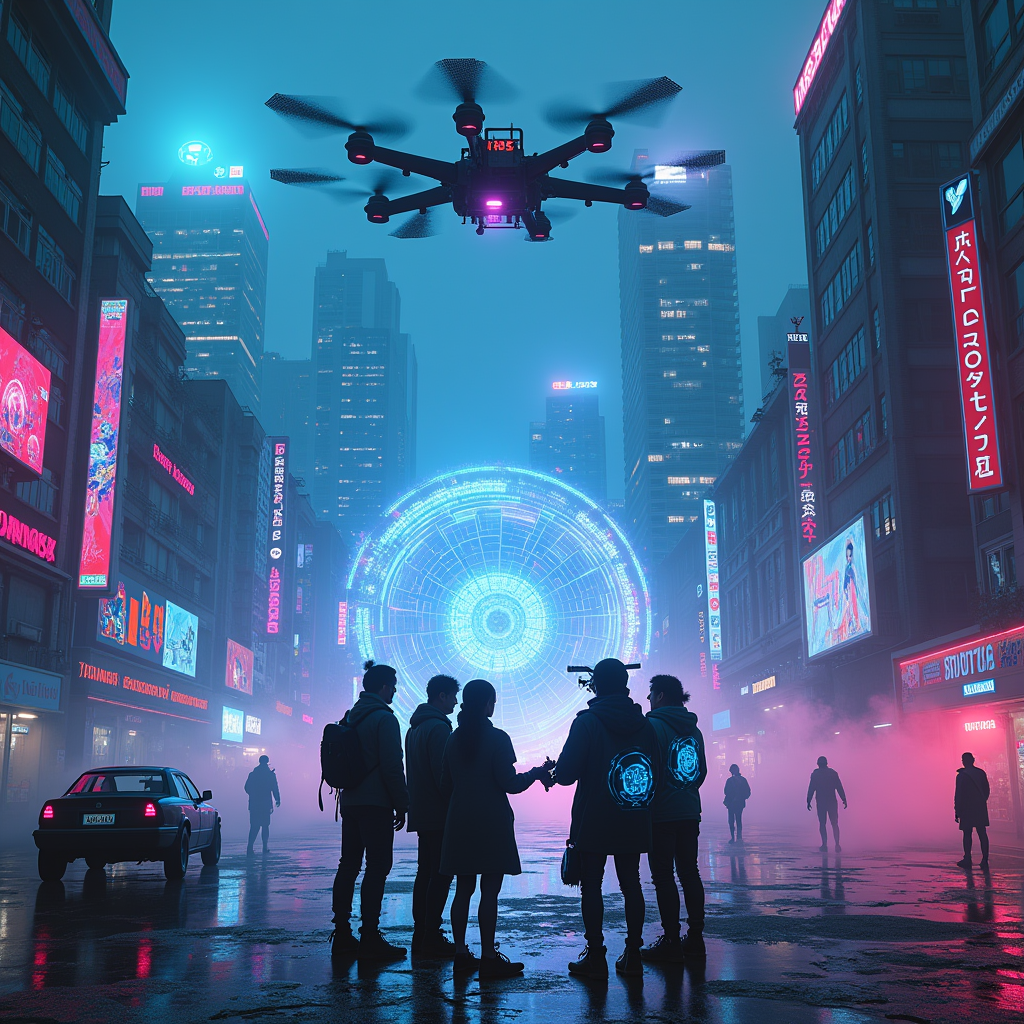
In a sprawling cyberpunk cityscape, neon-lit rooftops glimmer under a starless sky, casting vibrant hues of electric blue and radiant pink across the slick, rain-soaked streets below. Towering skyscrapers loom like sentinels, their glass facades reflecting a kaleidoscope of holographic advertisements and digital graffiti, while wisps of fog curl around the edges, adding to the surreal atmosphere. A group of rogue hackers, clad in sleek, dark attire with glowing circuit patterns, huddle around a luminous, floating interface, their faces illuminated by the pulsating light of virtual illusions swirling around them. Ethereal projections of data streams and cryptic symbols dance in the air, creating a mesmerizing tapestry of technology and art. Above, a massive drone hovers, its spotlight piercing through the mist, casting a beam of light that reveals hidden secrets in the shadows, while the distant hum of machinery and the soft crackle of static fill the air, enveloping the scene in an electric tension.
Detaillierte Analyse des Flux KI Image Prompt
Analysiere den detaillierten Prompt, der zur Erstellung des Bildes mit dem Flux KI Image Generator verwendet wurde.
Flux-Prompts für den KI-Bildgenerator erkunden
Wie man ein Bild generiert von Flux.1 dev
Folge diesen vier einfachen Schritten, um das gewünschte Bild zu erstellen.
Schritt 1: Gib deinen Text ein (Fühle dich frei, deinen Prompt für bessere Ergebnisse zu verfeinern)
Schritt 2: Wähle das Bildseitenverhältnis
Schritt 3: Wähle dein Flux-Modell:
Schritt 4: Klicke auf die Generieren-Schaltfläche und warte ein paar Sekunden auf dein Bild
Verwandte Flux KI Tools für Prompts über Flux.1 dev
Entdecke fortschrittliche Tools von Flux KI, um deinen kreativen Workflow zu verbessern.