Hikaru Saito - Flux.1 dev
Eingabe
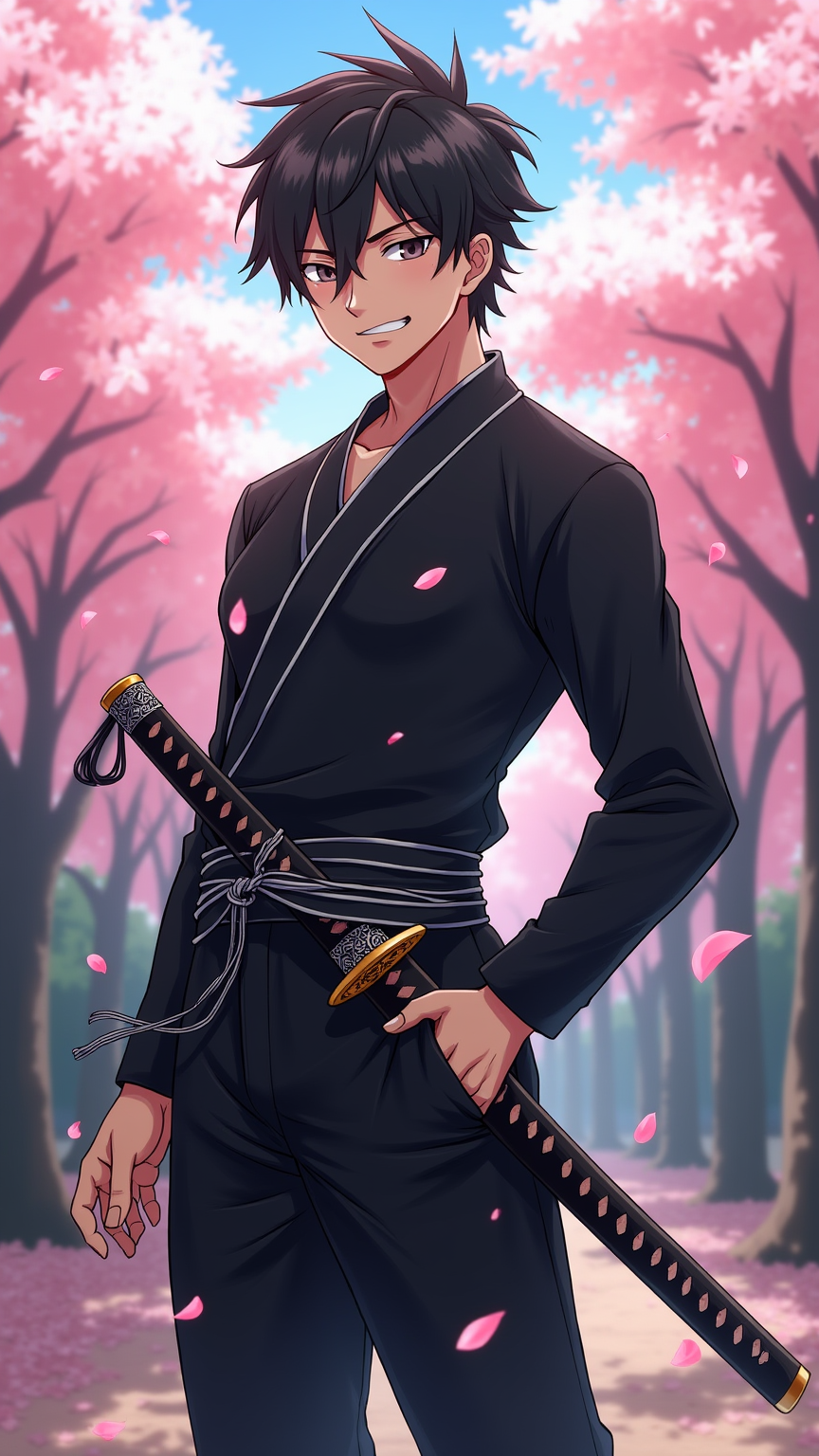
Create an anime-style illustration of Hikaru Saito, featuring his distinct sharp features and tousled dark hair. He should be dressed in a sleek, modern samurai outfit, combining traditional elements with a contemporary twist, including a fitted black kimono with silver accents and a stylishly wrapped obi. Add a katana sheathed at his side, with intricate engravings on the hilt. Capture Saito's confident expression, with a slight smirk and piercing gaze, as he stands in a dynamic pose, one hand resting on the katana's hilt, ready for action. Set the scene in a serene cherry blossom grove, petals gently falling around him, symbolizing both beauty and transience. Use vibrant colors and smooth line work typical of high-quality anime art, with a slight cel-shading effect to enhance depth. Incorporate subtle glowing effects around the katana to emphasize its significance as a signature element of his character.
Detaillierte Analyse des Flux KI Image Prompt
Analysiere den detaillierten Prompt, der zur Erstellung des Bildes mit dem Flux KI Image Generator verwendet wurde.
Flux-Prompts für den KI-Bildgenerator erkunden
Wie man ein Bild generiert von Flux.1 dev
Folge diesen vier einfachen Schritten, um das gewünschte Bild zu erstellen.
Schritt 1: Gib deinen Text ein (Fühle dich frei, deinen Prompt für bessere Ergebnisse zu verfeinern)
Schritt 2: Wähle das Bildseitenverhältnis
Schritt 3: Wähle dein Flux-Modell:
Schritt 4: Klicke auf die Generieren-Schaltfläche und warte ein paar Sekunden auf dein Bild
Verwandte Flux KI Tools für Prompts über Flux.1 dev
Entdecke fortschrittliche Tools von Flux KI, um deinen kreativen Workflow zu verbessern.