Hikaru Takeda - Flux.1 schnell
Eingabe
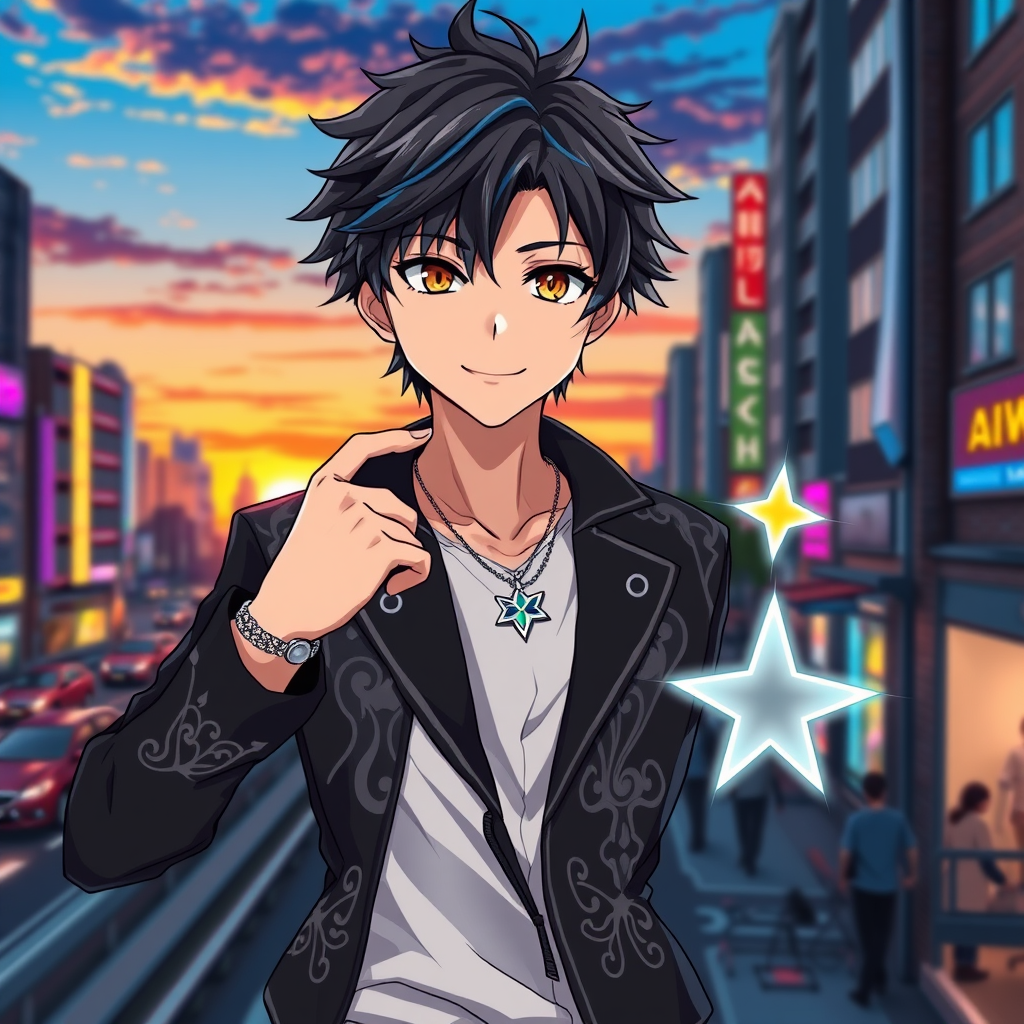
Create an image of Hikaru Takeda in a vibrant anime style, showcasing his tousled dark hair with a hint of blue highlights, bright amber eyes, and a confident smile. He wears a stylish, fitted black jacket adorned with intricate silver patterns, layered over a crisp white shirt. His accessories include a sleek silver wristwatch and a pendant shaped like a star hanging from a chain around his neck. Pose him in a dynamic stance, one hand on his hip and the other pointing forward, exuding determination and charisma. The background features a bustling cityscape at sunset, with neon lights beginning to illuminate the streets, adding an energetic vibe. Use bold line art and vivid colors typical of modern anime, with a slight glossy finish to enhance the character's appeal. Incorporate signature elements like a small holographic projection of a star beside him, symbolizing his aspirations and dreams.
Detaillierte Analyse des Flux KI Image Prompt
Analysiere den detaillierten Prompt, der zur Erstellung des Bildes mit dem Flux KI Image Generator verwendet wurde.
Flux-Prompts für den KI-Bildgenerator erkunden
Wie man ein Bild generiert von Flux.1 schnell
Folge diesen vier einfachen Schritten, um das gewünschte Bild zu erstellen.
Schritt 1: Gib deinen Text ein (Fühle dich frei, deinen Prompt für bessere Ergebnisse zu verfeinern)
Schritt 2: Wähle das Bildseitenverhältnis
Schritt 3: Wähle dein Flux-Modell:
Schritt 4: Klicke auf die Generieren-Schaltfläche und warte ein paar Sekunden auf dein Bild
Verwandte Flux KI Tools für Prompts über Flux.1 schnell
Entdecke fortschrittliche Tools von Flux KI, um deinen kreativen Workflow zu verbessern.