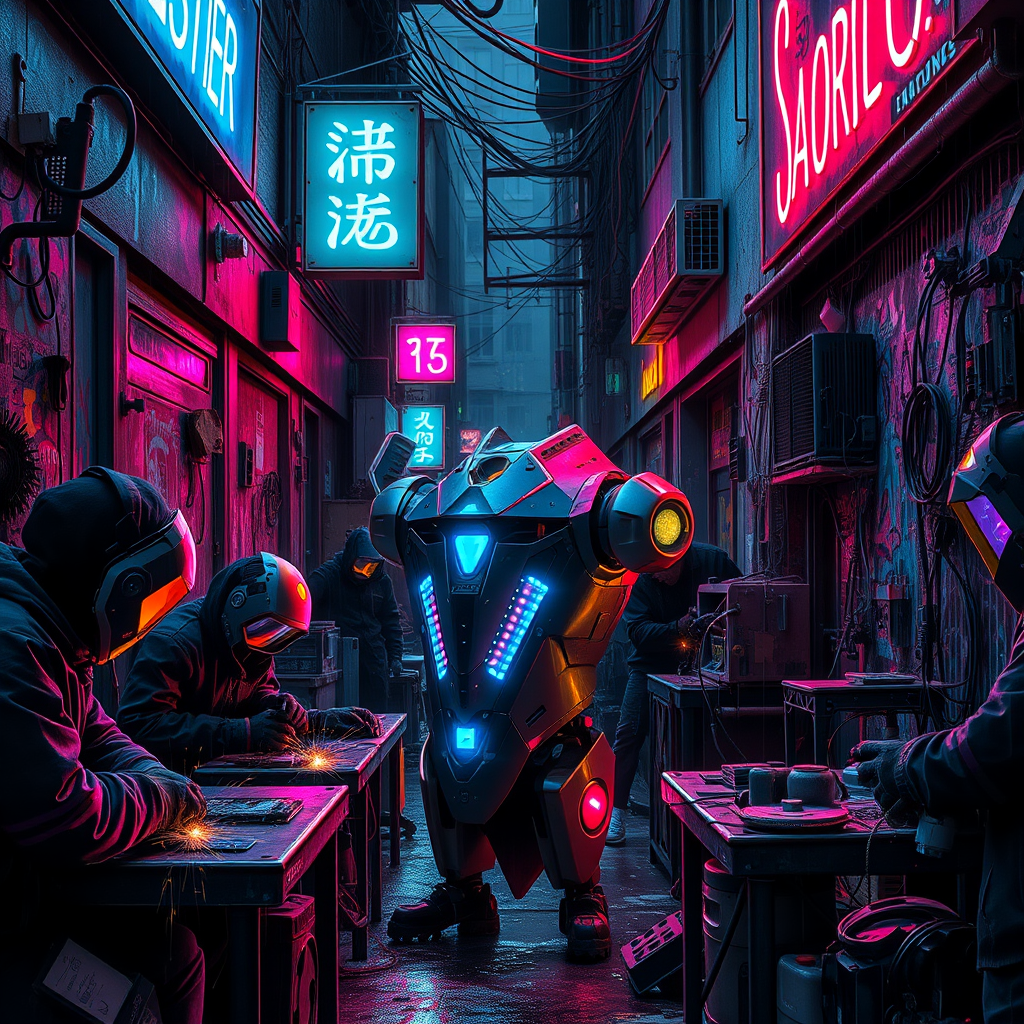
Neon Sparks of Rebellion - Flux.1 schnell
Eingabe
In a narrow, rain-soaked alley illuminated by flickering neon signs in electric blue and vibrant magenta, rogue engineers hunch over their makeshift workbenches, surrounded by a chaotic assortment of rusted metal scraps and glowing circuit boards. The air is thick with the scent of solder and ozone, as sparks fly from welding torches, casting ephemeral glimmers against the dark, graffiti-covered walls. Shadows dance around the figures, their faces obscured by high-tech visors and hoods, revealing only the glint of their focused eyes. In the center, a partially assembled sentient machine, its sleek, angular body adorned with pulsating LED lights, twitches to life, reflecting the kaleidoscope of colors around it. Above, a tangle of wires and pipes snakes through the alley, dripping with condensation, while distant city sounds echo, blending with the low hum of machinery, creating an atmosphere charged with innovation and rebellion.
Detaillierte Analyse des Flux KI Image Prompt
Analysiere den detaillierten Prompt, der zur Erstellung des Bildes mit dem Flux KI Image Generator verwendet wurde.
Flux-Prompts für den KI-Bildgenerator erkunden
Wie man ein Bild generiert von Flux.1 schnell
Folge diesen vier einfachen Schritten, um das gewünschte Bild zu erstellen.
Schritt 1: Gib deinen Text ein (Fühle dich frei, deinen Prompt für bessere Ergebnisse zu verfeinern)
Schritt 2: Wähle das Bildseitenverhältnis
Schritt 3: Wähle dein Flux-Modell:
Schritt 4: Klicke auf die Generieren-Schaltfläche und warte ein paar Sekunden auf dein Bild
Verwandte Flux KI Tools für Prompts über Flux.1 schnell
Entdecke fortschrittliche Tools von Flux KI, um deinen kreativen Workflow zu verbessern.